Posts By Mike
Dependency injection for WordPress plugins
In my last post, I criticized the use of the Singleton pattern in WordPress, and presented dependency injection as an alternative. But I presented it in only a very general way. Eric Mann provided detailed write-ups of how to use the Singleton pattern, so – to be fair – I should do the same with dependency injection (I don’t want to be a drive-by critic). See my last post for a general overview (and my slides below from my WordCamp Nashville presentation for a much deeper dive).
If your plugin is fairly simple – say a few hundreds lines of code – you don’t need to bother with dependency injection, or any other fancy design patterns. But when you get to the point where you have dozens of functions or methods, you’re feeling tempted to copy and paste code, and a little change here breaks something there, it’s time to get organized. The key to maintainable, flexible code entails understanding several concepts, but there are two which I believe are foundational:
- Writing small classes that do one thing (the single responsibility principle). I’ve written about this in detail in a previous post: WordPress plugins: does size matter? Applying the Single Responsiblity Principle
- Having your objects interact with each other through the use of dependency injection
In it’s simplest form, this means passing objects directly to each other, so they can make use each other’s functionality. Here’s a simple example of a button that can turn on and turn off a lamp:
class Button {
    private $lamp;

    public function __construct(Lamp $lamp) {
        $this->lamp = $lamp;
    }

    public function poll() {
        if (/* some condition */) {
            $this->lamp->turnOn();
        }

        //...
    }
}
This separation of concerns make it possible for a lamp to be passed to some other class to be used for other purposes (perhaps an electrical outlet), and it also allows for unit testing (a concept I won’t get into here). But we can do better. This button only works with lamps. What if we want to use it to control a motor too? We can create an SwitchableDevice interface and have our Motor class and our Lamp class implement it. Now the button can control anything that implements the SwitchableDevice interface:
class Button {
    private $switchableDevice;

    public function __construct(SwitchableDevice $switchableDevice) {
        $this->switchableDevice = $switchableDevice;
    }

    public function poll() {
        if (/* some condition */) {
            $this->switchableDevice->turnOn();
        }

        //...
    }
}
This may seem like a trite example, but the concept is very powerful. My Shashin plugin currently supports showing images and vidoes from Picasa, Youtube, and Twitpic. I can add support for any other photo or video service by creating a new subclass. For example, I could create a Flickr subclass that contains the logic particular to dealing with Flickr photos, just drop it into Shashin, and I’m done. I don’t have to monkey with any of the pre-existing code at all. The other objects in Shashin – for storing photo data, rendering the image tags, etc – don’t know and don’t care where the photo came from. As long as my Flickr subclass follows the same rules as the other subclasses, they know exactly what to do with it when they receive a Flickr photo object.
So what happens when you have objects that depend on other objects, that depend on other objects, and so on? You create an injection container to manage the dependencies, so that each individual object only needs to know about its immediate collaborators (that is, they know their friends, but they don’t get entangled with their friends’ friends). Injection containers allow you to follow the Law of Demeter (which I’ve written about previously here: Talking to strangers causes train wrecks). Here’s a simple example of what one looks like, from my Shashin plugin:
class ShashinContainer {
    // …
    public function getPhotoRefData() {
        if (!isset($this->photoRefData)) {
            $this->photoRefData = new ShashinPhotoRefData();
        }

        return $this->photoRefData;
    }

    public function getClonablePhoto() {
        if (!isset($this->clonablePhoto)) {
            $this->getPhotoRefData();
            $this->clonablePhoto = new ShashinPhoto($this->photoRefData);
        }

        return $this->clonablePhoto;
    }

    //...
}
If another class needs a clonablePhoto, it can ask for it from the container, and not have to worry about what dependencies the clonablePhoto has. Again, this is very powerful: if you get a new business requirement that entails a major structural change, you can handle it without having to sift through your entire codebase. You can make the changes to the classes that are directly affected, with a minimal ripple effect on the rest of your code.
This illustrates more specifically how dependency injection can be used as an alternative to the Singelton pattern, for instantiating objects only once when you don’t need more than one. In my injection container example, you’ll see the objects are stored as properties of the container, and are never created more than one time. The limitation is that an unknowing programmer could bypass the container and create more instances of the objects by directly calling “new” on its class. This limitation is something you need to weigh against the various shortcomings of using Singletons (see my previous post).
Mike Schinkel uses the Singleton pattern for another purpose – to avoid having the instance of a plugin’s class in the global namespace. I’m not sure how much this solution helps with the overall problem: other developers trying to deal with your plugin still need to know how to find it – they’re just looking for something else now, and have to learn this particular Singleton implementation (however I have not yet had to deal with this problem in my own work, so I may be overlooking some aspect). Based on the comments on his post, it seems like the main frustration developers have is figuring out where the hooks and filters are in someone else’s heavily object oriented plugin (where the logic can get spread out). This strikes me more as a code organization problem, not a variable scoping problem. In my plugins, I put almost all my hooks and filters in one place. This is the main method for my Shashin plugin:
public function run() {
    add_action('admin_init', array($this, 'runtimeUpgrade'));
    add_action('admin_menu', array($this, 'initToolsMenu'));
    add_action('admin_menu', array($this, 'initSettingsMenu'));
    add_action('wp_enqueue_scripts', array($this, 'displayPublicHeadTags'));
    add_shortcode('shashin', array($this, 'handleShortcode'));
    add_action('wp_ajax_nopriv_displayAlbumPhotos', array($this, 'ajaxDisplayAlbumPhotos'));
    add_action('wp_ajax_displayAlbumPhotos', array($this, 'ajaxDisplayAlbumPhotos'));
    add_filter('media_upload_tabs', array($this, 'addMediaMenuTabs'));

    // ... and so on - there are 8 more...
}
This makes things pretty easy to find. It’s through the method calls listed here that Shashin’s other objects get instantiated. There’s really no need to put these calls anywhere else. They are all stand-alone actions in the WordPress environment, and kick off everything else that happens in my plugin.
If you’ve gotten this far and still want more, here are my slides from my WordCamp Nashville presentation on dependency injection, which go into more detail on the examples I used above. There are also more advanced examples, and an overview of class autoloading:
The case against Singletons in WordPress
Eric Mann wrote a thoughtful and detailed argument for using the Singleton pattern in WordPress development. Given the particular nature of the WordPress development environment, his reasoning is understandable and clearly comes from experience. The criticisms I’ve seen so far in his post comments, and in Hacker News, don’t make good counter-arguments. They are coming from people who either aren’t familiar with the constraints of developing in WordPress, or who are just looking for any opportunity to bash PHP developers.
…So here comes the “but:” I think he’s made a very valuable contribution to the discussion of code design in WordPress, but I don’t agree with his conclusions. I have a few reasons:
1. WordPress is positively bursting at the seams with global state. This is a huge design sin, but a forgivable one, given that WordPress came of age before PHP had a decent object model. However, Eric defends it, arguing in response to a comment that:
PHP applications like WordPress are written in a single-threaded, request-response pattern. Having a global scope is useful, and having instantiated singletons available in that scope is also useful.
I don’t find this persuasive. The vast majority of web applications, written in a variety of languages, are single threaded and follow a request-response pattern (given how HTTP works). That doesn’t make dumping stuff in global scope ok somehow. I won’t go on at length about the evils of globals – it’s been discussed thoroughly by many, and avoiding them is considered axiomatic to good design. A good place to start is Misko Hevery’s Google talk on Global State and Singletons. His examples are in Java, but PHP 5’s object model is very similar, and the examples he provides aren’t all that different from the challenges of working in WordPress.
2. The Singleton pattern doesn’t isolate you from global state. As Misko Hevery explains in his talk, that global state is actually transitive to everything within the Singleton object. Eric outlines some steps to get around that for the sake of unit testing. He asserts that the unit testing difficulties are the only significant problem with the Singleton pattern. But the testing problems are symptomatic of it simply being a bad design pattern. It’s the “S” in PHP expert Anthony Ferrara‘s collection of STUPID anti-patterns (that’s a slideshow, so use your arrow keys to see the bullet points). In Eric’s follow-up post, he’s Asking WordPress developers to create their own Singleton classes by deriving a class from an abstract class, that is in turn derived from an interface. This is a heavy lift for a solution that at the end of the day leaves you right where you started with global state.
3. Eric rejects dependency injection as an alternative by giving an overly simplistic presentation of what it has to offer (I gave a talk on dependency injection at WordCamp Nashville last year). A dependency injection solution can meet all but one of his goals, and lets you do some real, unshackled OO programming. What’s needed is an injection container. A container knows what objects are needed to build other objects, and hands you the object you want when you ask for it. So your calling code never invokes “new” for an object it wants – it simply asks the container to deliver it. The beauty is that objects only need to know how to talk to their immediate collaborators, and the container takes care of the composition (e.g. A House just knows it needs a Door, it doesn’t need to worry about the DoorKnob or the Deadbolt). Now here’s the thing – you can program your container to know whether it should give you a fresh new instance of the object requested, or whether to keep a single instance of that object in memory, and deliver that object when asked for it (like Eric’s WP_Session object).
Here’s a simple example from my Shashin plugin, which displays photos from Picasa, Twitpic, etc:
class ShashinContainer {
//...

    public function getClonablePhoto() {
        if (!isset($this->clonablePhoto)) {
            $this->getDatabaseFacade();
            $this->clonablePhoto = new ShashinPhoto($this->dbFacade);
        }

        return $this->clonablePhoto;
    }

// ...
}
There are a couple things going on here:
- The container takes care of the composition: it knows that a clonablePhoto needs a dbFacade. The caller doesn’t need to know or care. This approach is very liberating in terms of keeping your system open to future design changes (i.e. composition changes are localized to the container, minimizing the risk of change on the rest of the system).
- After creating the clonablePhoto, the container object keeps it around as a property. If a caller asks for a clonablePhoto again, it simply sends the same clonablePhoto (in this case it’s an immutable object, so there’s no reason to bother instantiating more than one).
I mentioned this gives Eric all but one thing he wants, and that is the one overriding thing he wants, which drove him to the Singleton pattern: an absolute guarantee that no one can ever, ever create more than one WP_Session object.
How you feel about that depends on what you think is reasonable to expect from people who contribute to WordPress core development. The Singleton pattern is a least common denominator kind of solution – that our choices for design patterns are bounded by what the least capable WordPress code contributor can handle. I prefer to set my sights higher. There are already a whole host of expectations in terms of the security of code that’s contributed, how it conforms to WordPress coding conventions, and its overall quality. I don’t think it’s unreasonable to expect a basic understanding of OO design principles.
Each new version of WordPress adds features, and therefore complexity, to the codebase. My concern is that, with all its global state, the WordPress development process will become ever more arcane and complex: the necessary sequence of operations and the number of simultaneous dependences will likely become overwhelming at some point. Right now that’s mitigated by the fact that the core team is incredibly talented, and there’s a huge pool of people available and eager to spot bugs, contribute fixes, etc. Evolving the codebase to a place where it eventually doesn’t rely on global state will allow the codebase to become more modular and flexible, streamline the development process, and ultimately allow WordPress to keep pace with the ever growing list of things people want it to do.
The transition steps don’t have to be painful, and can be undertaken incrementally:
- WordPress’ custom hooks and functions will need to stay available as they exist now, for backwards compatibility, but the code in them should be migrated over time, until eventually all those functions are just wrappers for calls to object methods.
- Put all the WordPress classes that already exist behind injection containers. That hides all the global state, and therefore allows a flexible, OO composition approach to grow and take hold. Then in the long term it allows that global state to be eliminated through incremental redesign. In the end you’d have a main WordPress class that would be instantiated to do all the high-level calls needed to kick things off. Once global state is eliminated, the fun can really begin. For example, with a little extra configuration, you could run multiple simultaneous instances of WordPress from a single codebase.
- Once the injection containers are in place, code that’s contributed to core should never contain the keywords “global” or “new” (except inside injection containers). I think that’s a pretty simple rule to communicate.
At its heart, object oriented design is really about encapsulation and messaging (the exact opposite of design that relies on global state). It wasn’t created to make someone in an ivory tower happy – it exists to solve the inevitable problems that arise in complex software, and is the child of decades of hard-won experience from many talented people. It’s when you make the leap to understanding this composition approach to design that the benefits really kick in. As explained in the book Growing Object Oriented Software, Guided by Tests:
An object oriented system is a web of collaborating objects… The behavior of the system is an emergent property of the composition of the objects – the choice of objects and how they are connected… Thinking of a system in terms of its dynamic communication structure is a significant mental shift from the static classification that most of us learn when being introduced to objects.
The WordPress codebase has grown to a point of sufficient size and complexity that I believe it will substantially benefit by starting an evolution towards this design paradigm.
Talking to strangers causes train wrecks
I started attending the philly.rb meetups in the early Fall, and I did my first lightning talk last night (before the scheduled main speaker, anyone can come up and give a talk that’s 10 minutes or less). There’s a big debate right now in the Rails community on the “right” way to design applications. As a relative newcomer to Rails, I’ve been trying to find the right balance between leveraging my previous experience and habits from working in other languages and frameworks, vs. the opportunities Rails provides to approach application design in a different way (the “Rails way”).
My talk takes a look at one aspect of that debate – how to apply the Law of Demeter to Rails development. I’ve given many long talks before – this was my first short one. It was actually harder, especially since I delved into theory, but it went well. I was going to write a summary this morning, but @trevmex already did.
Here are my slides (direct link):
Handling WordPress meta data and post revisions
I’ve worked with WordPress post meta data and meta boxes extensively in the past, but it’s been a while, and I’m using them in a current project, so I looked online for a refresher. There’s a lot of information out there, and a lot of it is either way out of date or way out of whack in terms of best practices. The best introduction I found was How to Create Custom WordPress Write/Meta Boxes at wptuts.com. It covers all the basics, but there’s a more advanced aspect I want to cover here, which is managing meta data with post revisions (the following was written for wordpress.com blogs, but applies to WordPress in general):
Each time you click Save Draft or Update, a revision is saved… Revisions allow you to look back at the recent changes you’ve made and revert to an earlier version if necessary.
If you are simply adding or replacing meta data for a post when you save it, then you don’t need to worry about post revisions: your meta data will get attached to the published version of the post. But if you need to, for example, add a value to an existing serialized array of meta data, you need to check for and handle post revisions.
If you are taking the input from your meta box and adding it to an existing array of meta data, you’ll want to make sure you retrieve the meta data that’s attached to the published post, as WordPress saves the revisions as child posts of the parent published post. Here’s an example callback for the save_post action:
function your_save_meta_data_function($post_id) {
    // standard status and security checks
    if (defined('DOING_AUTOSAVE') && DOING_AUTOSAVE) return;
    if (!isset( $_POST['meta_box_nonce']) || !wp_verify_nonce($_POST['meta_box_nonce'], 'your_meta_box_nonce')) return;
    if (!current_user_can('edit_post')) return;

    // if we need to augment existing meta data,
    // we need to make sure to retrieve it from the parent post
    if ($parent_id = wp_is_post_revision($post_id)) {
        $your_meta_array = get_post_meta($parent_id, 'your_meta_array', true);
    }
    else {
        $your_meta_array = get_post_meta($post_id, 'your_meta_array', true);
    }

    // make sure your user input is safe
    $your_new_value = sanitize_text_field($_POST['your_new_value']);

    // if there are previously saved meta values, initialize an array
    // as otherwise $your_meta_array will be an empty string
    $your_meta_array = empty($your_meta_array) ? array() : $your_meta_array;
    $your_meta_array[] = $your_new_value;
    update_post_meta($post_id, 'your_meta_array', $your_meta_array);
}
The AUTOSAVE check blocks the function from executing for automatic saves, but if you click “save draft,” this comes into play (and, interestingly, when you click “publish” as well, because your callback actually gets called twice by save_post). Also, if you’re wondering where the array serialization happens, WordPress does it for you.
There are other ways you could approach this particular problem (like passing all the array values through the form, but that’s just another kind of ugly, and may not be very practical if its a nested array). But you’ll also want to check post revision status if you’re doing something like firing off emails to people, or anything else that shouldn’t happen when just saving a revision.
The new ElectNext site
Yesterday we launched a new version of the ElectNext site. With the election over, we’re expanding our focus beyond candidate matching, as explained on our blog:
…we will be developing a new suite of tools, far beyond the initial candidate matcher, so that we can help you discover, learn about, and act with, the people and political events that affect the issues you care most about — not just every four years in a national election, but in your neighborhoods every day… Our destination is a more informed and engaged democracy.
Jake did the design, and I did most of the implementation. We used the Twitter Bootstrap framework, and wrote media queries to make sure it looks good on all devices (and used Scott Jehl’s Respond.js to keep older versions of Internet Explorer happy).
…And I’m finally on the team page.
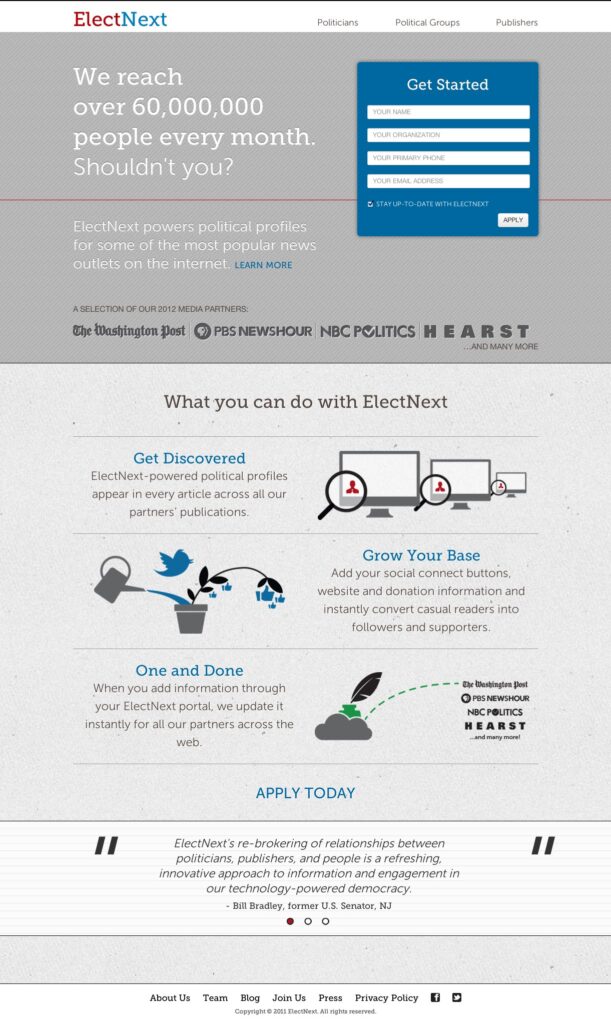
The new ElectNext site
Joining the ElectNext team
 I’ve barely blogged at all for months, as I’ve been crazy-busy working for ElectNext. I’ve been on contract for a couple months, and I’m about to become employee number 5 (here’s the rest of the team). I found out about ElectNext late in the summer, when Philly Geek Awards nominated them for startup of the year. The first thing I learned in the interview, however, is that they planned to base the engineering team in San Francisco. As much as I’d like to move back to California, that’s not in the cards right now. I also didn’t have any Rails experience, and the position was for a Rails engineer. So it made for an interesting interview! In my favor was that 12 years ago I came up with an idea for a candidate matcher similar in concept to ElectNext’s, and built a prototype for it when I worked at Ask Jeeves, my research in grad school focused on voting behavior, the CTO and I share a passion for clean code, and I was confident I could ramp up on Rails fairly quickly, given my other web development experience.
So what is ElectNext? Let our CEO Keya Dannenbaum explain it to you. Her presentation put us in the top 5 out of 77 startups at DEMO earlier this month:
Personally, I feel like I’ve found my dream job. Web development has been my career, but I’ve never let go of my interest in politics – specifically my interest in fostering civic engagement. The opportunity to combine the two is a thrill for me. And the team couldn’t be better: John has been a great Rails mentor, I work with Dave once a week at Indy Hall (I work from home the rest of the time), and I’ll be with the team in New York City next week, just in time for the election. After the election, we’ll be broadening our focus to local issues and elections, so we can be an ongoing, nonpartisan resource to help people engage politically in their communities, as well as nationally for issues important to them.
We need your help – do some clicking for us!
With the election one week from today, we could use your help to maximize our exposure while interest nationwide is at its peak. Please take a moment to like us on Facebook, follow us on Twitter, and go to ElectNext.com to see which candidates align with you. When you get your matches, or if there’s a issue that’s important to you, click one of the links to tweet it or post it on Facebook. This is a key time for us, and your clicks can lead to a positive, viral increase in our exposure.
We also have an embedable widget version of our candidate matcher you can try. We’ve got it on a number of sites, including MSNBC, PBS NewsHour, The Washington Post, Philly.com, and many others, including, of course, toppa.com:
[Update: now that the election is over, we’ve retired the 2012 candidate matcher]
The 50 trillion dollar iPhone
Today, at the Agile Testing and BDD Exchange conference, Bob Martin mentioned an article in the EE Times about how microprocessors have changed the world. I looked it up, and the article uses a truly amazing example to make the point. Suppose it’s the late 1940s, and you want to build a device with the computing power of an iPhone. The most sophisticated computer at the time was ENIAC, which was powered by 17,468 vacuum tubes, had about 5 million hand-soldered joints, weighed 27 tons, and occupied 1800 square feet. A single iPhone contains about 100 billion transistors and weighs just under 4 ounces. Building the equivalent back then would have required:
- Weight: 2,500 Nimitz-class aircraft carriers
- Volume: 170 Vertical Assembly Buildings (the VAB is at the Kennedy Space Center and is the largest single-story building in the world)
- Power: over a terawatt, requiring all the output of 500 Olkiluoto power plants (the largest nuclear power plant in the world)
- Cost: $50 trillion (the economic output of the entire world in 2011 was about $70 trillion)
And now you can put one in your pocket.
Bob went on to point out a fascinating contrast to that exponential advance in computing power: just how little computer programming has changed. Languages have come and gone, but programmers are still writing if statements and while loops. What we think of as modern advances, like object oriented programming, were originally thought up in the 1960s.
Personally, I don’t see this as a problem. Programming languages are languages – they are forms of human expression. The world has changed in many dramatic ways since the time of Shakespeare, but we can read Shakespeare today and still relate to the motives, passions, and failings of the characters. Programming languages exist to communicate a painstaining set of instructions (and therefore aren’t as engaging to read as Shakespeare). But their domain is still that of human expression, for communicating often astonishingly subtle, complex, ever changing, and sometimes seemingly contradictory needs. So, to me, it’s perfectly logical that, while syntax and techniques may be refined over time, the fundamental aspects of programming languages today would be much more familiar to a programmer from the 1950s than the incredibly small and powerful devices in which they now run.
WordCamp New York City 2012
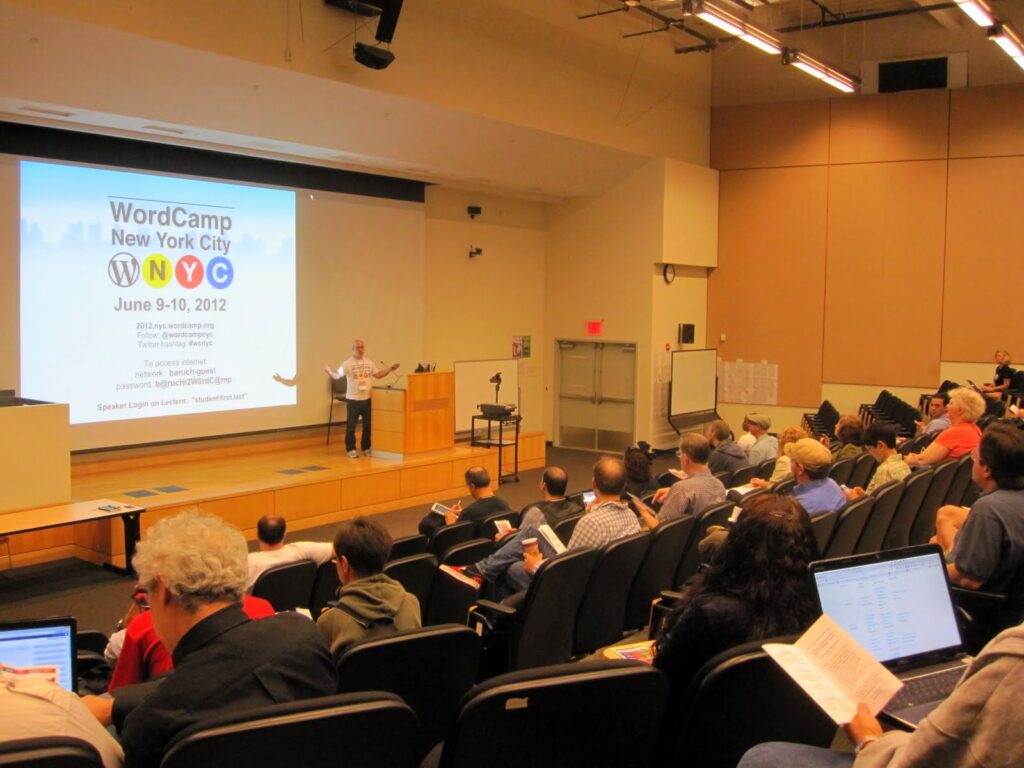
WordCamp NYC 2012 kickoff
With 12 session tracks on Saturday, followed by unconference sessions on Sunday and encore performances of Saturday’s most popular presentations, WordCamp NYC last week was by far the biggest WordCamp I’ve attended. Then of course there’s the real reason people go – the after party on Saturday (there was also the sponsors and speakers party on Friday, which was a lot of fun too). At the parties I got to do what years of social training had previously convinced me was unacceptable: discuss code while drinking beer. I got to chat for a while with @garthkoyle (from Event Espresso), @jason_coleman (of Paid Memberships Pro fame), @vidluther (from zippykid), and @tinakesova (from Siteground).
-
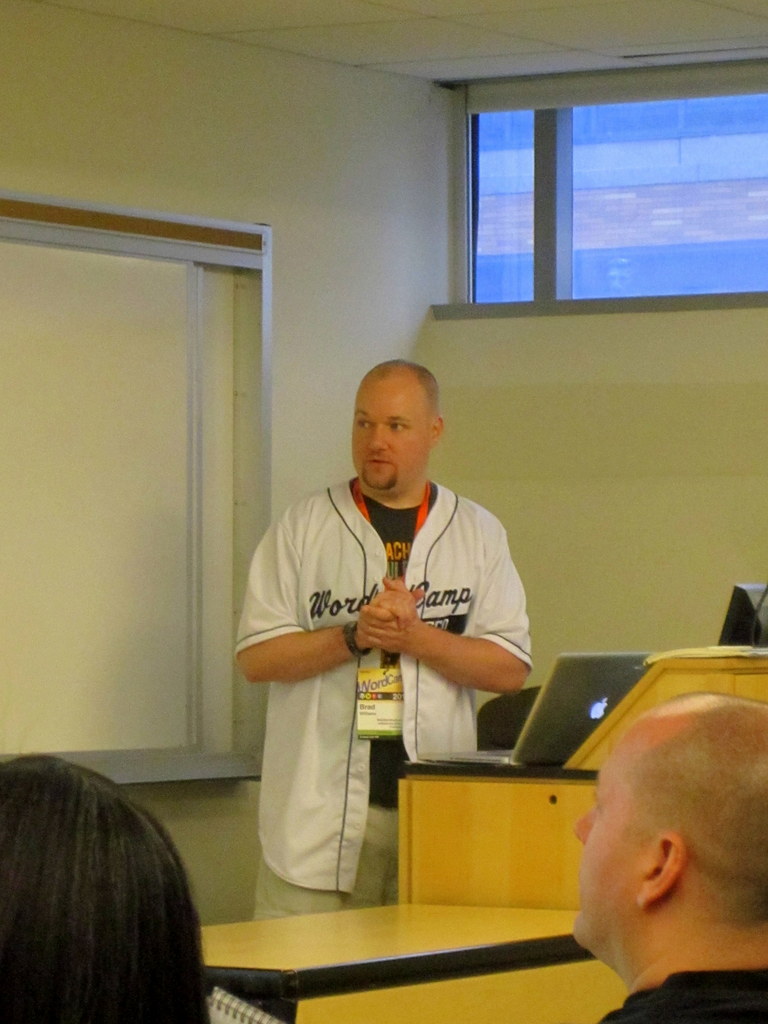
- Brad Williams speaking on WordPress security at WordCamp NYC
-
- My WordCamp NYC presentation on object oriented programming for WordPress plugins
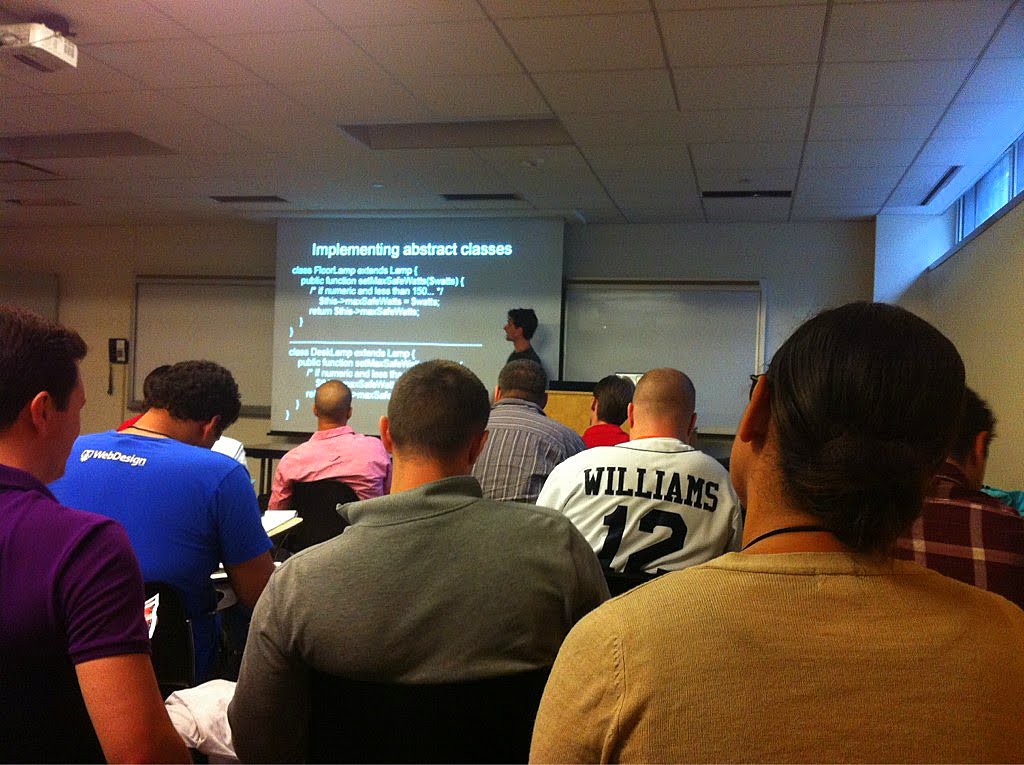
My presentation was on object oriented programming for WordPress plugins (my slides are below). I decided to focus on OOP in general with PHP, as its simply a huge topic to try to cover in 30-40 minutes. The room was full and there were good questions at the end, so it went well. I was 1 of 3 presenters from WebDevStudios – Brad presented on WordPress security, and Eric on the rewrite API.
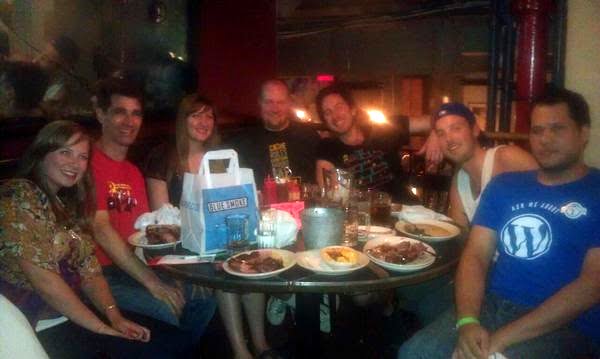
WebDevStudios WordCamp NYC dinner
Brad treated us to a great dinner afterwards (ribs!) and I stayed up too late with the WebDevStudios team Saturday night (including honorary team member for a night, Captin Shmit – yes that’s how he spells it). I found out at 2AM (when I checked the conference web site after we got back to the hotel) that the unconference presentation submission I made earlier in the day had been scheduled for Sunday morning.
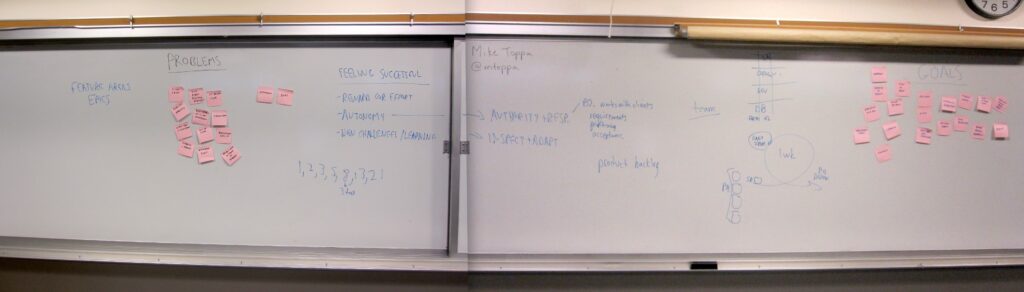
Whiteboard from my WordCamp NYC unconference session on Agile project management
So on my way back to the conference Sunday morning I stopped at CVS to get post-it notes and dry erase markers, for doing an Agile project management workshop. Aside from scribbling some notes 20 minutes before the session started, I didn’t have a detailed plan, and it turned out to be a lot of fun. My session was right before lunch, which turned out to be great, as almost everyone stayed after the time was up, and we went for another half hour. I started the session by having everyone describe their client relationship and software development problems (in brief post-it note format) and collected those on one side of the white board. Then I had them describe the things they want to achieve in their business (also in post-it note form), and collected those on the other side of the board. Then we spent about an hour talking through how to get from one side of the board to the other. It was only enough time to scratch the surface of Agile practices, but what made the biggest impression on everyone is how almost all software development teams face the same challenges, and that there are ways to deal with them that are concrete, achievable, and rewarding. ContentRobot selected it as one of the best sessions.
To continue with the shameless self-promotion, here are some tweets about my talks:
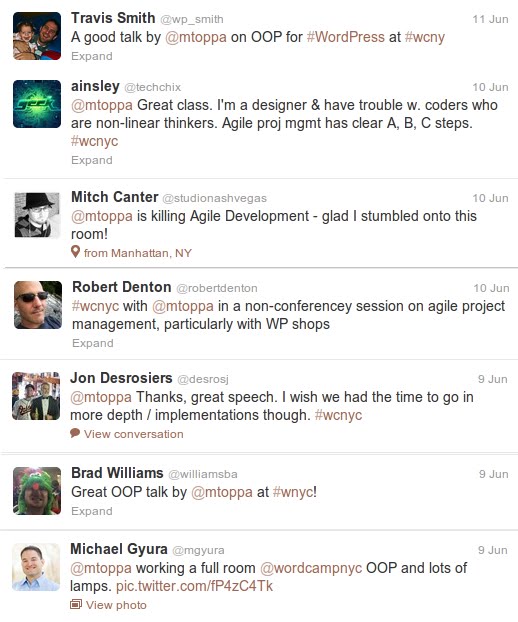
Tweets about my WordCamp NYC presentations
And here are the slides from my OOP talk (the last half of the slideshow contains my slide notes).
If you want to see more, check out the WordCamp NYC 2012 site and ChrisDigital has a collection of links to other summaries, and slides.
WordCamp Nashville
-

- People arriving for the start of WordCamp Nashville, at Watkins College
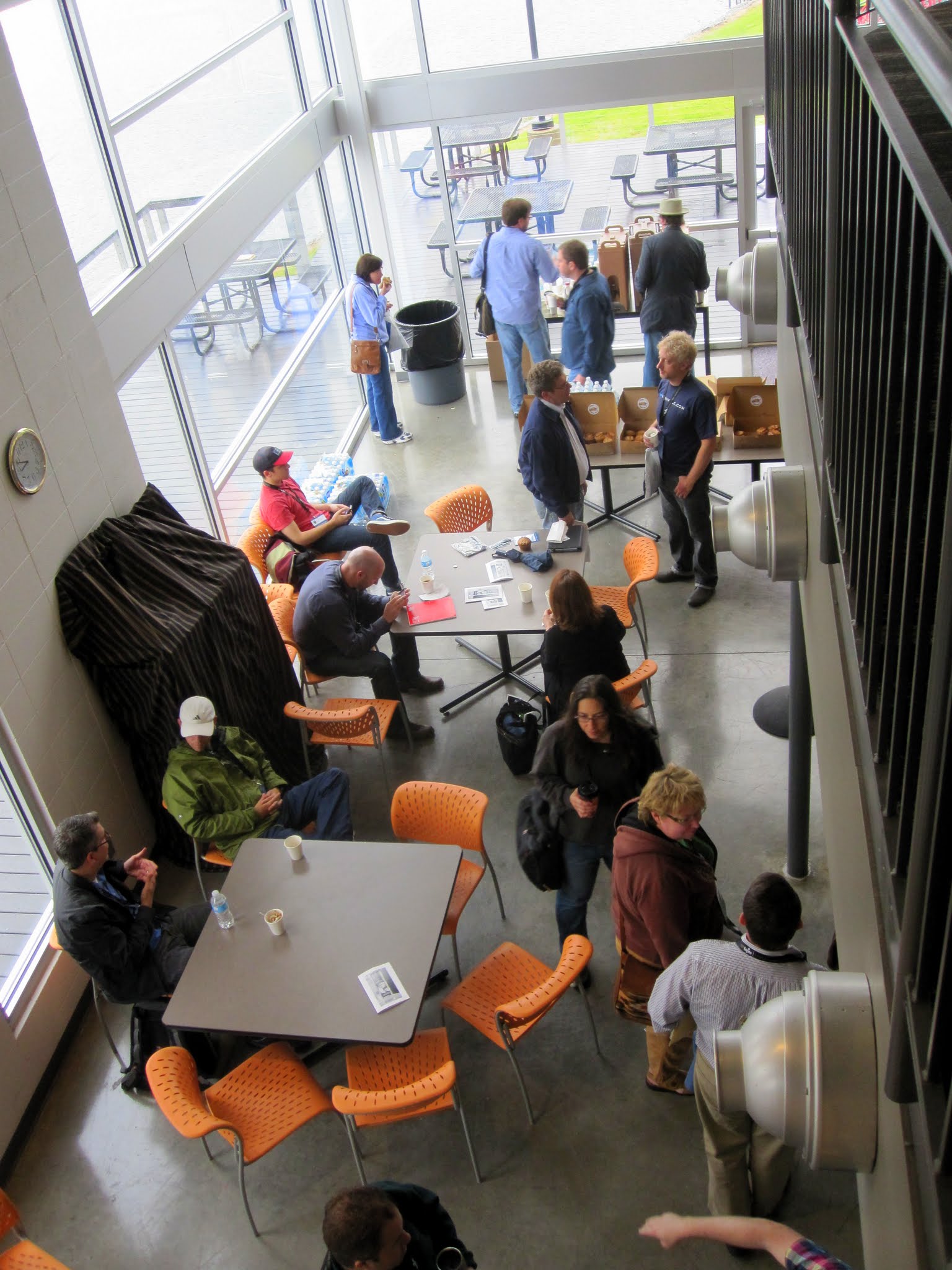
-
- My dependency injection talk at WordCamp Nashville (photo by Patricia Melton)
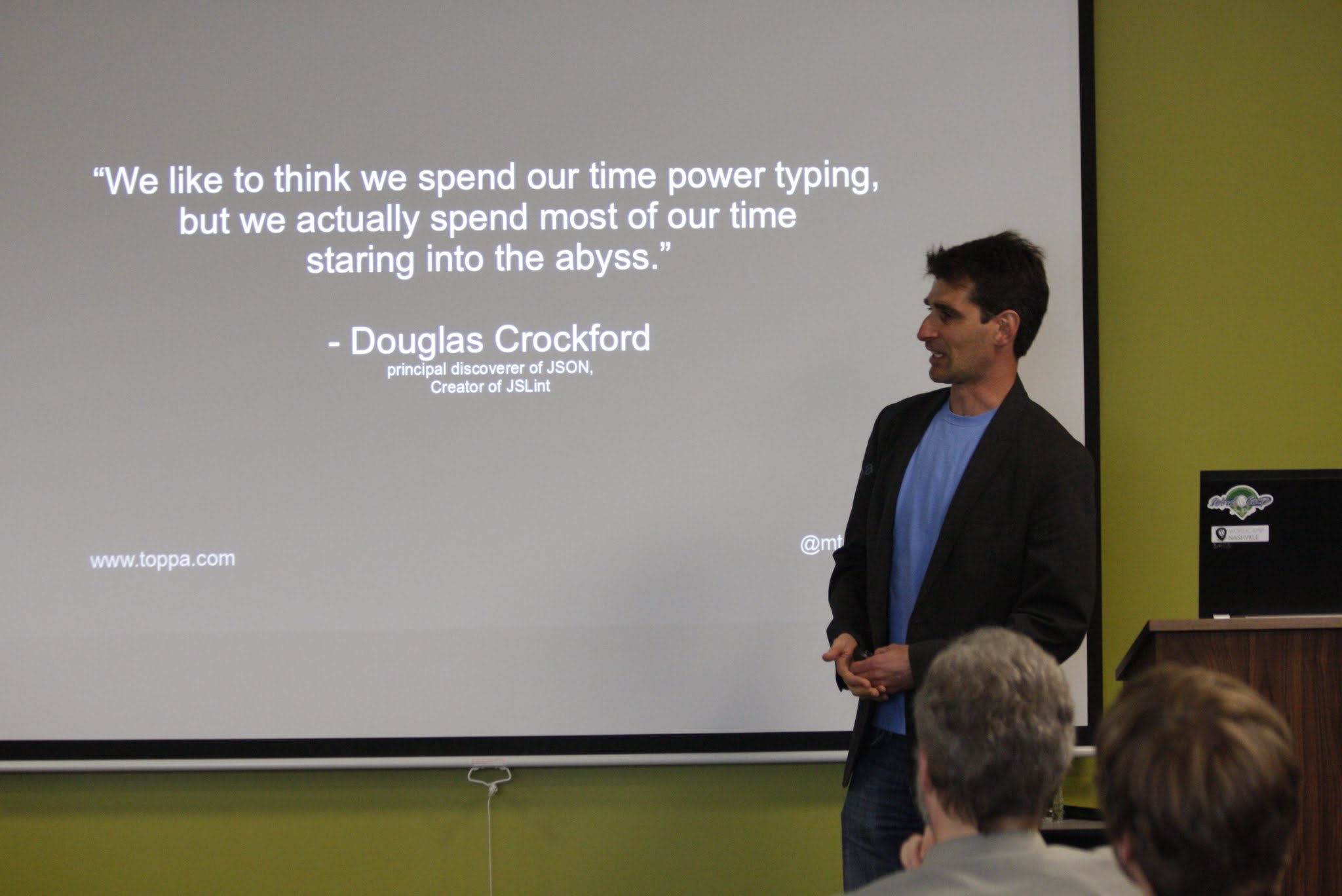
-
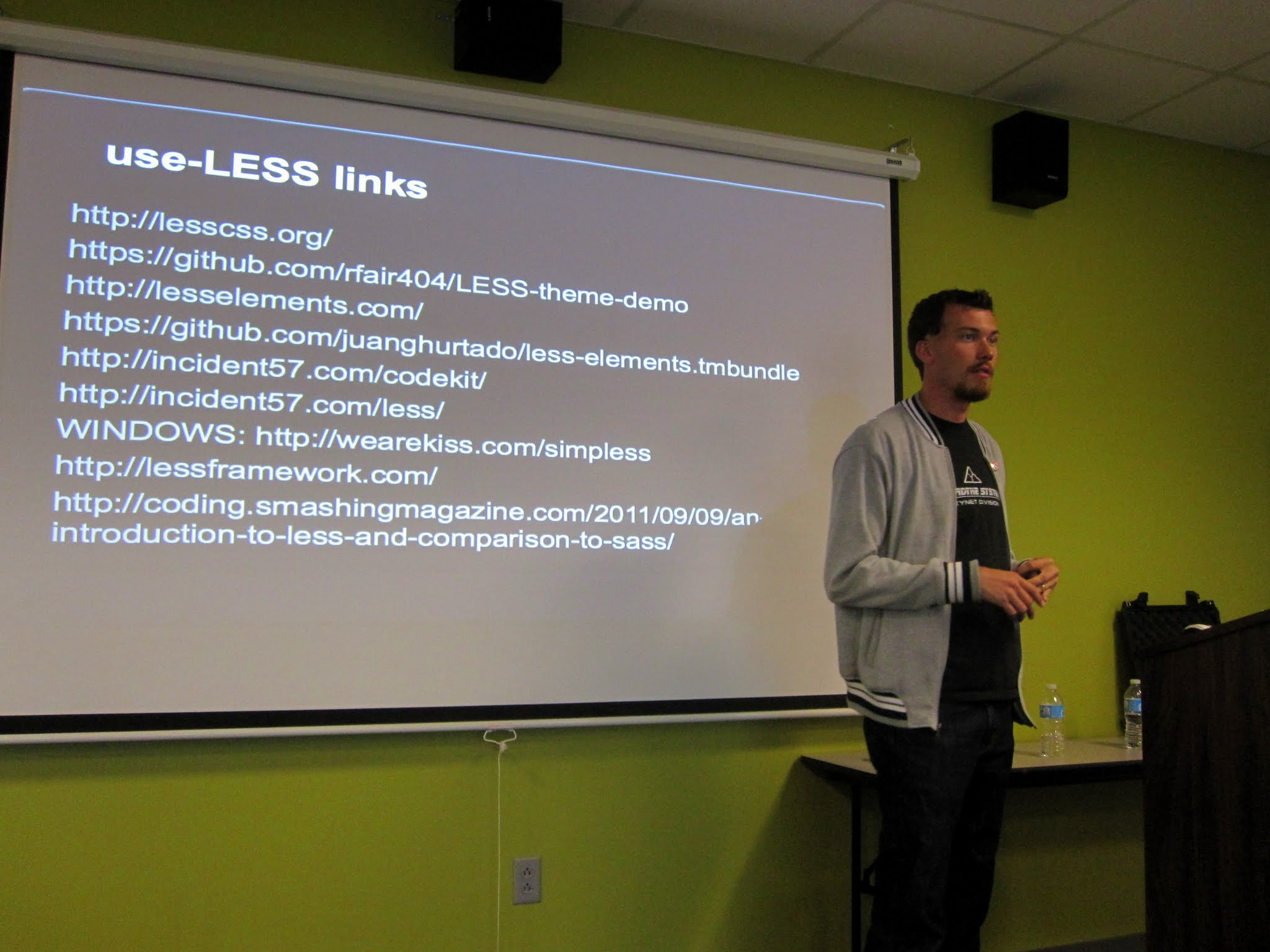
- @rfair presenting “Less, JS, and WP”
-
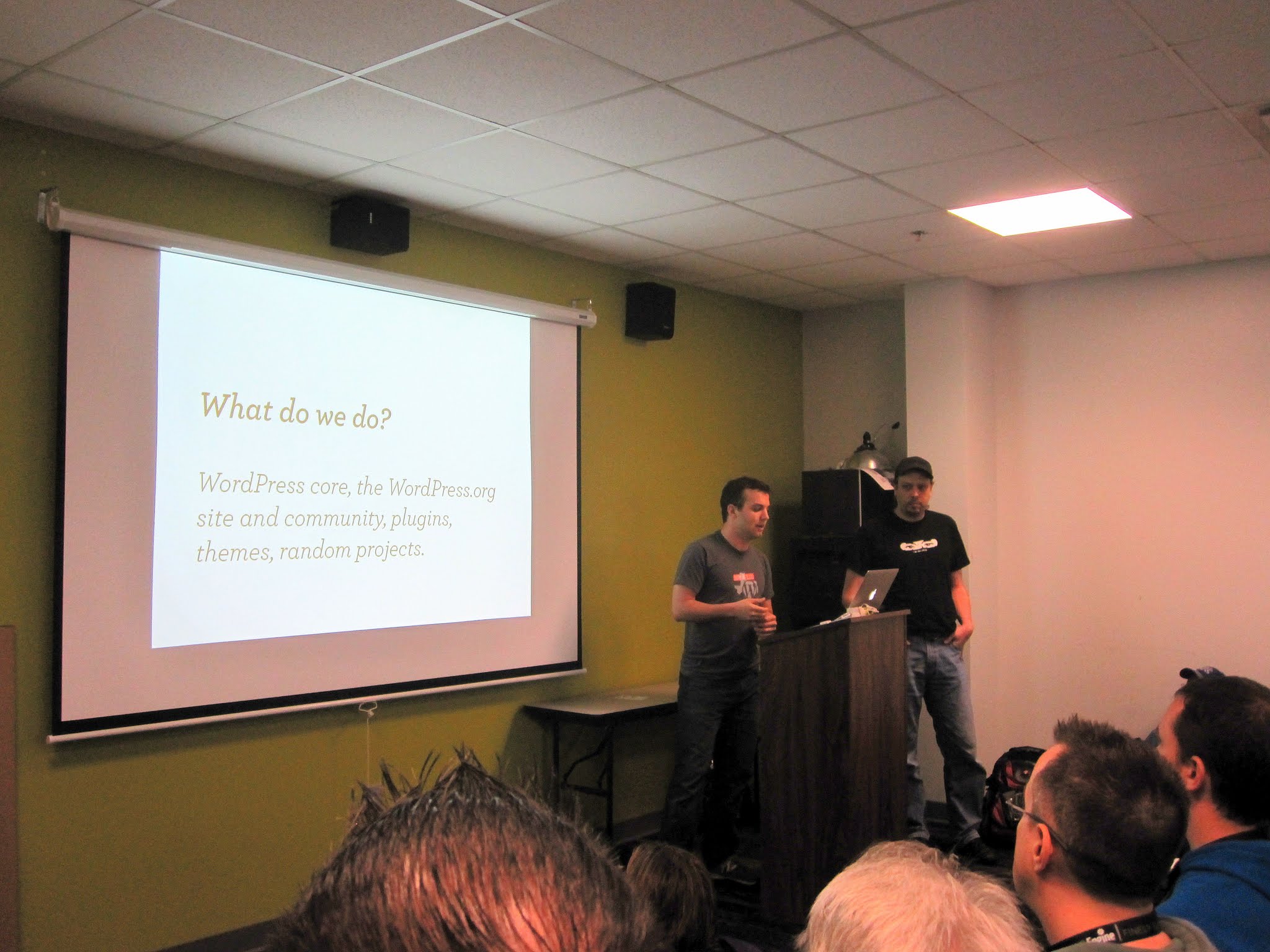
- The Otto and Nacin show – @otto42 @nacin
-
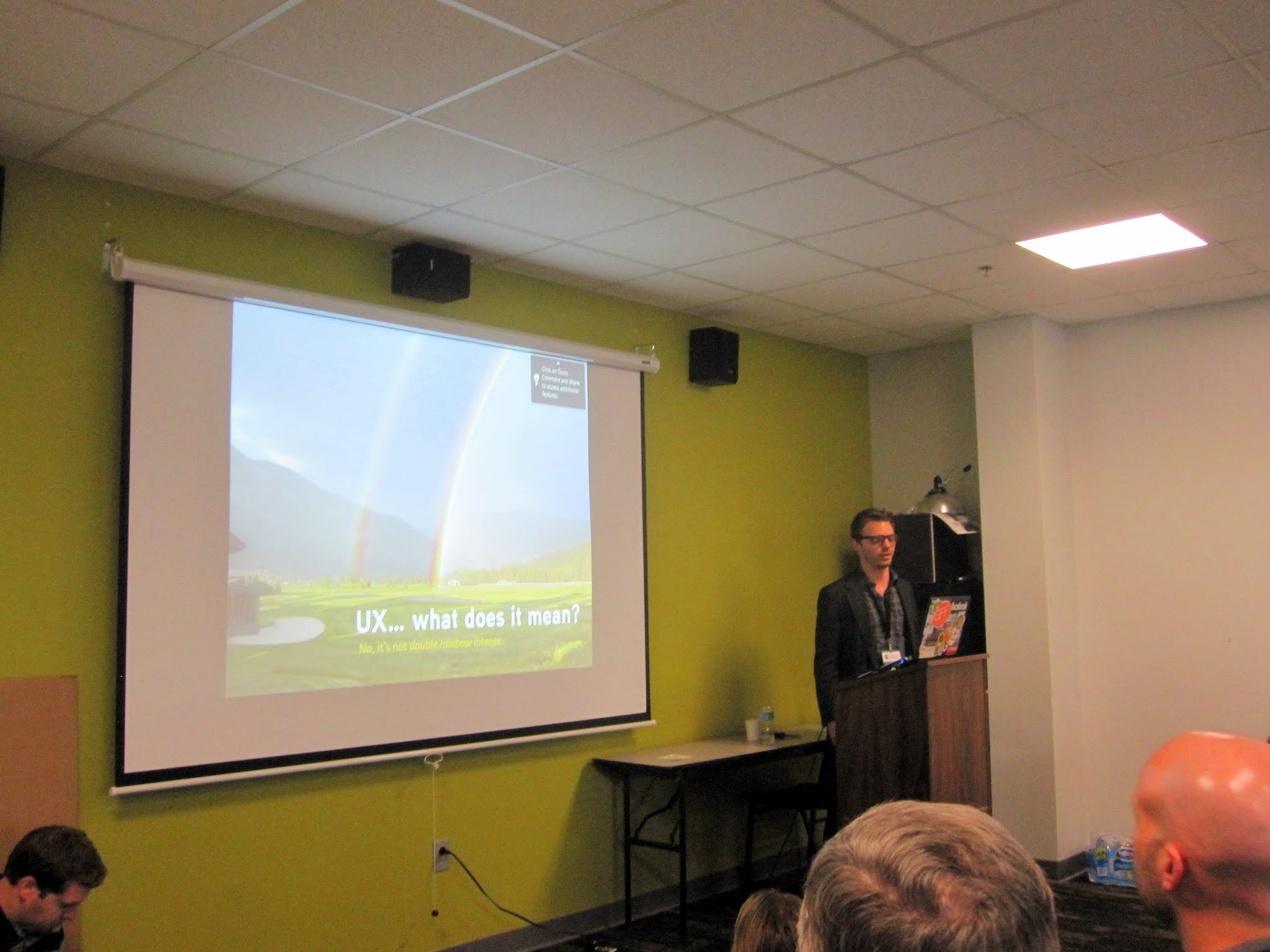
- @ryngrn presenting “Child Theme Frameworks”
-
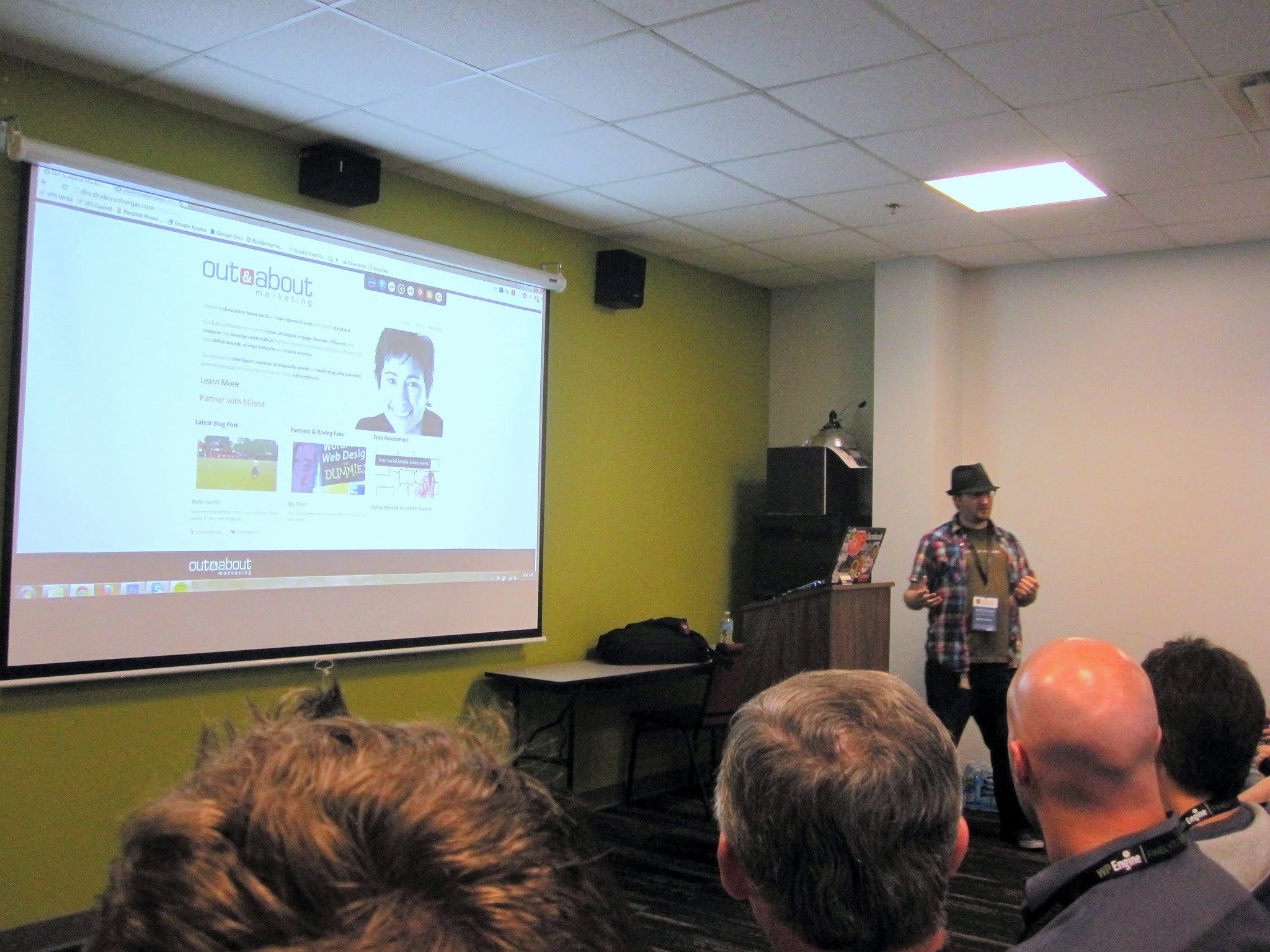
- @studionashvegas presenting “The Blank Screen: Overcoming Fear of Pressing from Scratch”
I’ve traveled coast-to-coast across the US 4 times, but until this past weekend I had never been in the South (except for a brief visit to UVA many years ago). I was in Nashville for only 48 hours, and I enjoyed every minute of it. The first thing I noticed was how kind and polite everyone is. The driver of my shuttle bus from the airport pointed out all the sights as we drove into town, and he seemed genuinely interested in what everyone on the bus was planning to do that weekend. I spent the day on Friday with my friend Caryn, who I hadn’t seen since we finished grad school 16 years ago. She showed me around town, and it was great to catch up.
This was Nashville’s first WordCamp. The organizers did a great job pulling it together, and they clearly had a lot of local talent to draw upon for their speakers. Coming from Philly, I think I was the only Yankee among the speakers – I felt honored to be included (Nacin, coming from DC, is a borderline case 😉 ).
I was in the developers’ track all day. The first two sessions were design focused, and here’s an excellent summary of both presentations. They were followed by the Otto and Nacin show. They are both deeply involved in the development of WordPress, and they gave a preview of features in WordPress 3.4. Their talk was the most popular of the day in the developers’ track.
I was up next after lunch, and my talk went well. It was an advanced topic (dependency injection) so I drew a smaller crowd. But I got some good questions towards the end, and some good tweets:
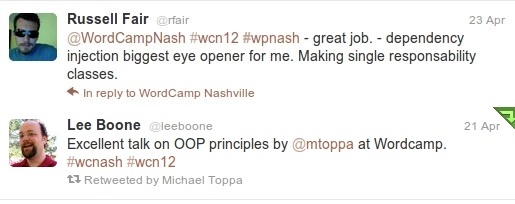
@rfair's tweet about my session
Here is a non-technical summary of my talk.
Russell Fair wrapped up the day, and he did a great job of sharing his experiences using LESS with WordPress.
I didn’t get to see Joel Norris’ WordPress bootcamp presentation, but from what everyone was saying, I believe he gets the prize for having the most popular session. He stayed in character as a drill sergeant for almost the entire session. And he was in costume – here’s a photo.
The speakers dinner and the after party were both a lot of fun. I learned a lot chatting with Otto and Nacin, made some new friends, and my friend Caryn was able to come too, so it was a great evening.
If you want to read more, WP Candy has a great review, and they also have links to many of the presenters’ slides. There’s also a great photo pool on Flickr. Here are my slides:
WordCamp San Diego
-
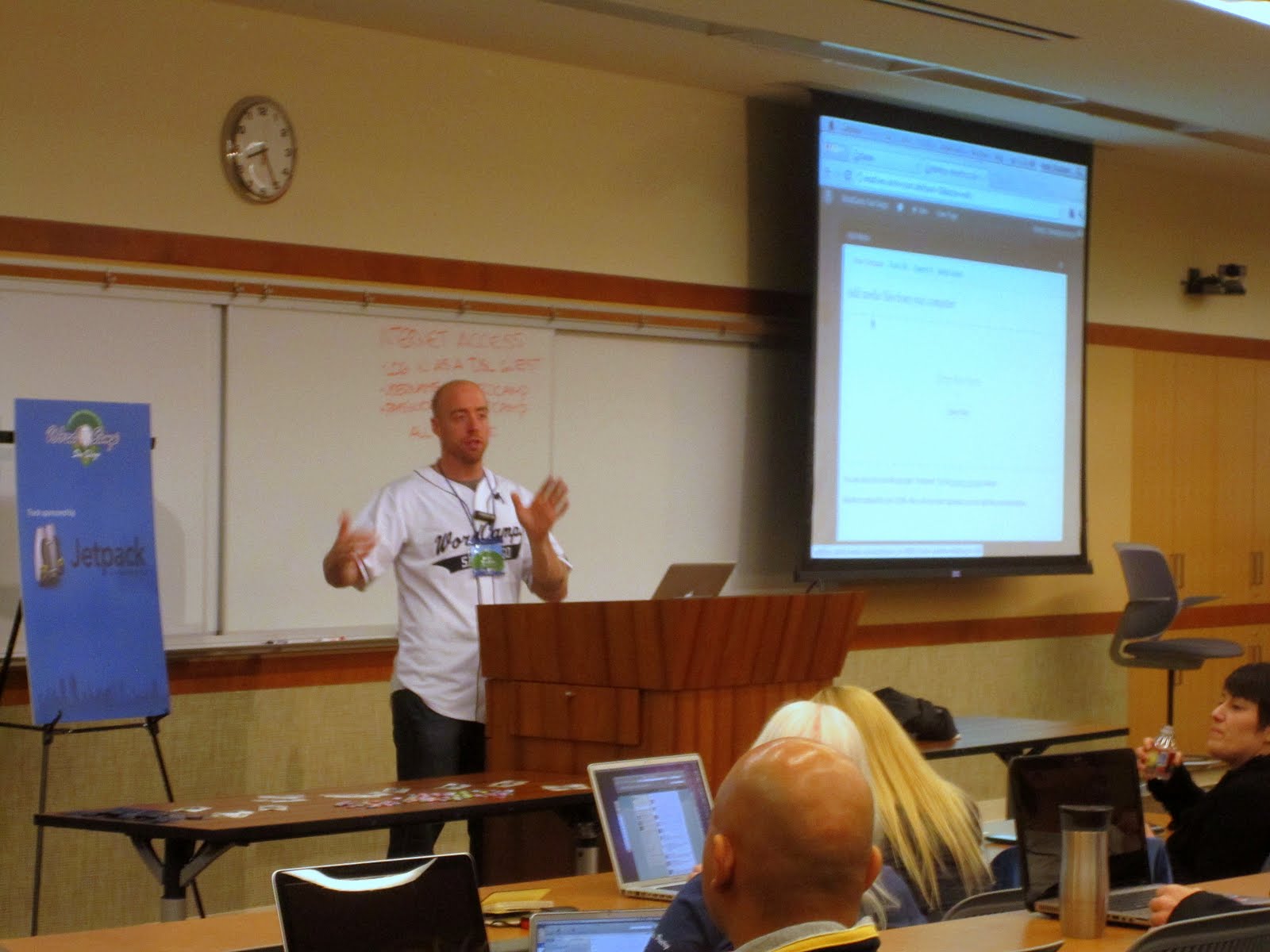
- @theandystratton presenting “Accomplish it with Core: Galleries, Sliders and More” at WordCamp San Diego
-

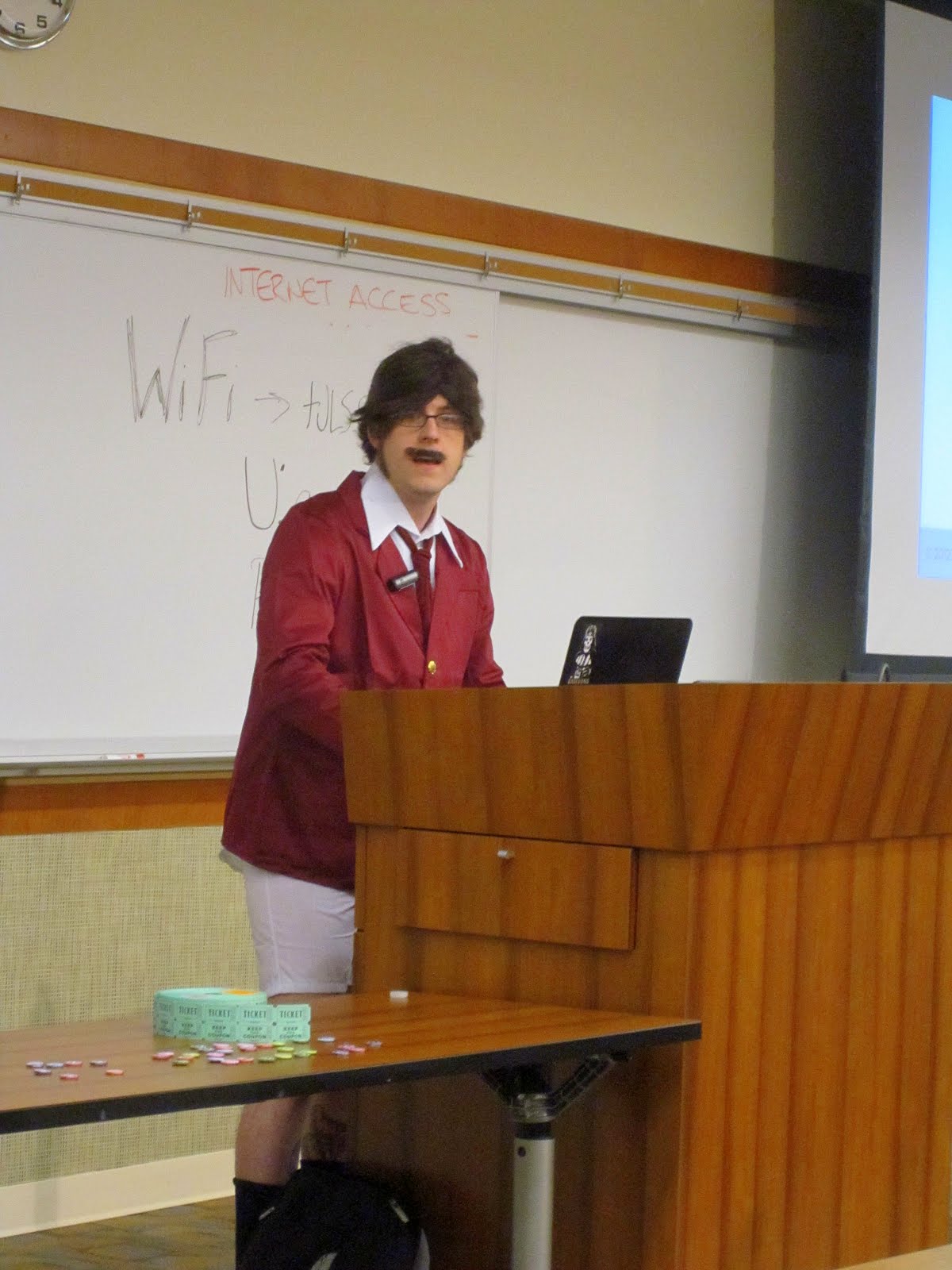
- @norcross is out of uniform for his presentation “Stay Classy, WordPress” at WordCamp San Diego
-
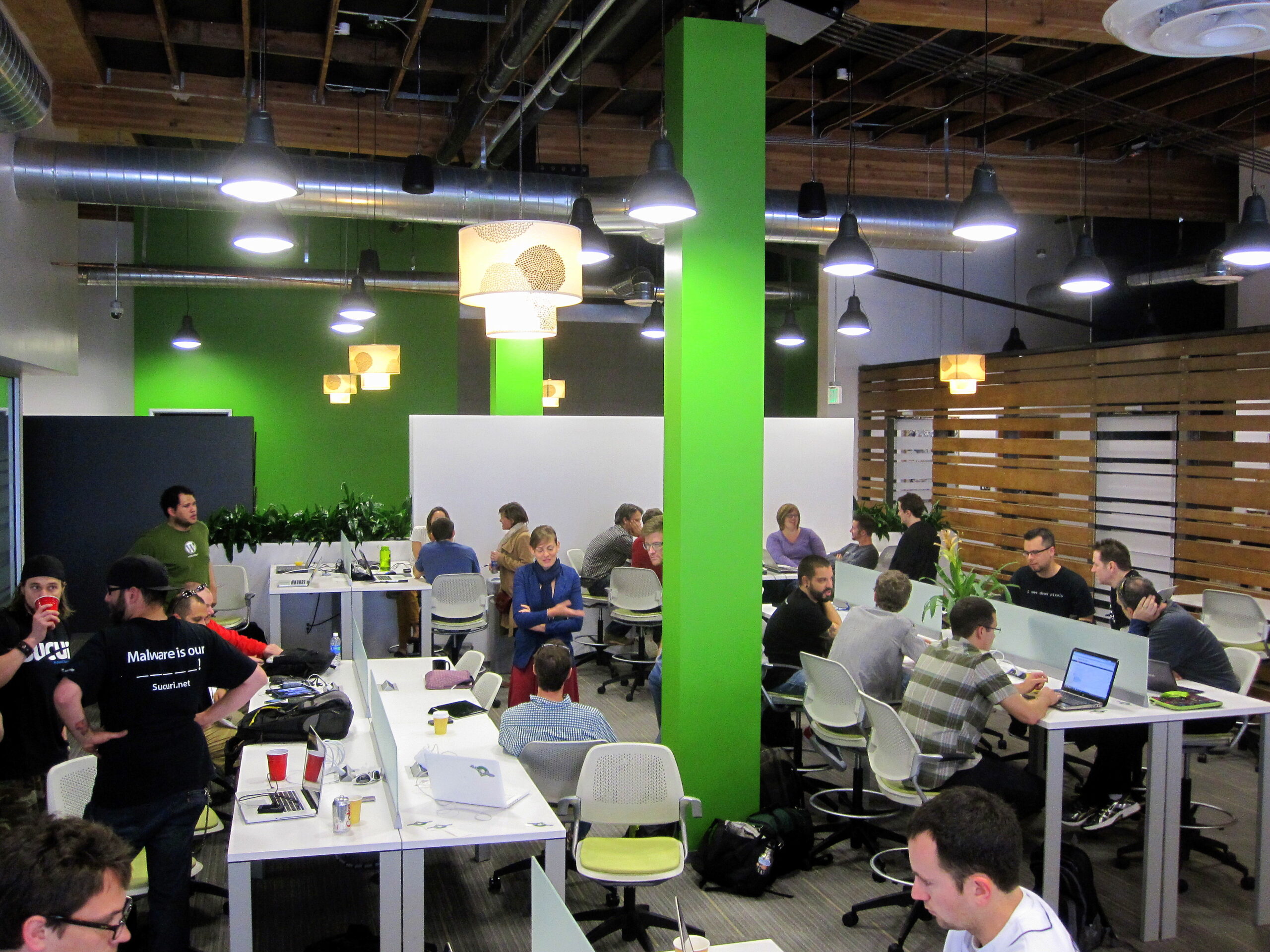
- WordCamp San Diego Developer Day, at CoMerge
-

- @tweetsfromchris takes on Nicky Rotten’s 2.5 lbs. burger challenge (with a gigantic side of fries)

This was my second WordCamp, and my first not as a speaker. When I presented at WordCamp Philly last Fall, I was blown away by the positive energy of everyone there (which is one of the things that led to my current position with WebDevStudios). WordCamp San Diego was just as much fun, and there was plenty to learn too. Coming from Philly means it’s a long way to go for a WordCamp, but WebDevStudios was a sponsor, so several of us from the company went. Since we are a virtual company, I also met a couple of my co-workers in person for the first time – @tweetsfromchris and @TobyBenjamin
WordCamps typically have 2 simultaneous tracks – one for developers and one for users. They also provide an opportunity for these two parts of the WordPress community to come together, so online businesses can find good developers, and for developers to find rewarding projects.
I stayed in the developer track for all but one presentation, and they were all excellent. WebDevStudio’s own @williamsba presented on how to configure and use WordPress multi-site. Even in the more introductory-level sessions, where I thought I’d already know everything, I actually learned a lot. The vibrancy of the WordPress community, and the dedication of the speakers, who appear without compensation, continues to impress me.
The “spring training” theme was really well done, from the matching baseball jerseys for the speakers, to the web site, stickers, and, of course, the cake. @norcross gave his whole talk as Ron Burgundy (yes, in his boxers), which was hilarous enough to justify him being the only speaker out of uniform.
The after party was a blast. It was my first experience where it was socially acceptable to both drink and have endless conversations about code and WordPress. I have found my people 🙂 and it was great to meet @housechick, @jaredatch, @matthewjcnpilon and @i3inary.
The 2nd day of the conference was a developers’ day, held at the very sleek Co-Merge workplace. This was similiar to the developers’ day at WordCamp Philly, with some short presentations, but the focus was more on people making connections and helping each other code.
The one challenge for me was sleep. WebDevStudios rented an apartment since several of us were there. The first night there was a party happening in an adjacent unit, and the thumping bass didn’t stop coming through the floor until about 3AM. The next night someone was shot and killed right outside our apartment, and the last night one of my co-workers had to get up and leave really early for his flight. But I’m not so old (yet) that I can’t handle it (actually, having kids has conditioned me to handle sleep deprivation better than I did years ago).
My next WordCamp is in just a few weeks. I’ll be speaking at WordCamp Nashville, on how to apply dependency injection techniques to WordPress plugin development.
I took pictures throughout the day – here’s the complete album:
-

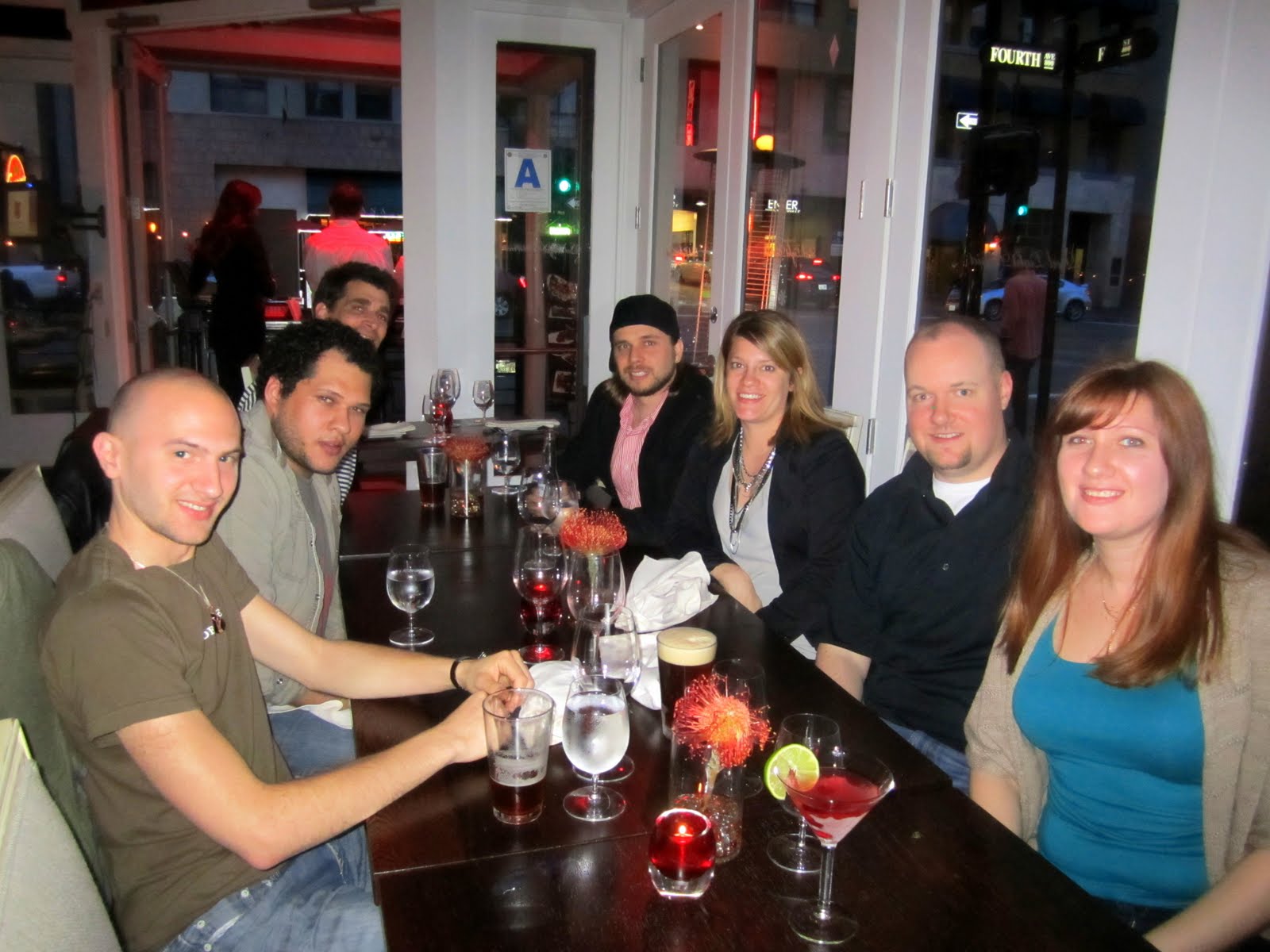
- The WebDevStudios San Diego dinner
-
- The WordCamp San Diego speakers and sponsors dinner at Comerge
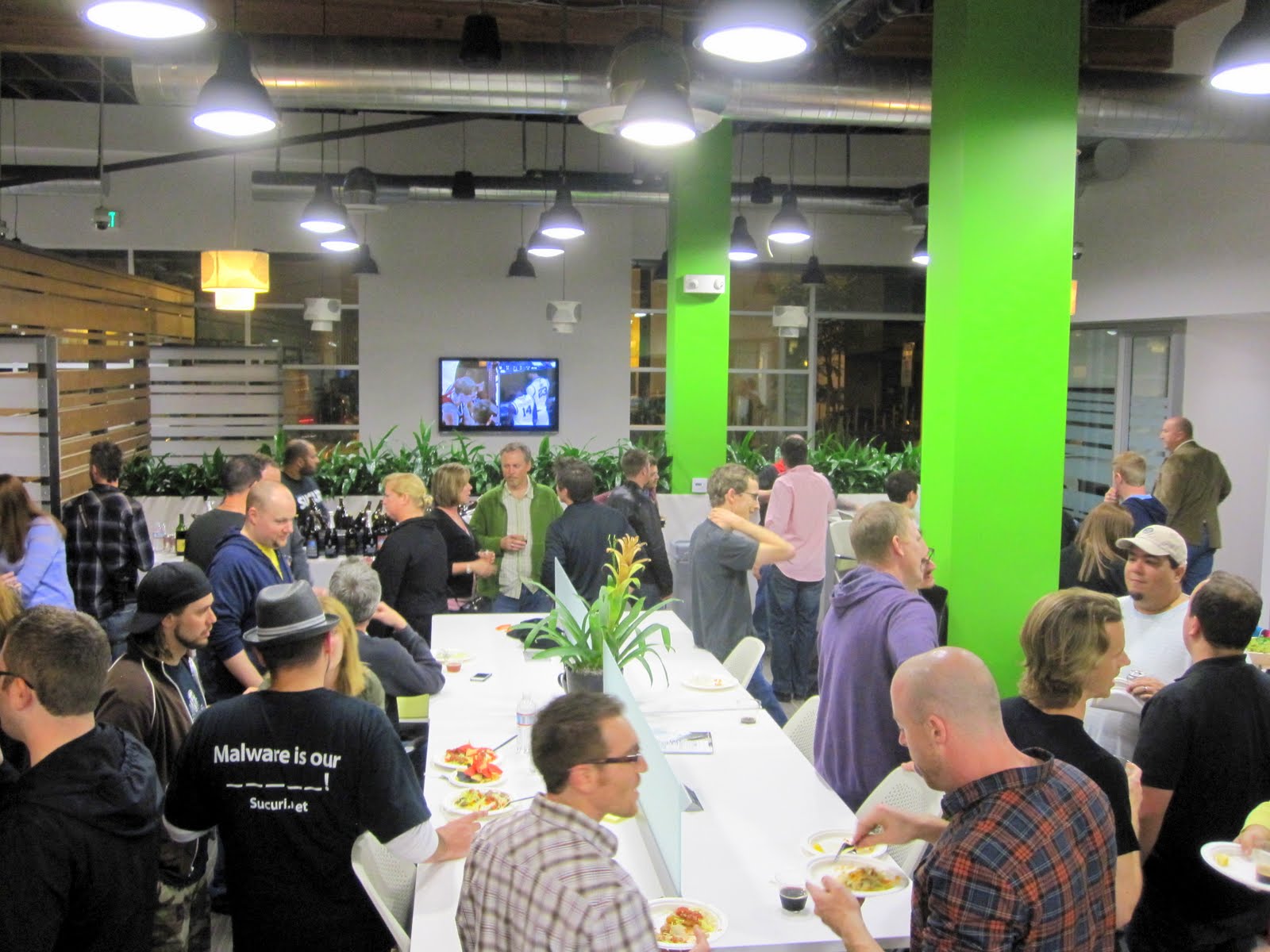
-
- @theandystratton presenting “Accomplish it with Core: Galleries, Sliders and More” at WordCamp San Diego
-

- Pic of @brandondove presenting “Premium Plugins & Adhering to the GPL” at WordCamp San Diego
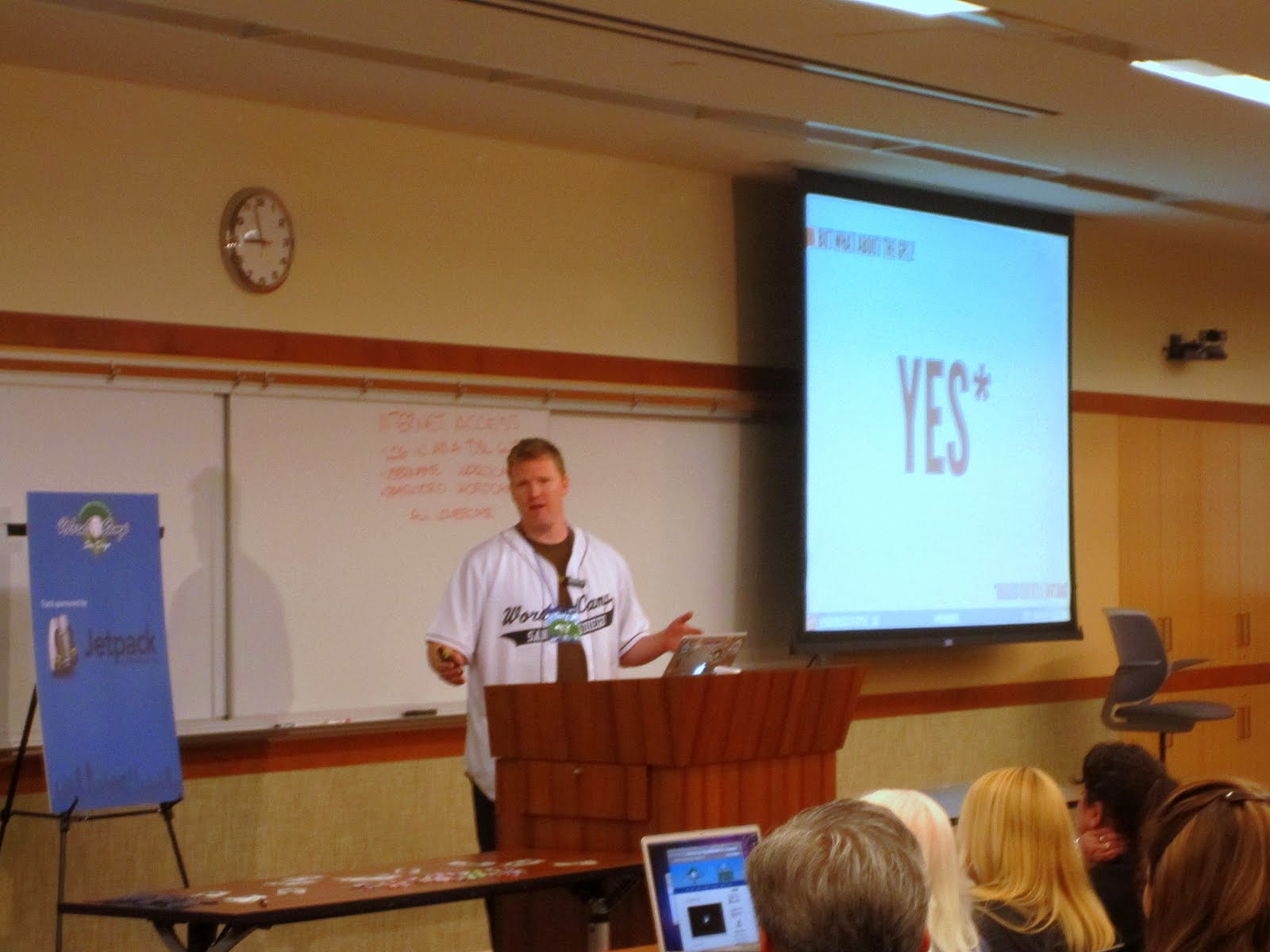
-
- @jeffreyzinn presenting “Playing Hooky with Actions & Filters” at WordCamp San Diego
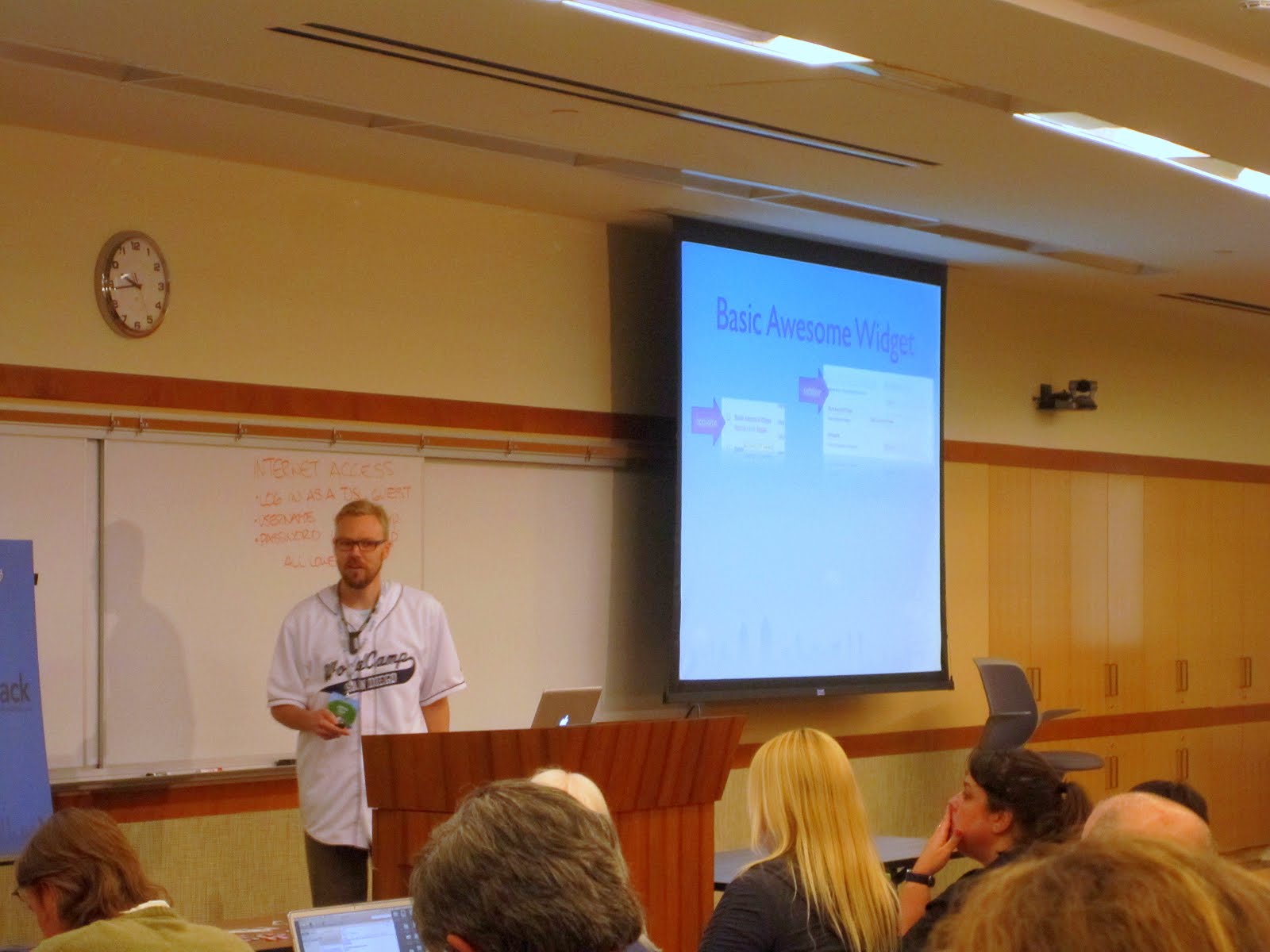
-
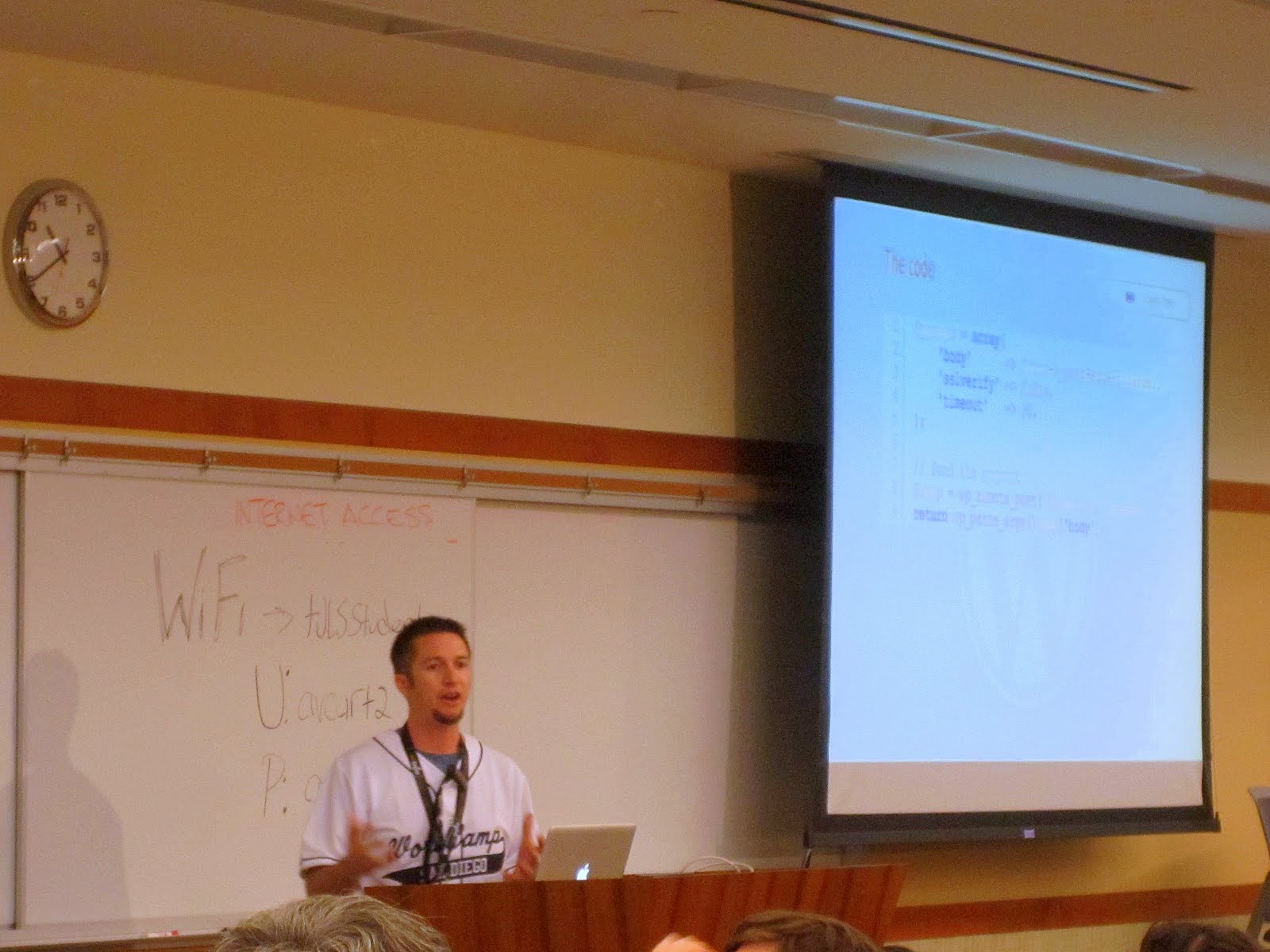
- @BlueDogWeb presenting “Integration of WordPress with External APIs” at WordCamp San Diego
-

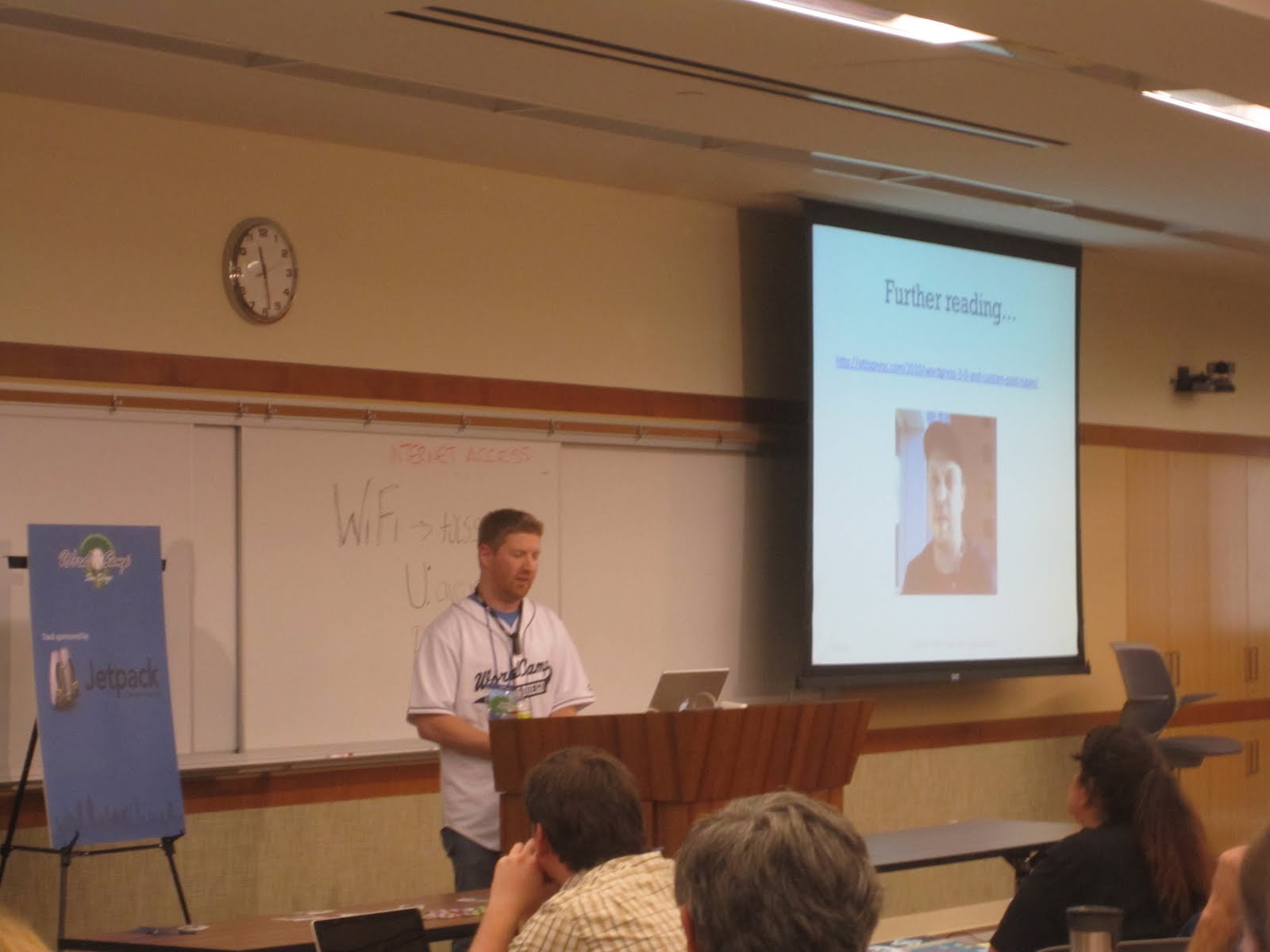
- @jaredatch presenting “Custom Post Types & Taxonomies” at WordCamp San Diego
-
- @jkudish is serious about you writing detailed commit messages in git, in his “Using Git” presentation at WordCamp San Diego
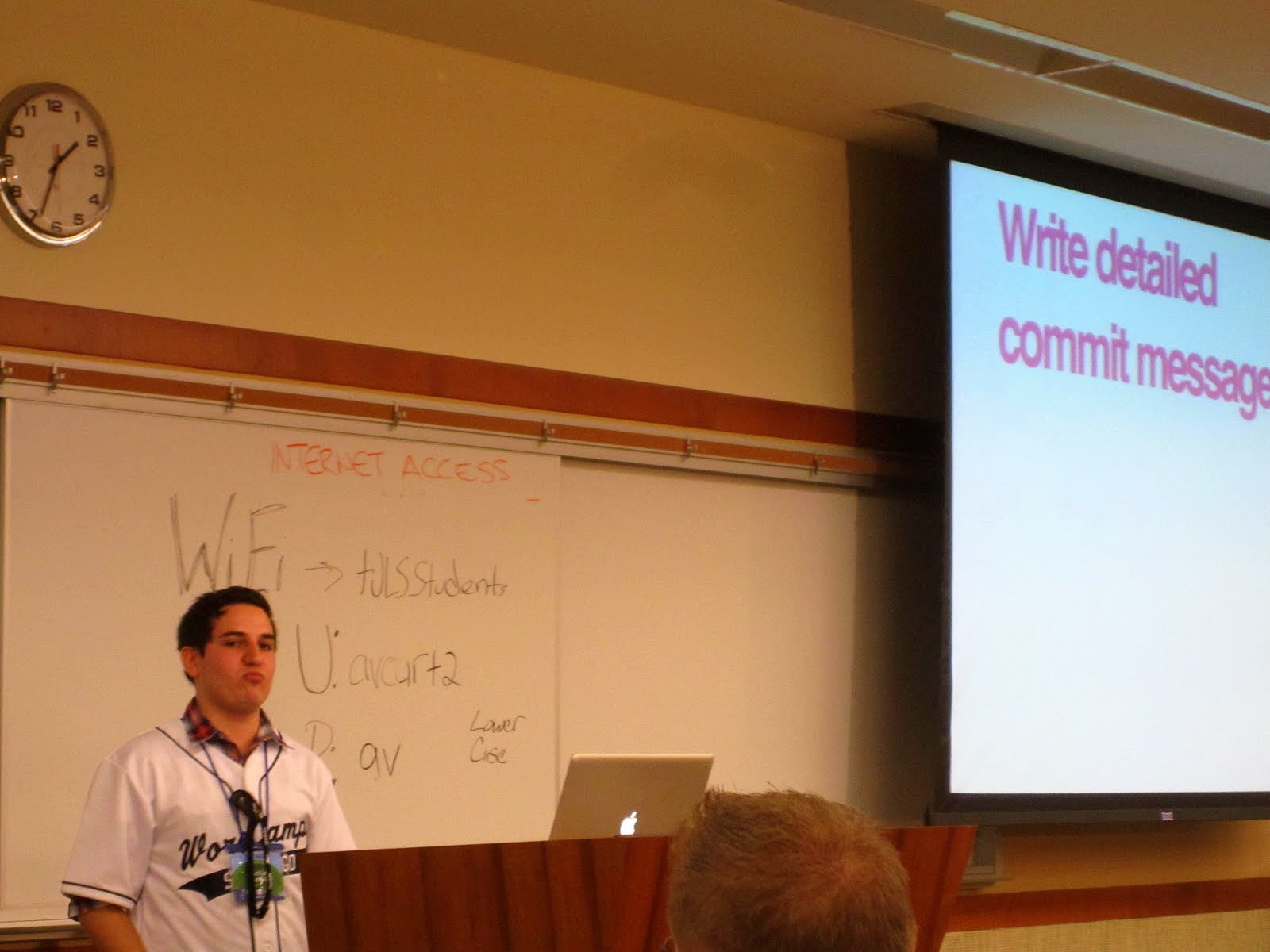
-
- @simpledream presenting on how to test (and break!) WordPress themes at WordCamp San Diego
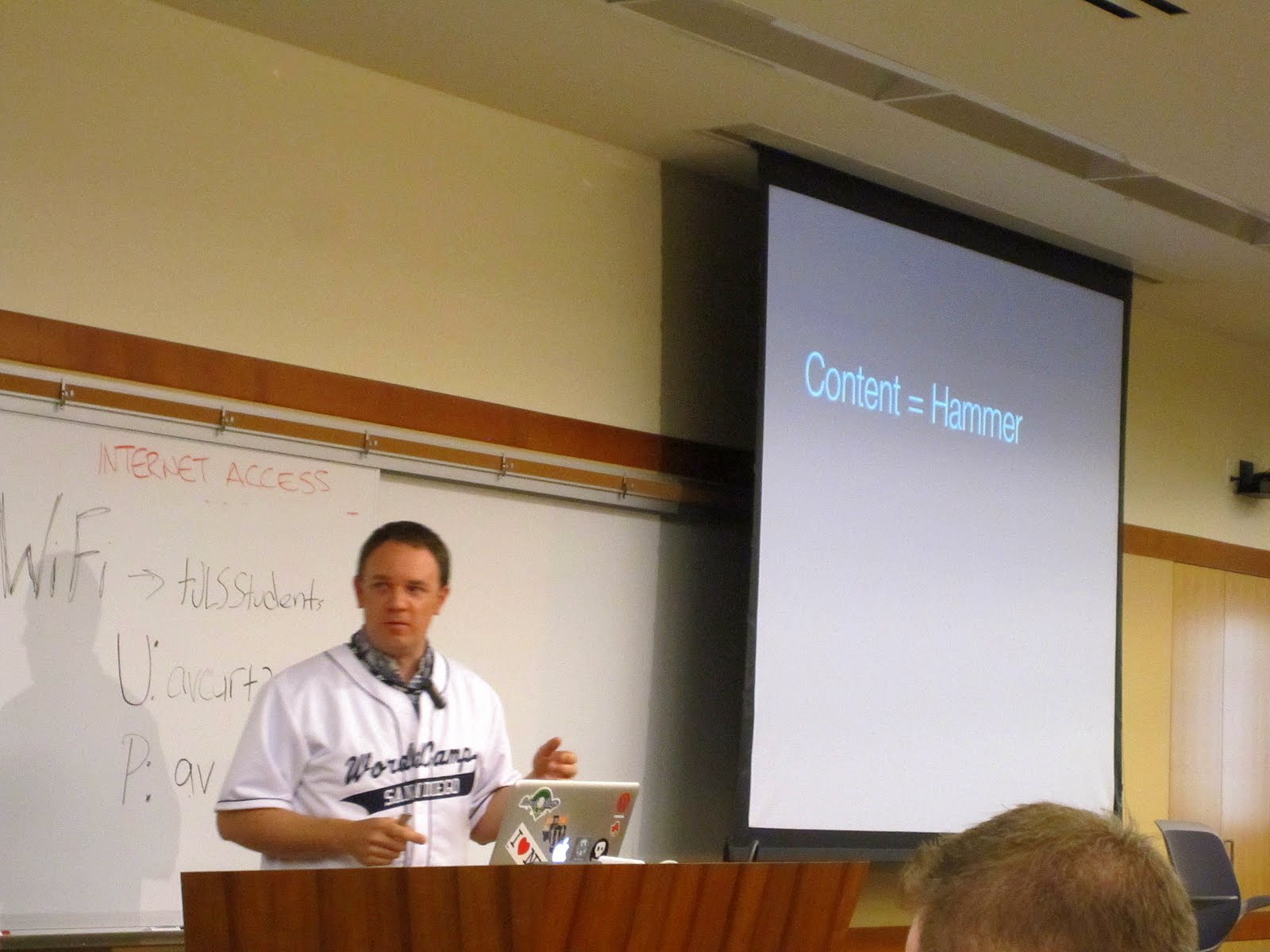
-

- Cake! WordCamp San Diego
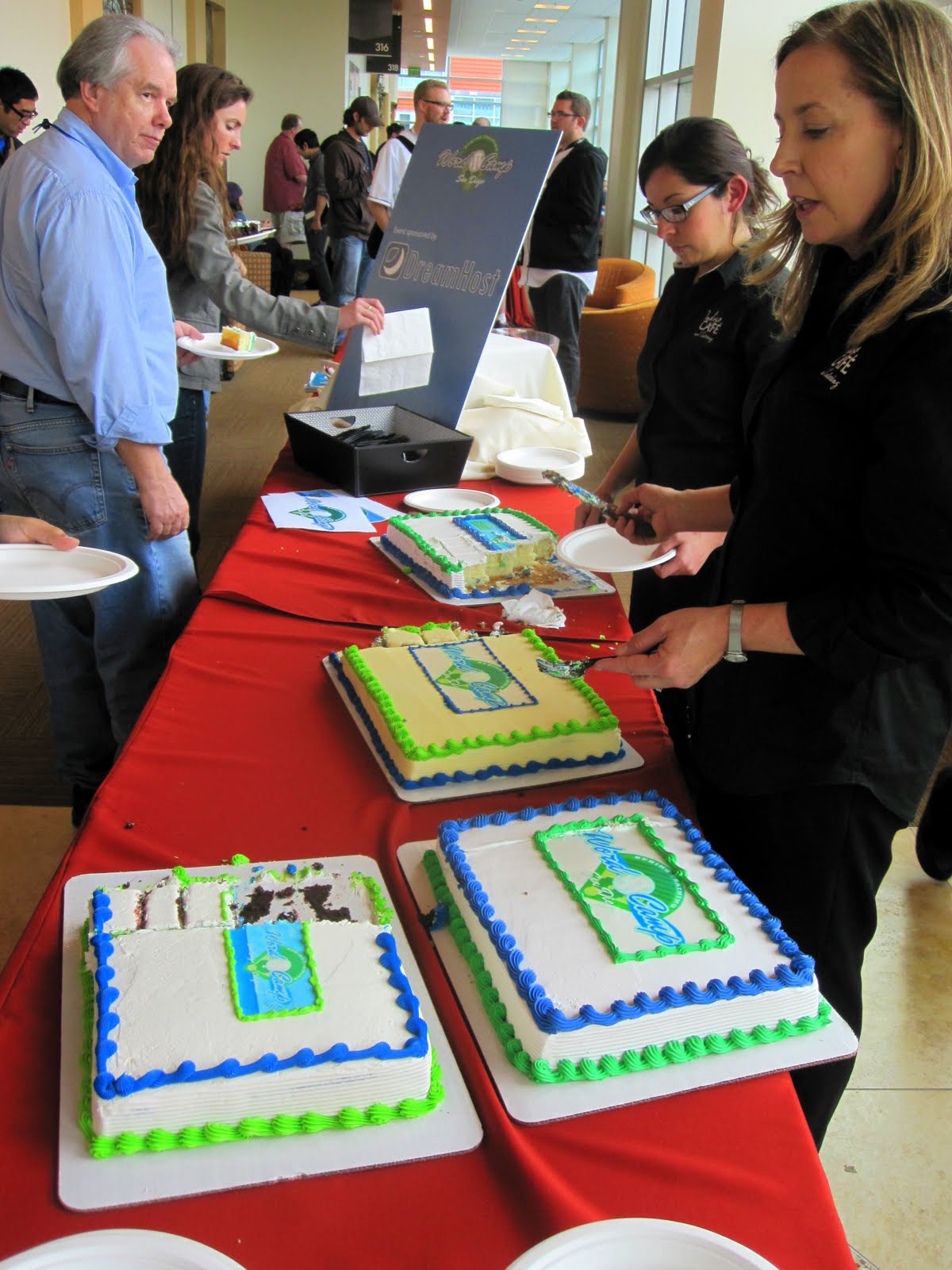
-
- @norcross is out of uniform for his presentation “Stay Classy, WordPress” at WordCamp San Diego
-
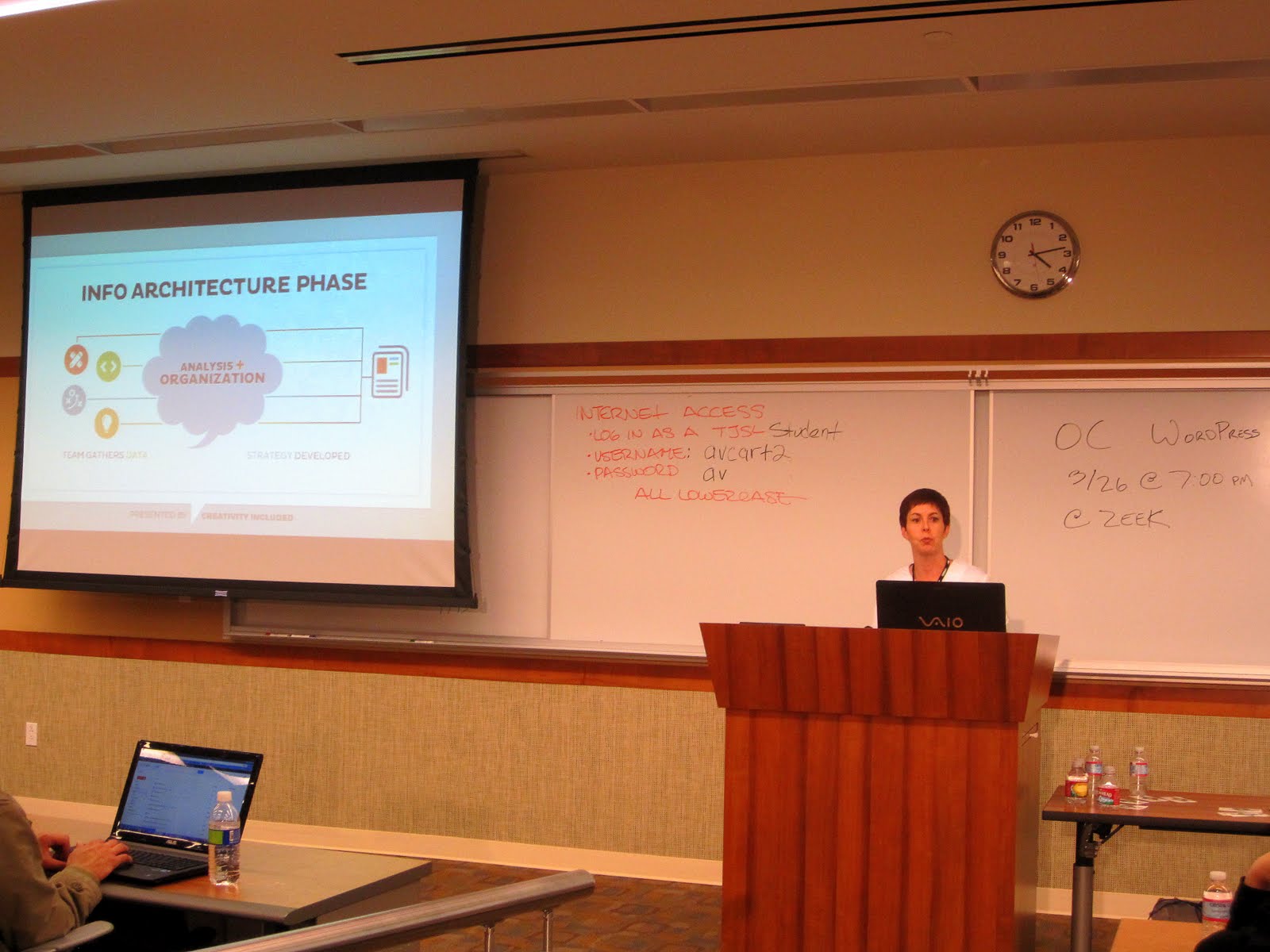
- @cfordrun presenting “Information Architecture for WordPress” at WordCamp San Diego
-
- WordCamp San Diego Developer Day, at CoMerge
-
- @tweetsfromchris takes on Nicky Rotten’s 2.5 lbs. burger challenge (with a gigantic side of fries)