Posts By Mike
Shashin 3.0.3
I uploaded some Shashin fixes yesterday. Thanks everyone for the feedback. These were the changes:
- Fixed display of “crop” input field on media menu for photos and albums (it wasn’t showing the option for you to crop)
- Improved exception handling (there were a few cases where you could end up with an uncaught exception, which is not nice if there’s a problem)
- Handle commas in “exposure” in EXIF data (there’s at least one camera model that included a comma in the exposure value, so Shashin now handles it as a string instead of a number).
Please use the comment section for reporting problems. I have a hectic week coming up, so it may take me a few days to respond to feedback. Thanks for your patience.
Clean code for WordPress at WordCamp Philly
Update 11/21: Video of my presentation is now available at wordpress.tv, and I put up a post yesterday with more pictures.
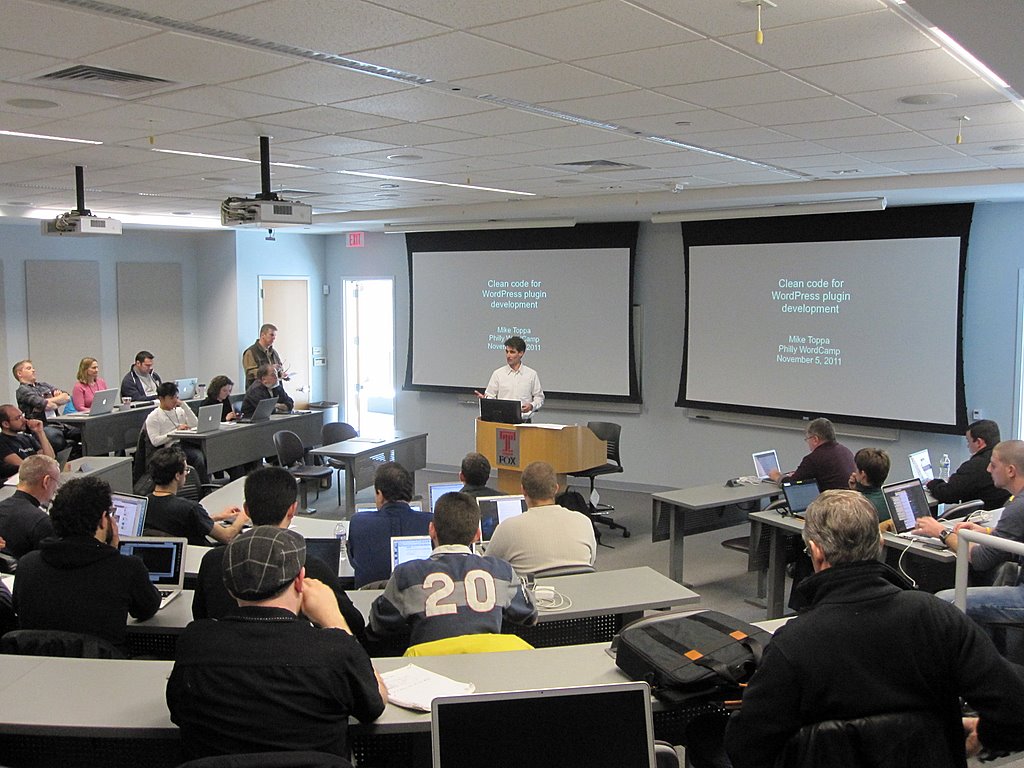
My Clean Code for WordPress presentation at Philly WordCamp
WordCamp Philly this past weekend was a blast, and I met a lot of great people. The vibrancy of the WordPress community here in Philly is impressive. Giving my Clean code for WordPress presentation was also a lot of fun. I got vigorous agreement from the audience that more evangelism for clean code in WordPress plugins is definitely needed. Video of my presentation will be online at wordpress.tv in a few weeks.
The youngest attendee was 10 years old. He came to the developers’ day on Sunday too. The organizers were planning to guide him through fixing a bug in WordPress core, so he could be the youngest contributor to WordPress and get his name on the official credits. I spent the developers’ day getting started on adding Flickr support to Shashin. I’m not a Flickr user, but I was sitting next to Captin Shmit, who is, and he had a lot of useful suggestions. Thanks Captin! (yes that’s how he spells it).
Below are the slides from my presentation (if you click the link, it will take you to slideshare.net, where you can also see my notes for the slides).
Shashin 3.0.2
Tonight I pushed a set of updates to Shashin that should address most of the issues people have reported in the last 24 hours. I tried to be thorough in the development and beta testing, so I’m glad to see most of the issues are minor. Thanks everyone for the detailed reports. Note you will also need to update Toppa Plugin Libraries for WordPress. Here’s the list of updates in Shashin 3.0.2 (from the readme file):
- Album photos table now inherits position from parent album thumbnail table
- Now handles Shashin 2 shashin_album_key query string arg, for old links
- Bug fix: numeric fields (like photo count, pub date) were getting cleared when updating ‘include in random’ settings for albums
- Bug fix: now checks for ‘include in random’ flag on albums and photos when generating random thumbnail display
- Bug fix: fixed size for album thumbnails using old shortcode format
- Aligned ‘update include in random’ button on Tools menu with radio button column
- Updated explanation on Settings menu for photo thumbnails
- Added .pot translation file
Shashin 3.0 now at wordpress.org
Over the past year I’ve worked on Shashin 3 in 20 minute pomodoro-like sessions, to give myself something interesting to do on my daily train commute back and forth to work. I’ve used it to teach myself clean code practices. How to apply clean code practices to WordPress plugin development will be the subject of my talk next weekend at Philly WordCamp.
If you haven’t seen the posts I’ve been writing while I’ve been working on it, see the Shashin documentation page and examples page to see the new features. It’s been a lot of work, and a lot of fun. Many thanks to everyone who helped with testing of the alpha and beta versions.
Please use the comments section of this post for any questions or bug reports. Note if you overlook the notice that tells you to install Toppa Plugin Libraries for WordPress before upgrading Shashin, and you use WordPress’ automatic plugin upgrade feature, you won’t see Shashin’s warning telling you that Toppa Libraries is missing. So you will need to install the Toppa Libraries, and then de-activate and re-activate Shashin in order to complete the upgrade.
Twitpic and Youtube with Shashin
-
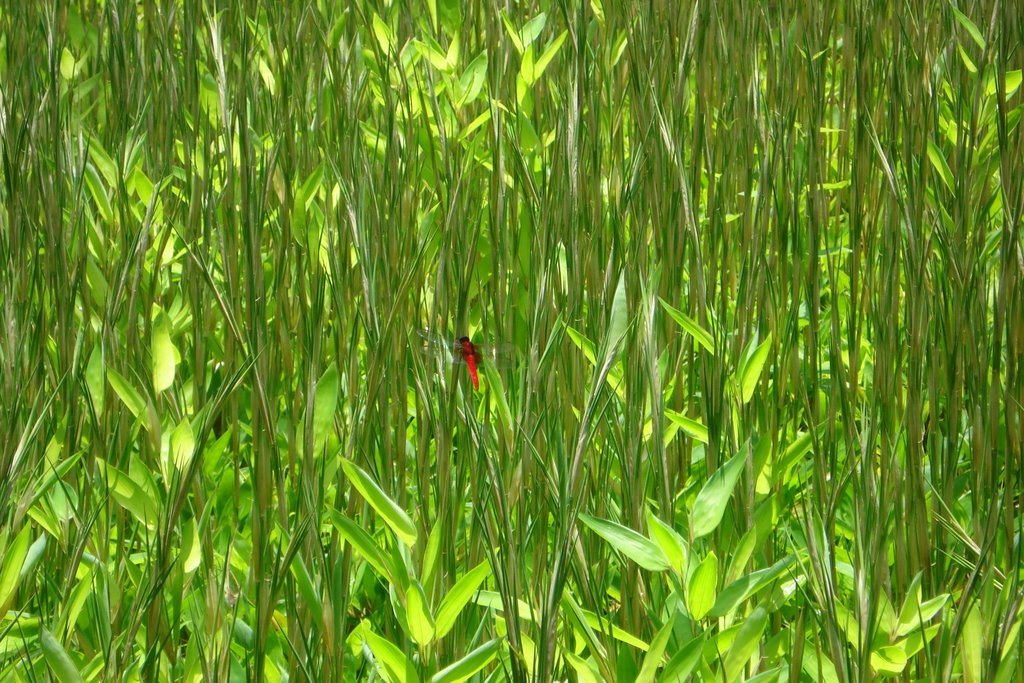
- A dragonfly in the Imperial Palace Gardens
-
- NoMeansNo – Bumbershoot 2011 – Slave (half of song only)

I just did something that’s a no-no with beta software – I added new features. I just couldn’t resist 🙂 . Shashin 3 now works with Twitpic and Youtube. To your right are a photo from Picasa, a photo from my Twitpic account, and a Youtube video I uploaded, all shown using a single Shashin shortcode. Here’s the shortcode:
[shashin type="photo" id="2655,1507,1453" size="small" columns="1" order="user" crop="y" caption="y" position="right"]
If you go to my Photo Albums page, you can see my Twitpic and YouTube feeds now appear as albums, right alongside my Picasa albums.
Albums, photos, and videos from Twitpic, Picasa, and Youtube will all show up in the WordPress post editor’s Shashin media browser, so you can find and add them by point and click (so you don’t need to look up their ID numbers or even type the shortcode).
In your WordPress admin, on the Shashin Tools page, expand the “Examples” section to see how to add Twitpic and Youtube feeds. Youtube doesn’t advertise the existence of their feeds, but they’re there! In addition to a feed for your own account, you can get feeds for their most popular videos, trending videos, top rated, etc and have Shashin automatically update itself daily. So you can do things like feature the current most popular Youtube videos on your site.
Another change I made is photos will now scale to the size you indicate. So if you want the size to be, say, 213 pixels, it’ll be 213 pixels (if it’s not a size available from the photo hosting service, Shashin will find the next largest size available and scale it down). I did this to accommodate showing photos from different services side by side, since they don’t all make their photos available in the same sizes. This also means you can now show album thumbnails in any size, cropped or not cropped (note I changed the size labels to reflect this, so a “large” album thumbnail is now the same size as a “large” photo thumbnail).
You can download the latest version from GitHub. If you already have Shashin 3 beta installed, please 1. deactivate it, 2. delete your current files, 3. upload the new files, and then 4. reactivate (you don’t need to uninstall the plugin – I renamed several files, so this is just to cleanup your Shashin files).
Assuming no major bugs come up in the next few days, I’ll push Shashin 3 to wordpress.org this weekend, and officially retire Shashin 2.
Shashin Documentation and Examples
Writing good documentation is hard work 🙂
- The main Shashin page now contains detailed documentation for installing and using Shashin 3 (the beta version is currently available at GitHub).
- I modified the Shashin 3 progress status page so it is now a demo page, with working examples of the new Shashin 3 shortcodes.
- I created a new, temporary page for the Shashin 2 documentation, since it is still available for download at wordpress.org (I’ll replace it with Shashin 3 when beta testing is complete, in about a week).
Shashin 3 Beta is Here
I just uploaded the beta release of Shashin 3 to GitHub. All the features are done, so this is the version I will upload to wordpress.org after all you nice people help me test it (what would be especially helpful is if someone tried it on a Windows server, which I do not have). If you find bugs, please submit issue tickets on GitHub, or leave a comment here.
I am working on a major re-write of my Shashin documentation page, so that it documents how to use Shashin 3, as there are several major differences from Shashin 2. I intend to finish this weekend.
A key thing to note for those who’ve been using the alpha version is that it will now upgrade and replace an existing Shashin 2 installation (you can no longer run Shashin 2 and Shashin 3 side-by-side). It will update your Shashin 2 database and there’s an option now on the Shashin Settings menu to turn on support for the old shortcode format.
If you are upgrading from Shashin 2, please follow these upgrade instructions:
- Deactivate and delete your Shashin 3 Alpha installation if you have one
- Deactivate your Shashin 2 installation
- Backup and remove the “shashin” folder from your plugin directory
- Download Shashin 3 from GitHub, and rename its folder to “shashin”
- Upload it to your plugin folder
- Click “Plugins” in the WordPress admin sidebar, to reload the main plugin panel (this is important, so that WordPress will be aware of the underlying code change before activating)
- Activate Shashin. This will trigger the creation of backup copies of your existing Shashin 2 database tables, and then a series of transformations on the live tables to make them Shashin 3 compatible.
- You’ll see an upgrade nag message telling you to go to the Shashin Tools menu to complete the upgrade – follow the instructions you see there
WordPress Plugin Updates
I’ve committed updates to the following WordPress plugins:
- Shashin 3 (dev): added support for image viewers other than Highslide. See the Shashin 3 progress page for more details. Currently available at GitHub (I’m not going to replace Shashin 2 at the wordpress.org plugin repository until Shashin 3 is done).
- Deko Boko: fixed the language translation configuration and updated the .pot file
- Toppa Plugin Libraries for WordPress: added language translation support, improved the form building widgets (especially for checkboxes), and added a bunch of functions to the WordPress facade (see the readme file).
- SimpleTest For WordPress: also added language translation support.
- All of the above: handling of any plugin activation errors is now much more user friendly.
My other two plugins – Post-to-Post Links II and Koumpounophobia – are on the back-burner for now. For now I’m focused on getting Shashin 3 done. I have plans for these 2 plugins as well. It’s all just a matter of finding enough time…
Shashin 3 Progress Update
-
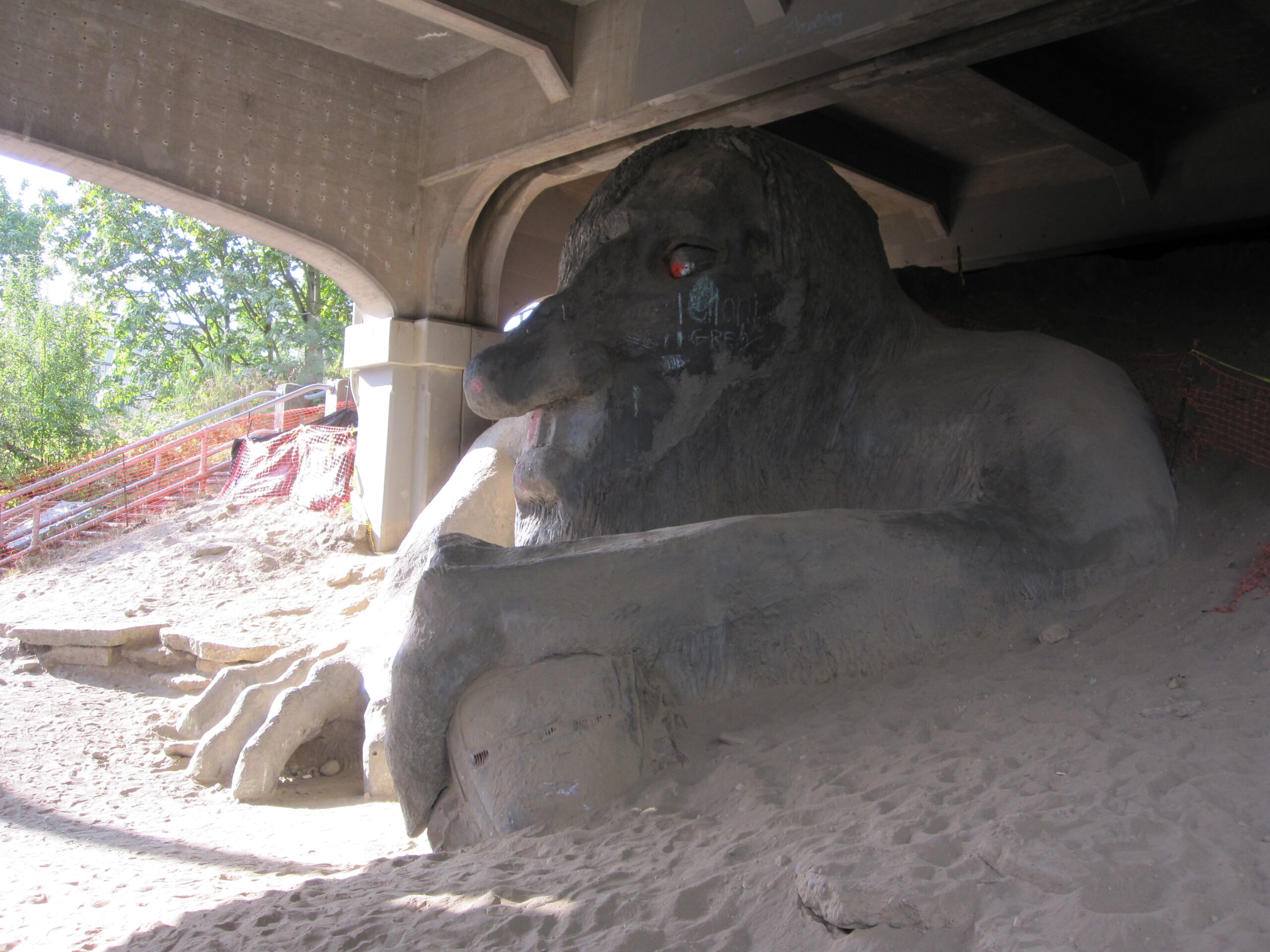
- The Troll under the Aurora Bridge
-
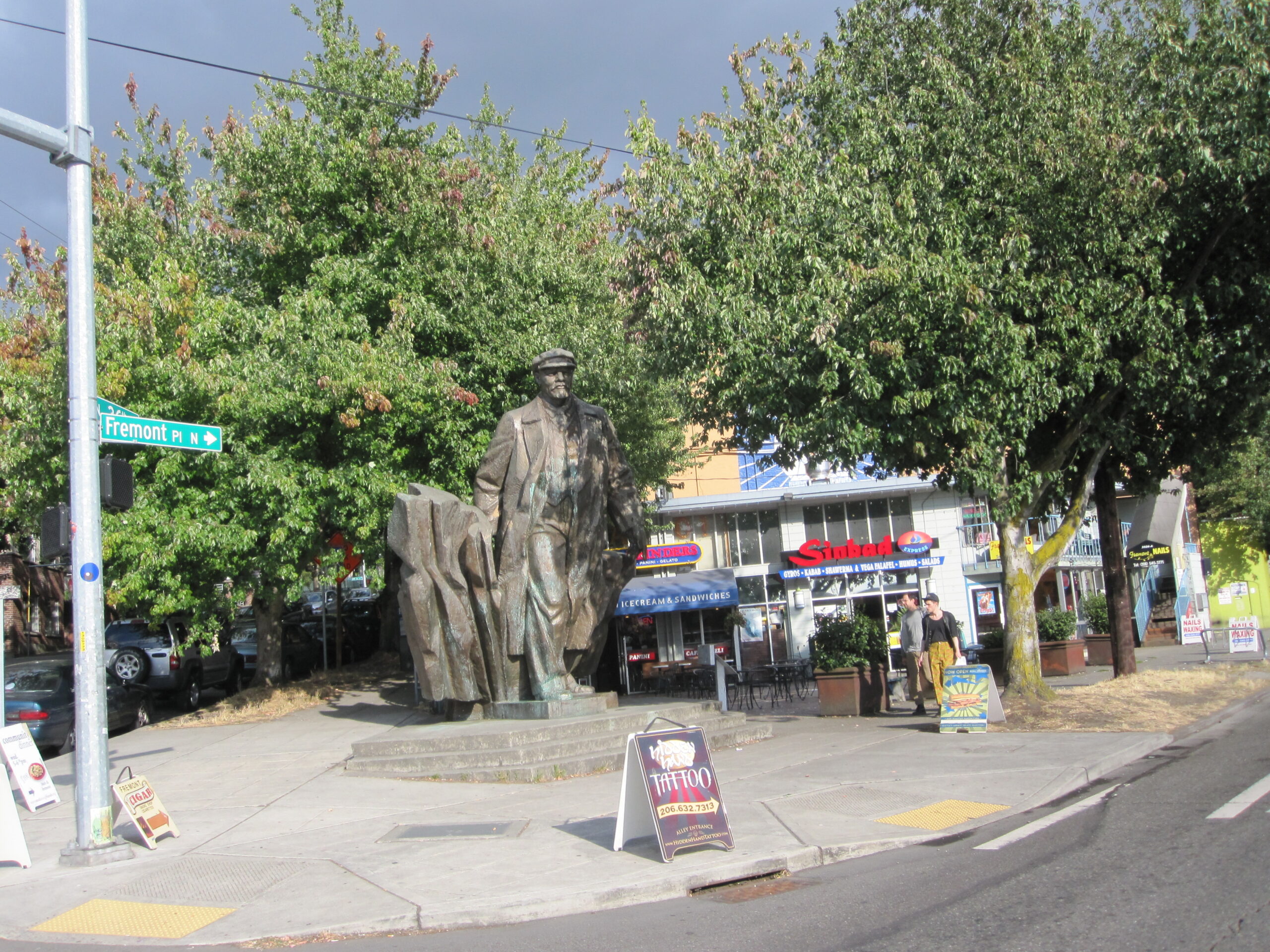
- Statue of Lenin in the Fremont neighborhood of Seattle
-
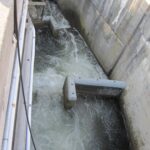
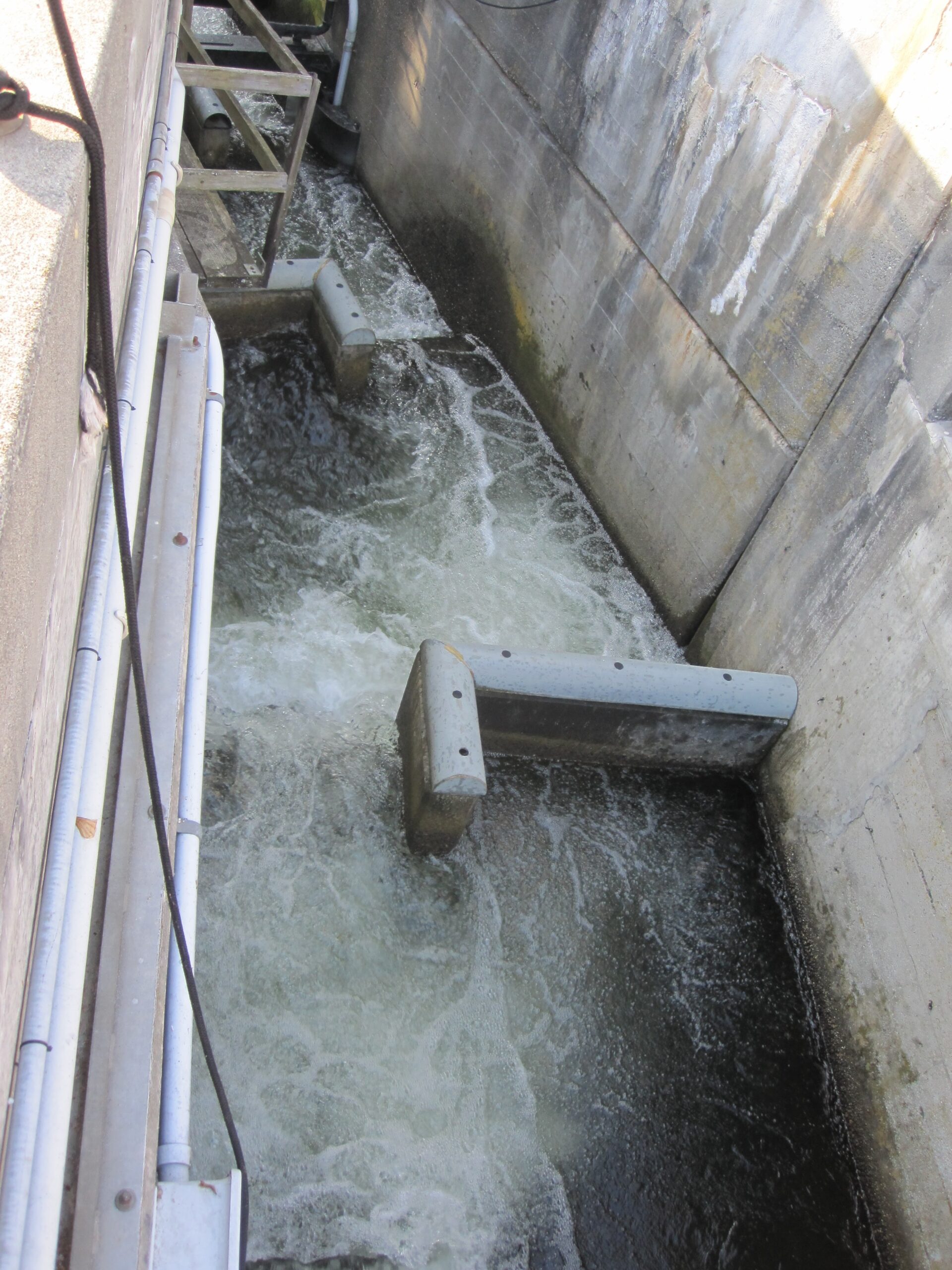
- The fish ladder at Ballard Locks
-
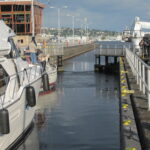
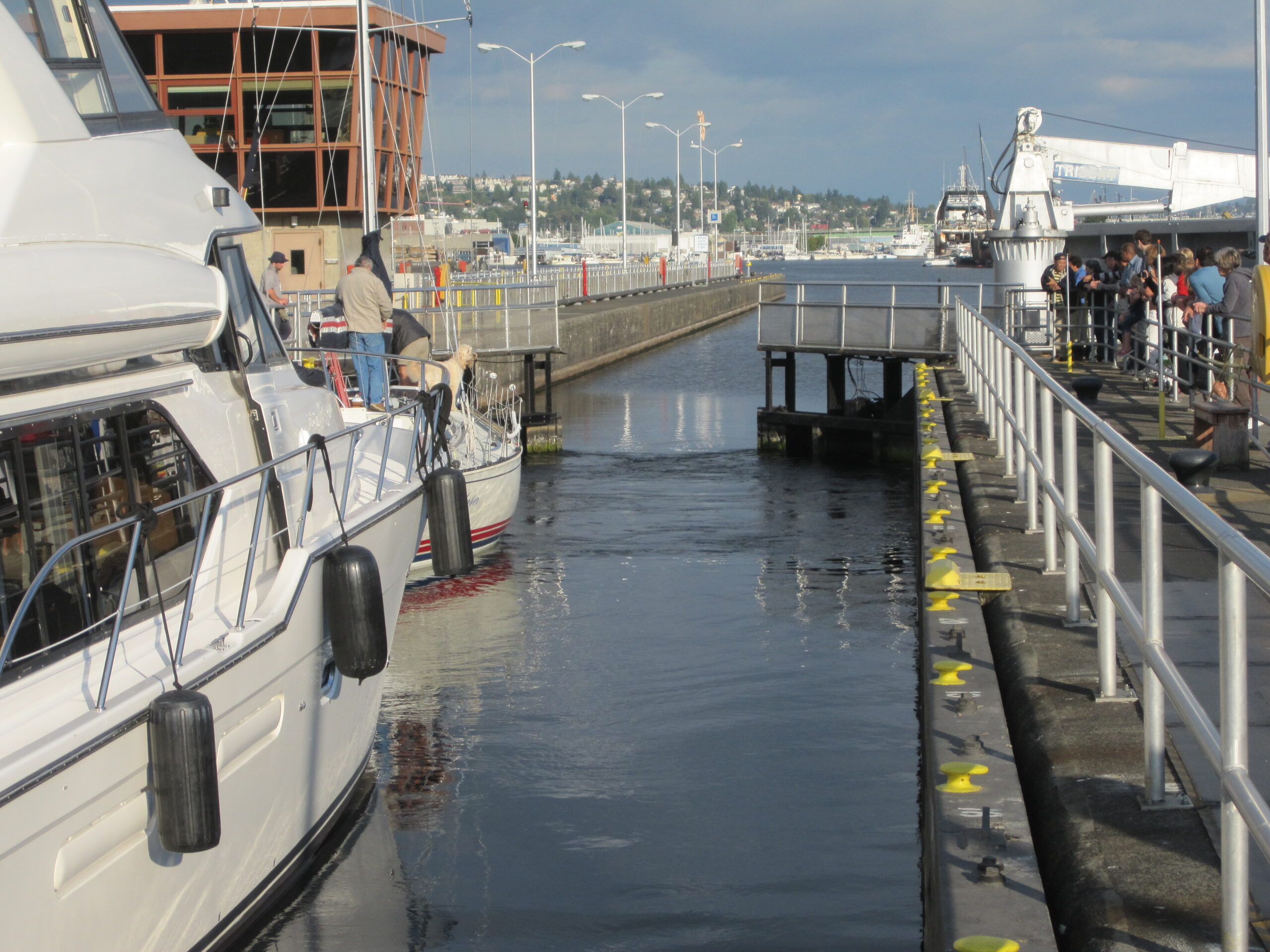
- One of the Ballard locks, for moving boats between the salt water of Puget Sound and the fresh water of Lake Union and Lake Washington
-

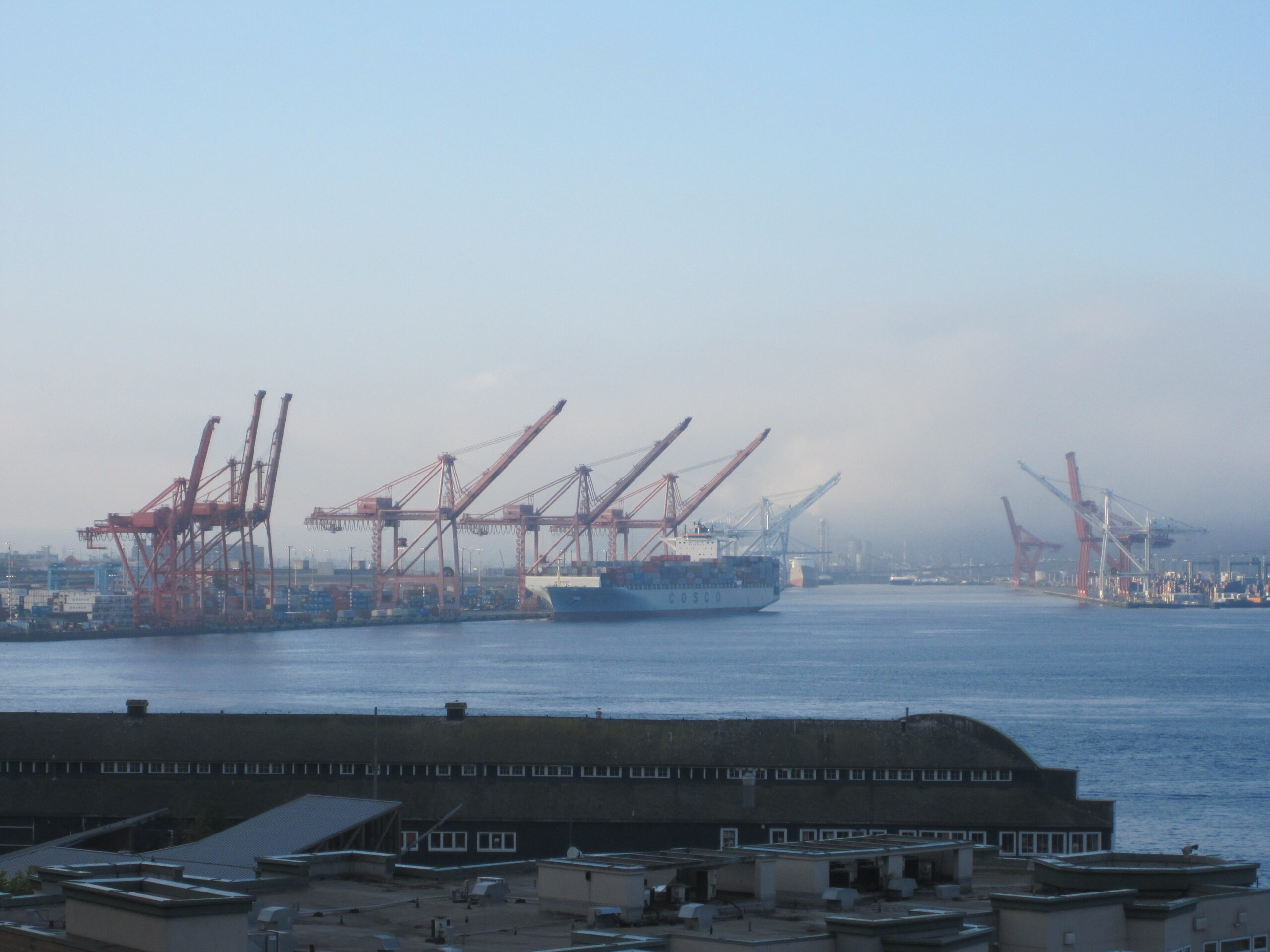
- View from Pike Place in the morning
-

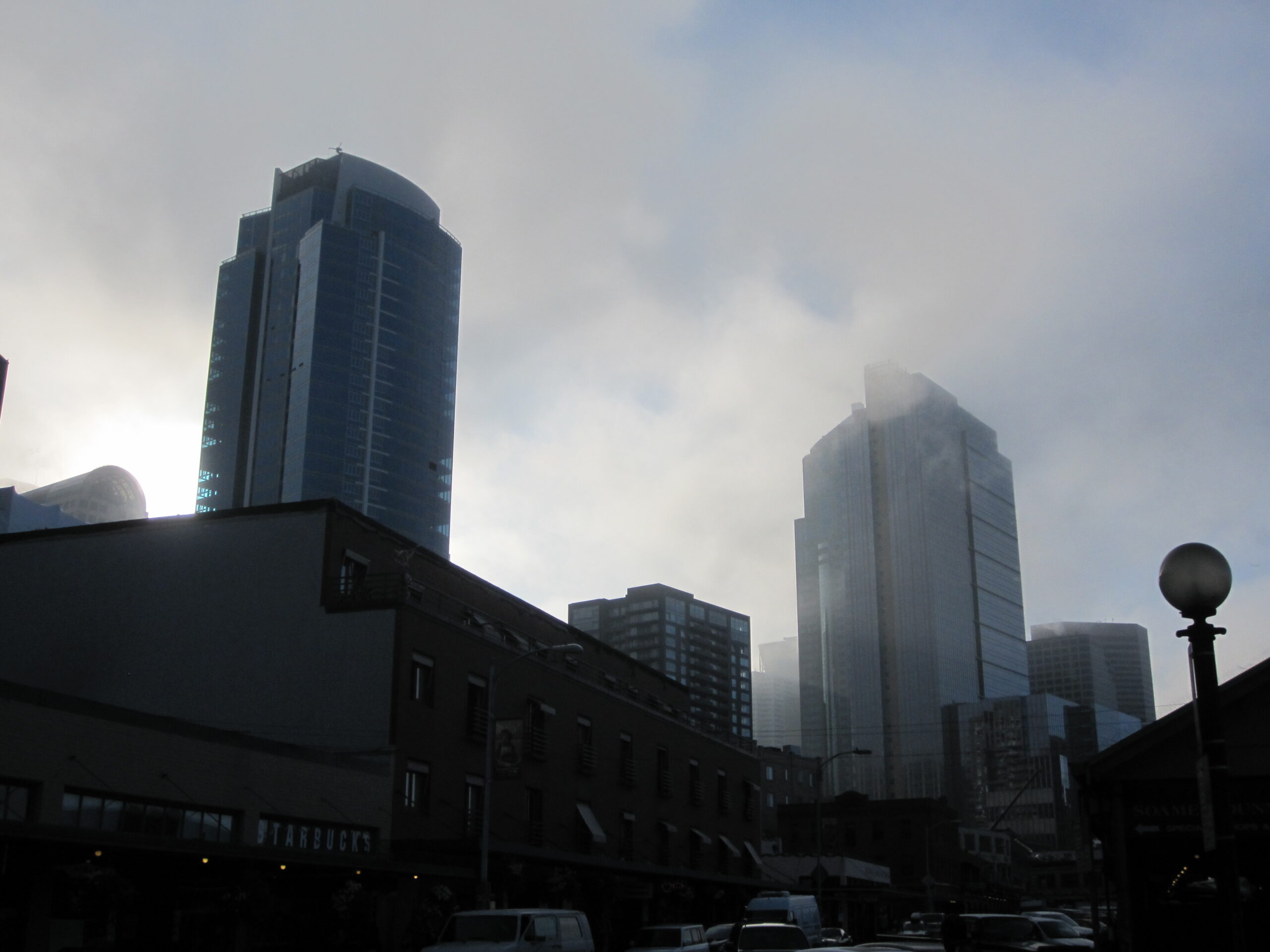
- View from Pike Place in the early morning
-
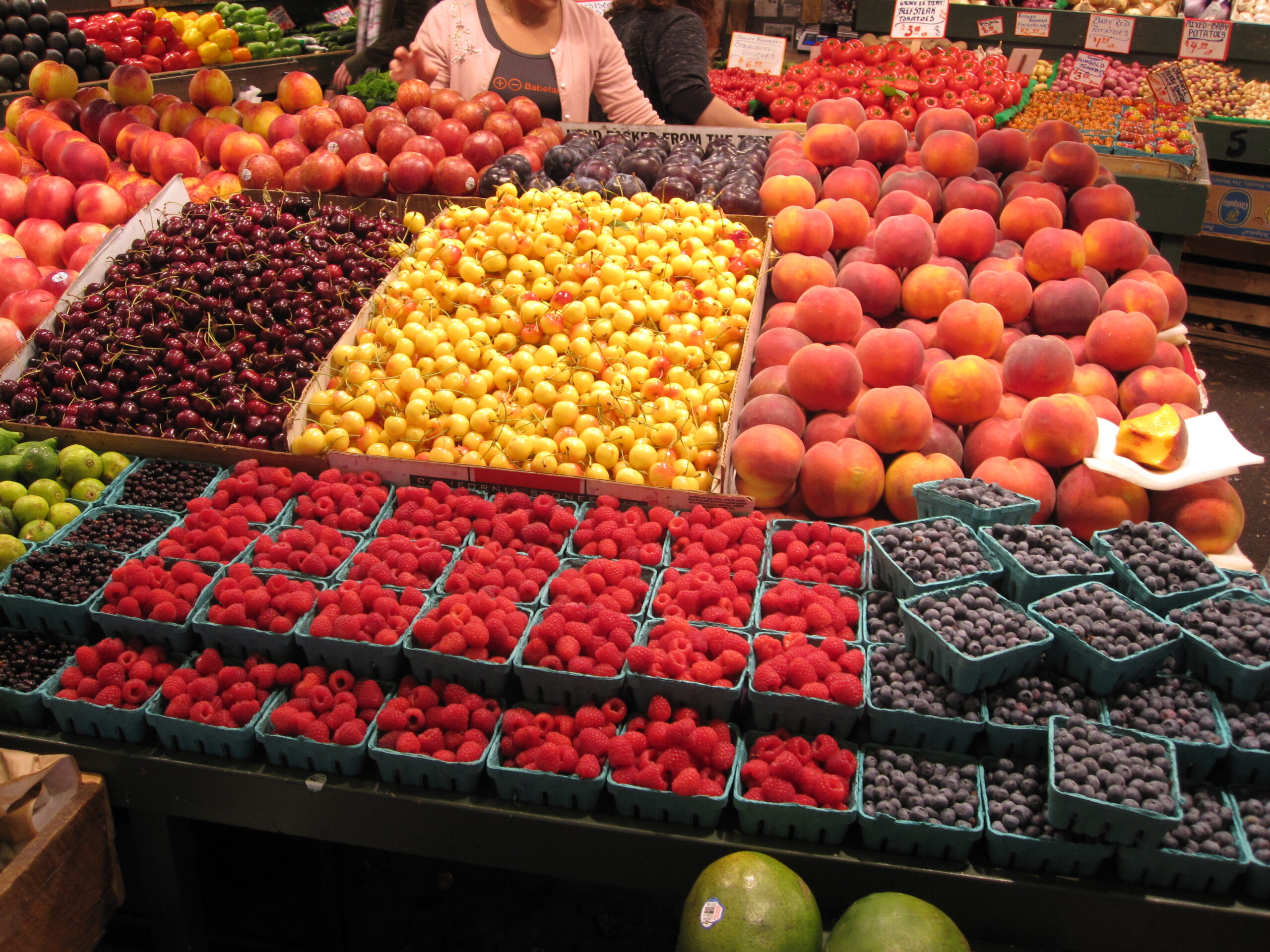
- Fresh fruit at Pike Place Market
-
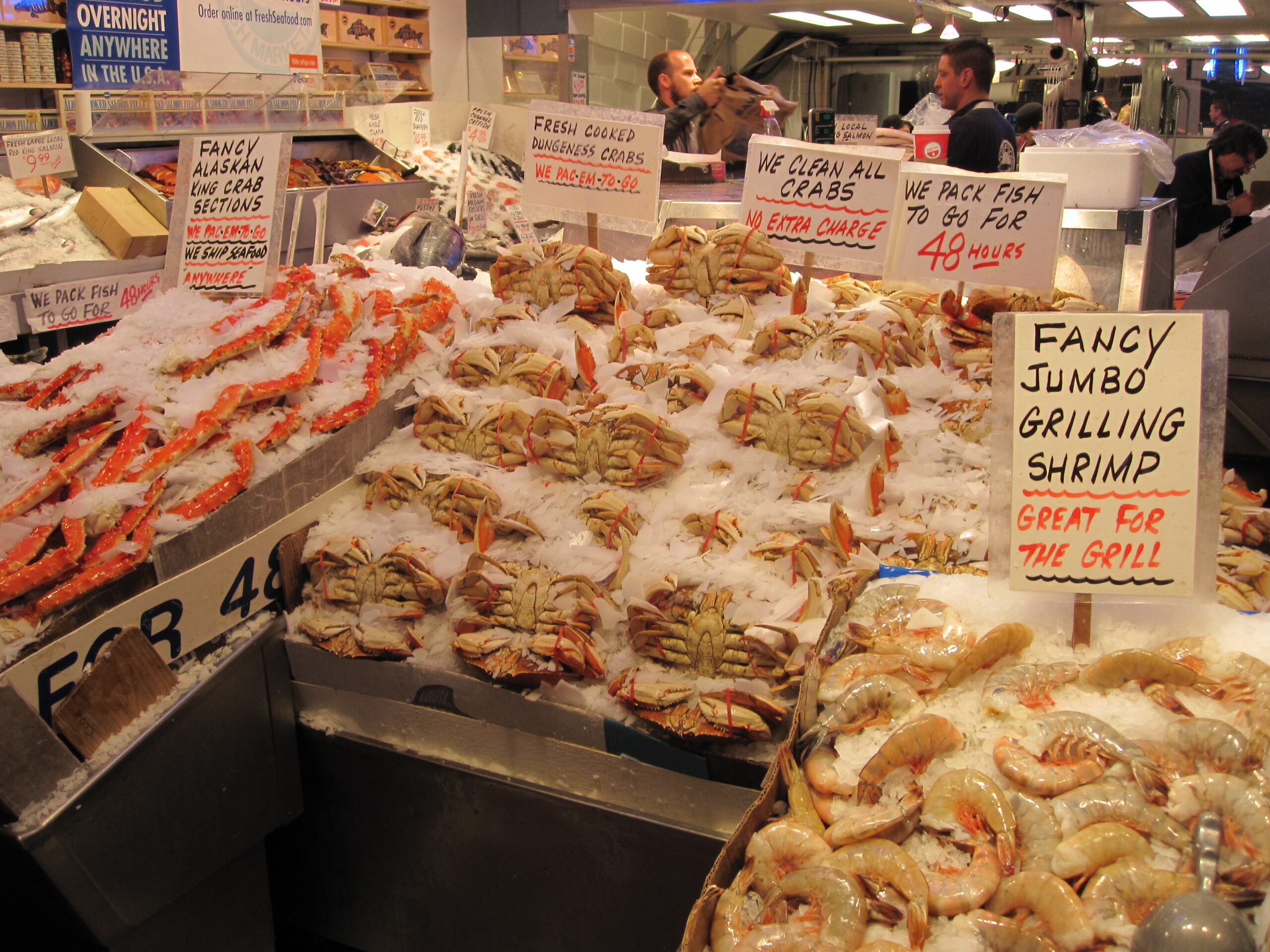
- Fresh seafood at Pike Place Market
-

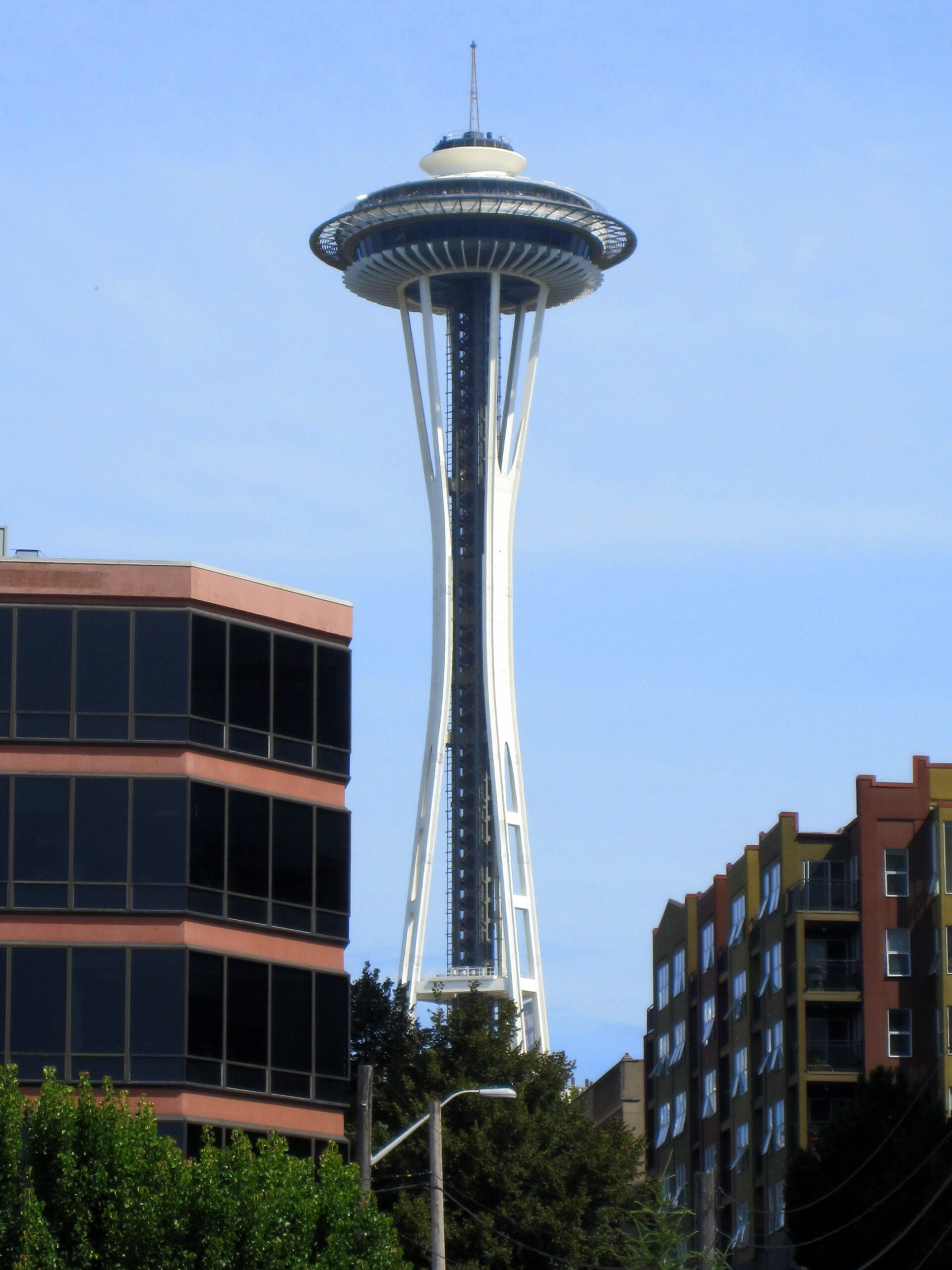
- Obligatory Space Needle photo
-
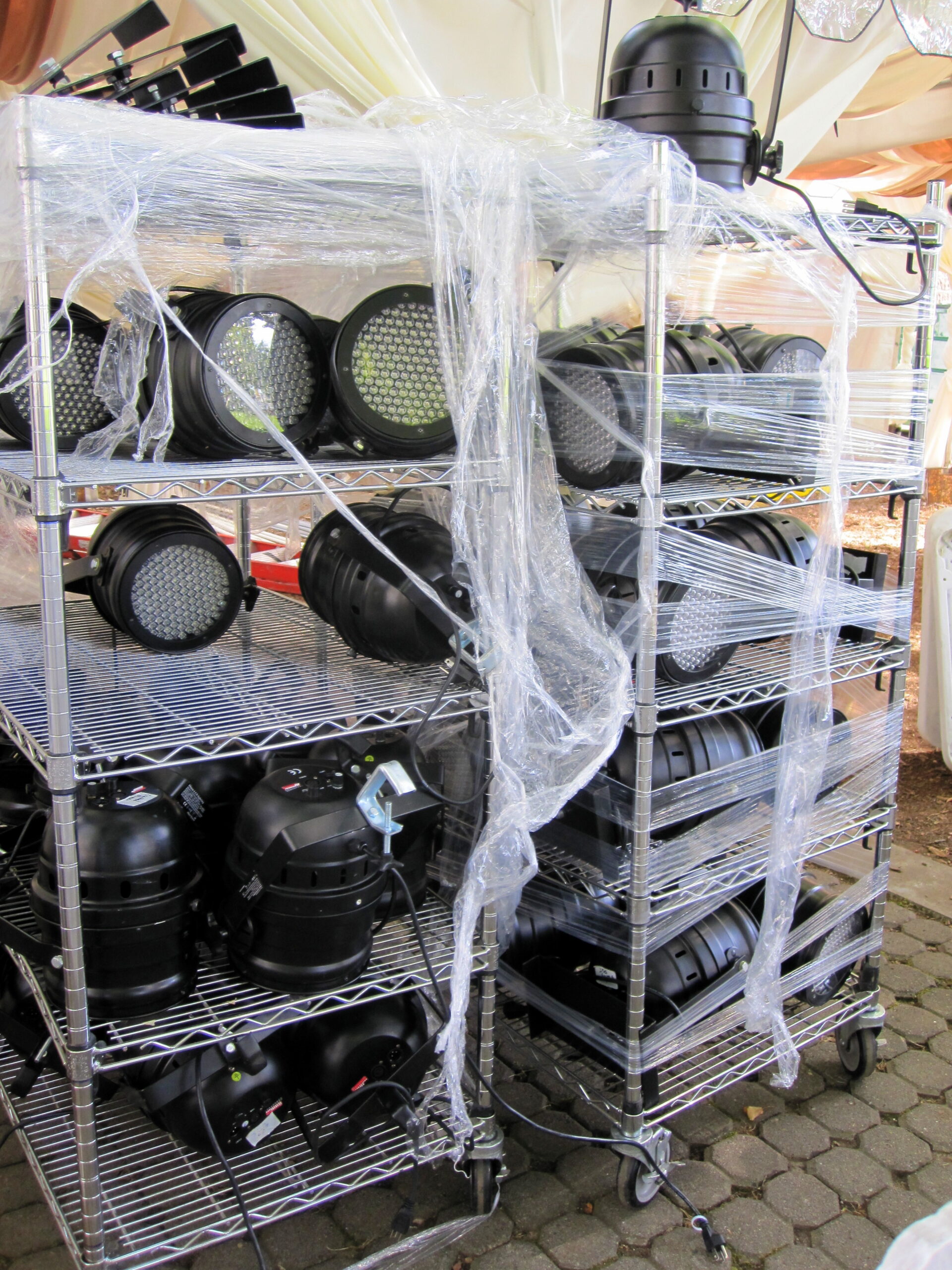
- Preperations for Bumbershoot at the Seattle Center
-
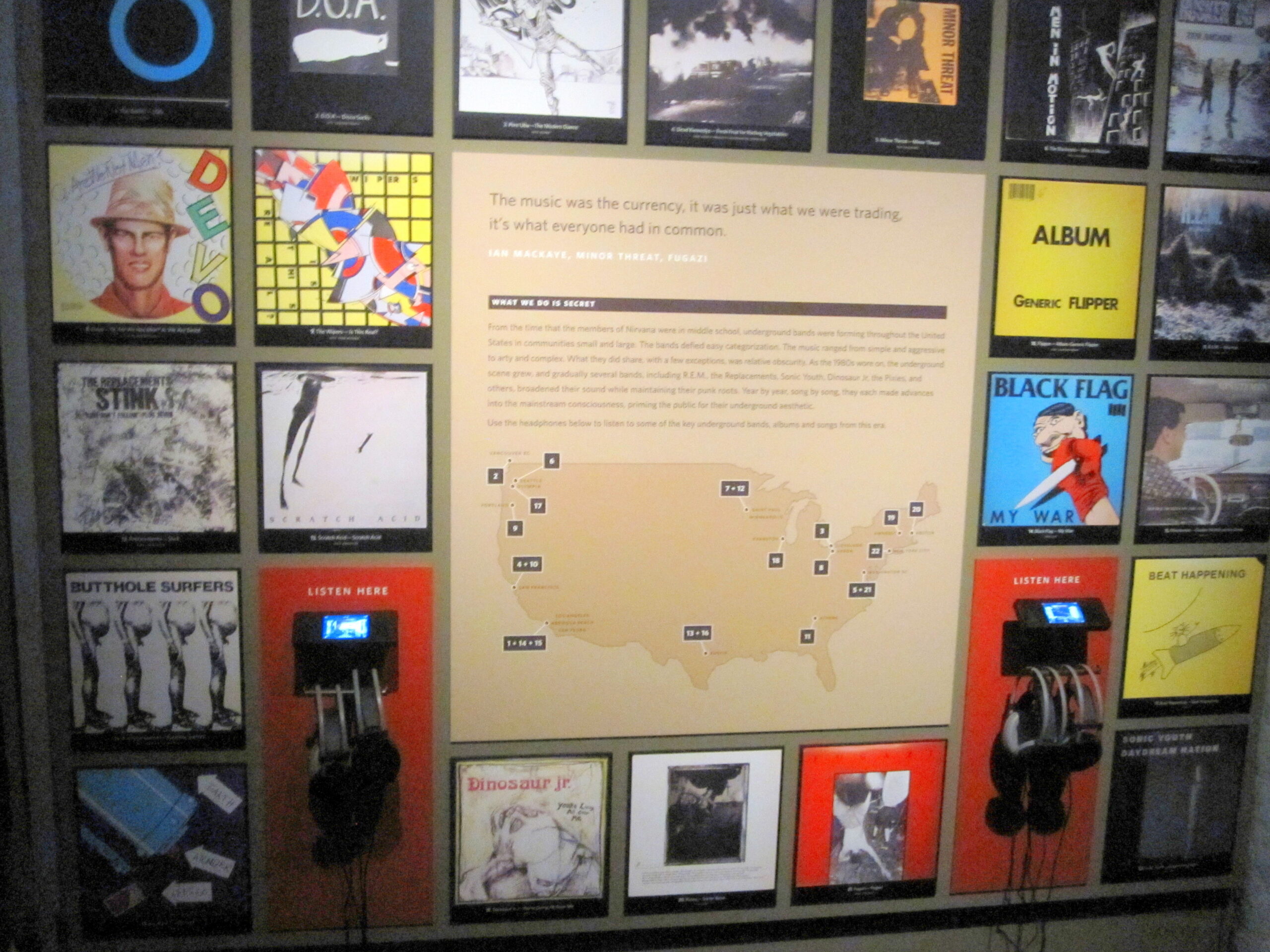
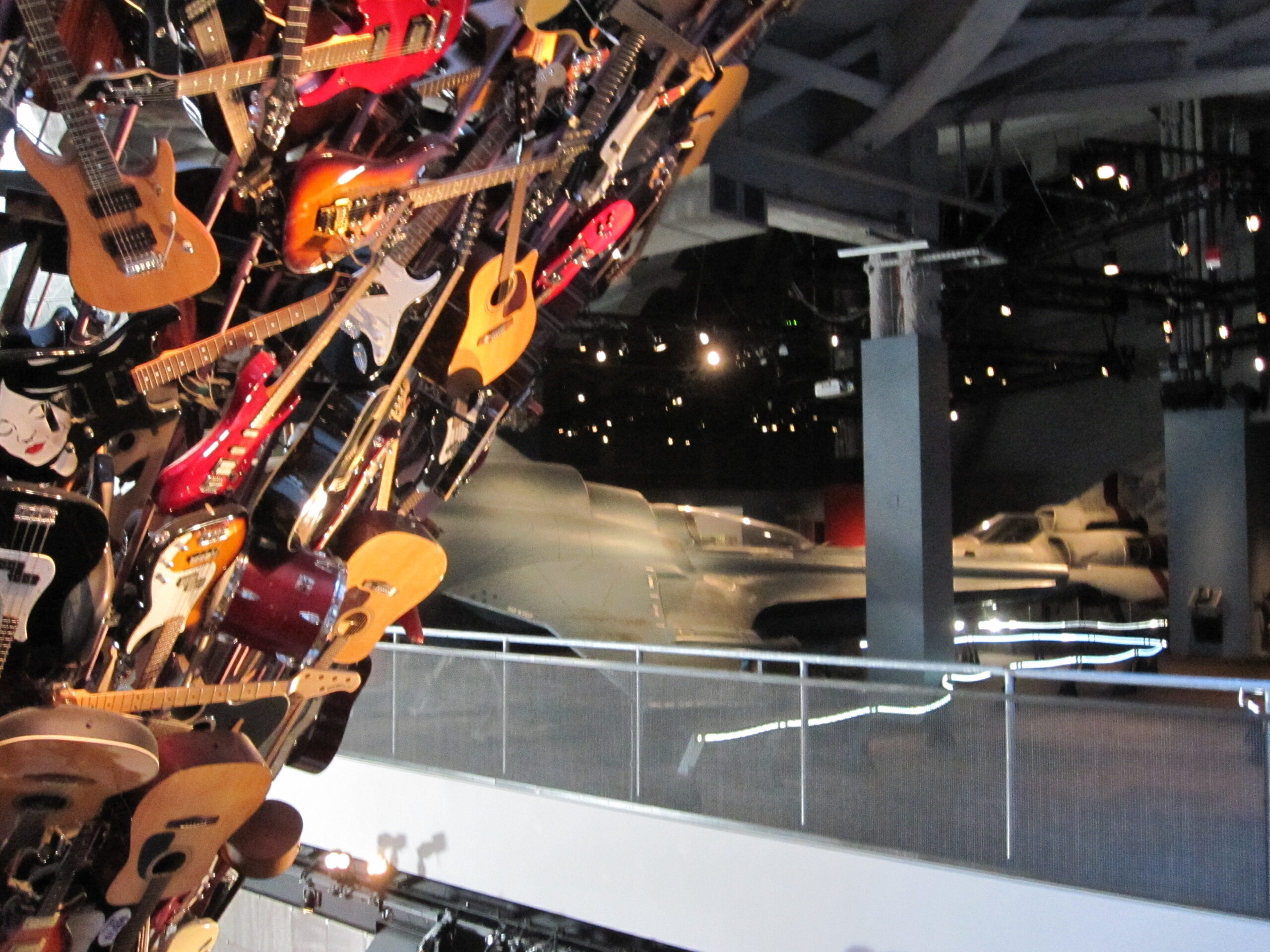
- A lot of my old favorites on this wall at the EMP Museum
-
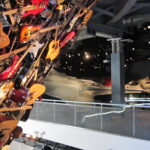
- Seattle’s EMP: Rock & Roll and Battlestar Galactica in one place – what more could you want?
-
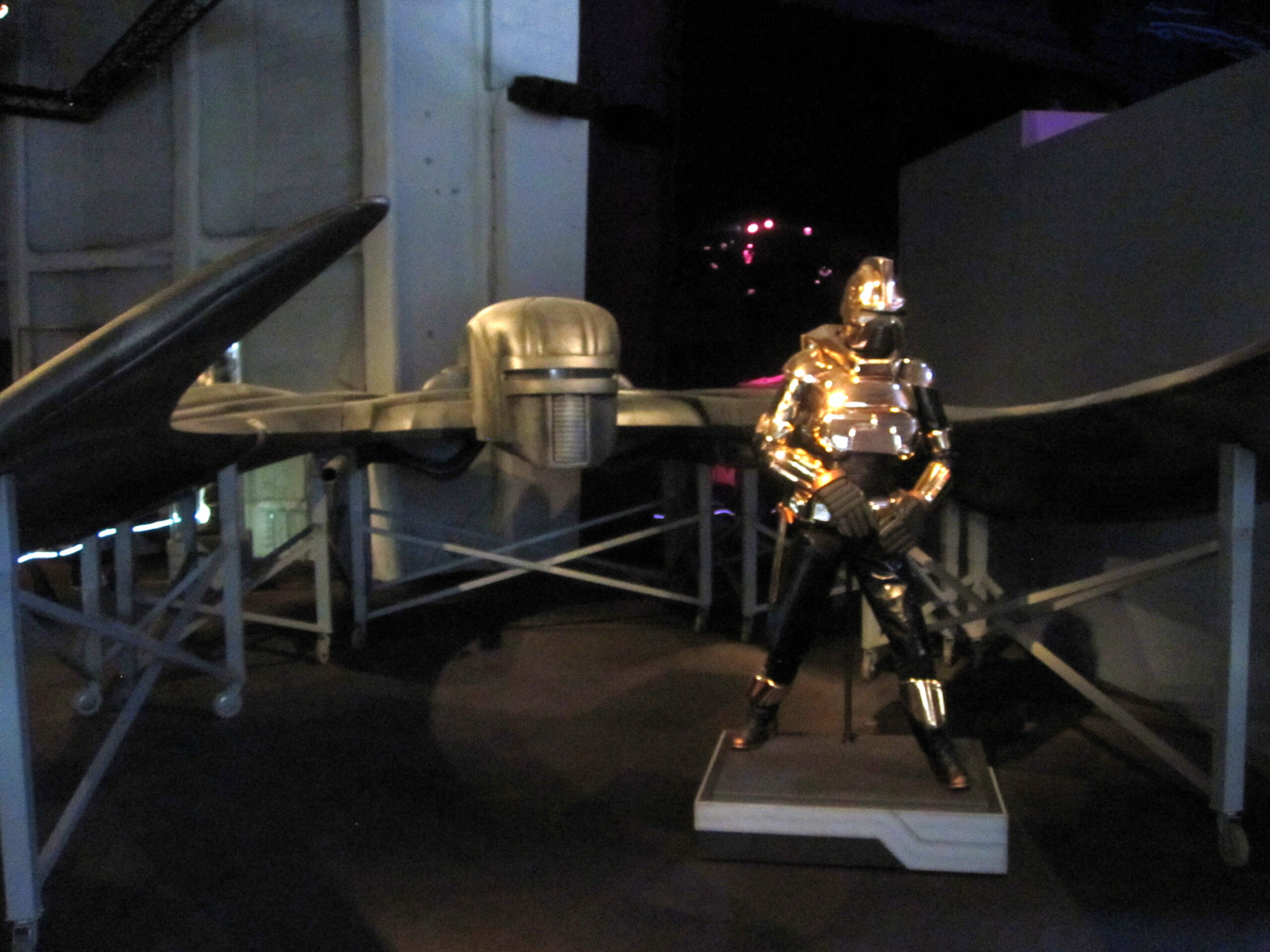
- Cylons!
-

- A viper from Battlestar Galactica

-

- Great infographic on Battlestar Galactica
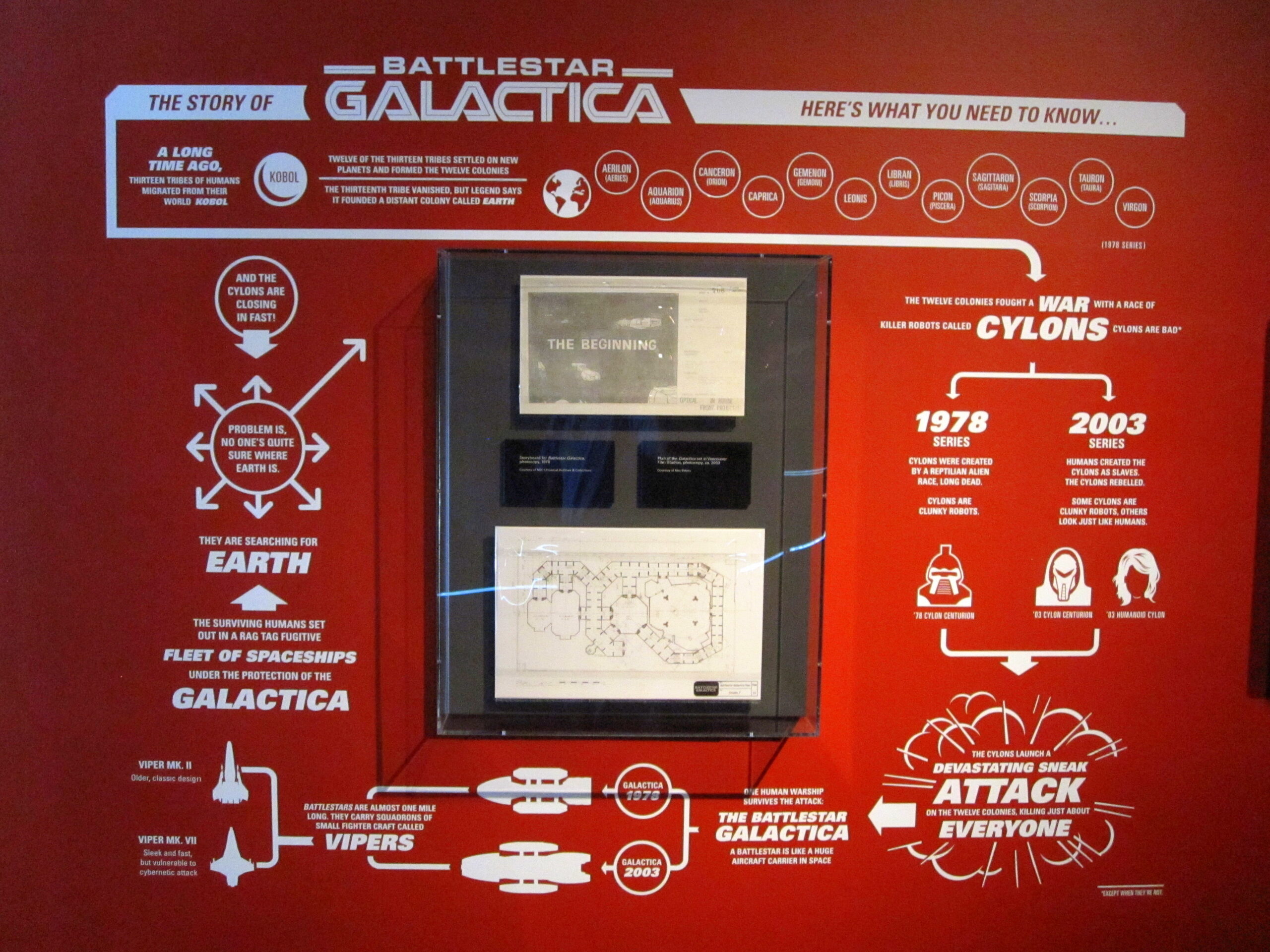
-

- A priceless William Shatner quote

-
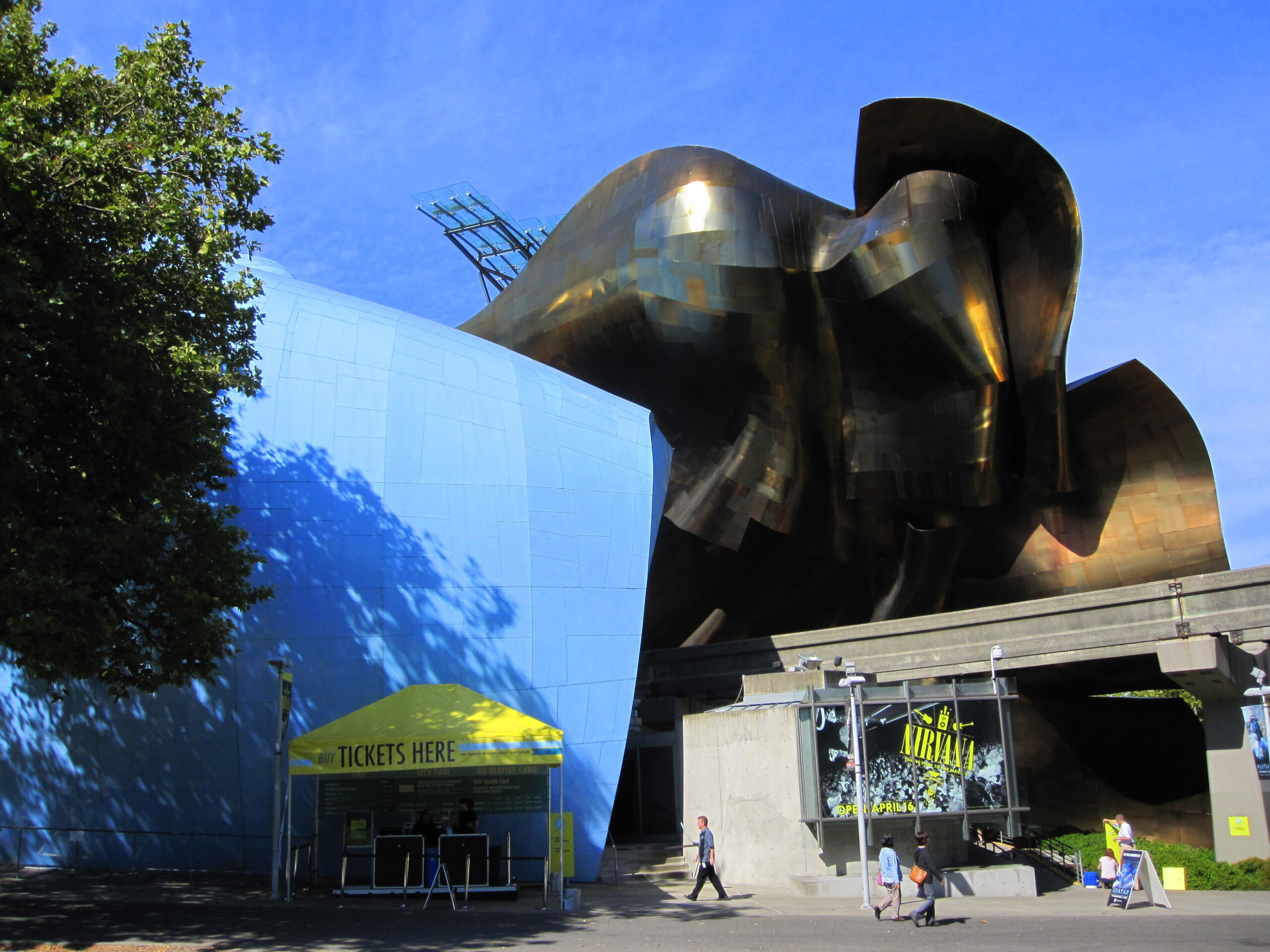
- The EMP Museum
-

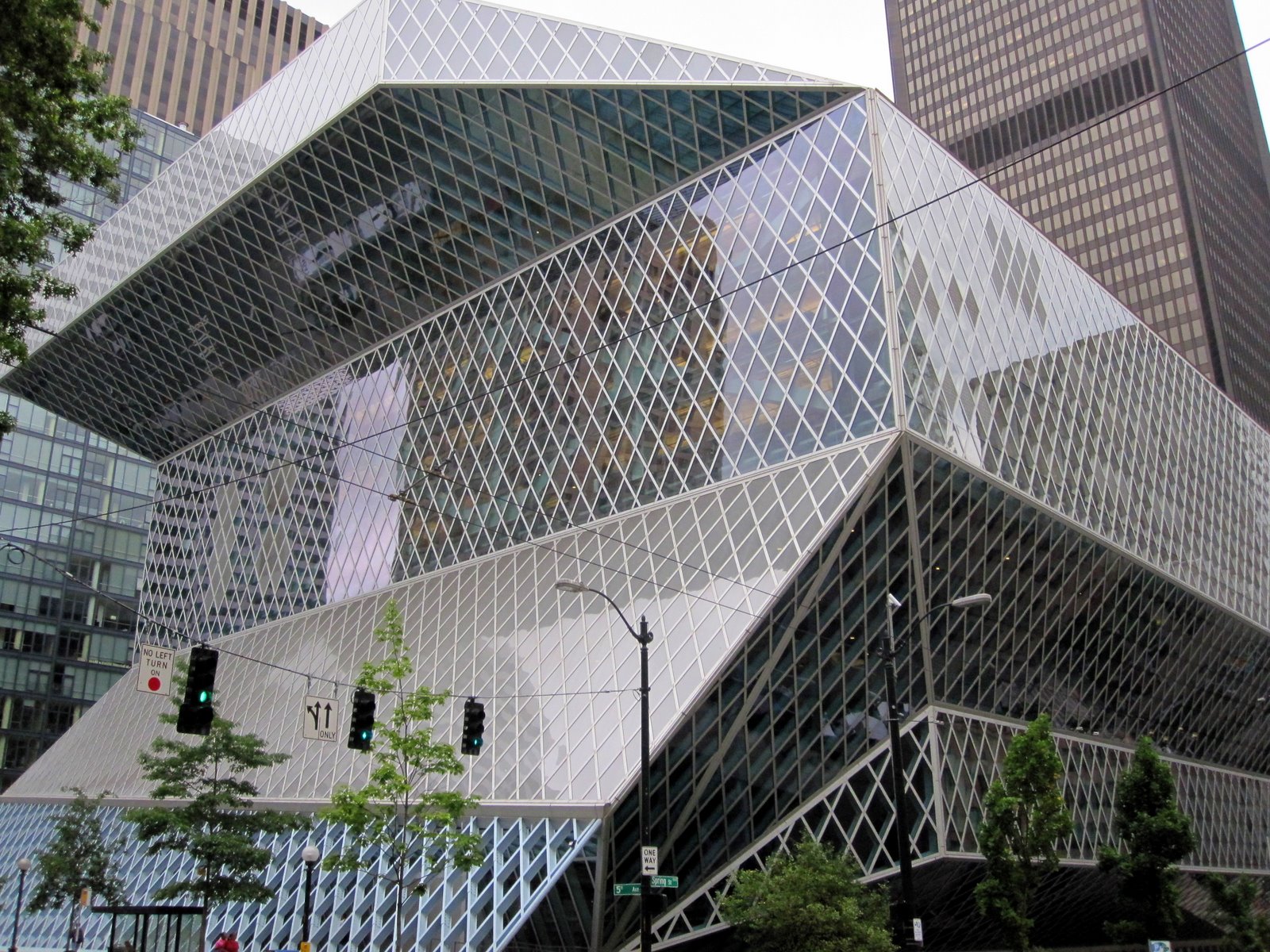
- The Seattle Public Library main building
-

- Maria and Mike in the Skyspace room at the Henry Art Museum
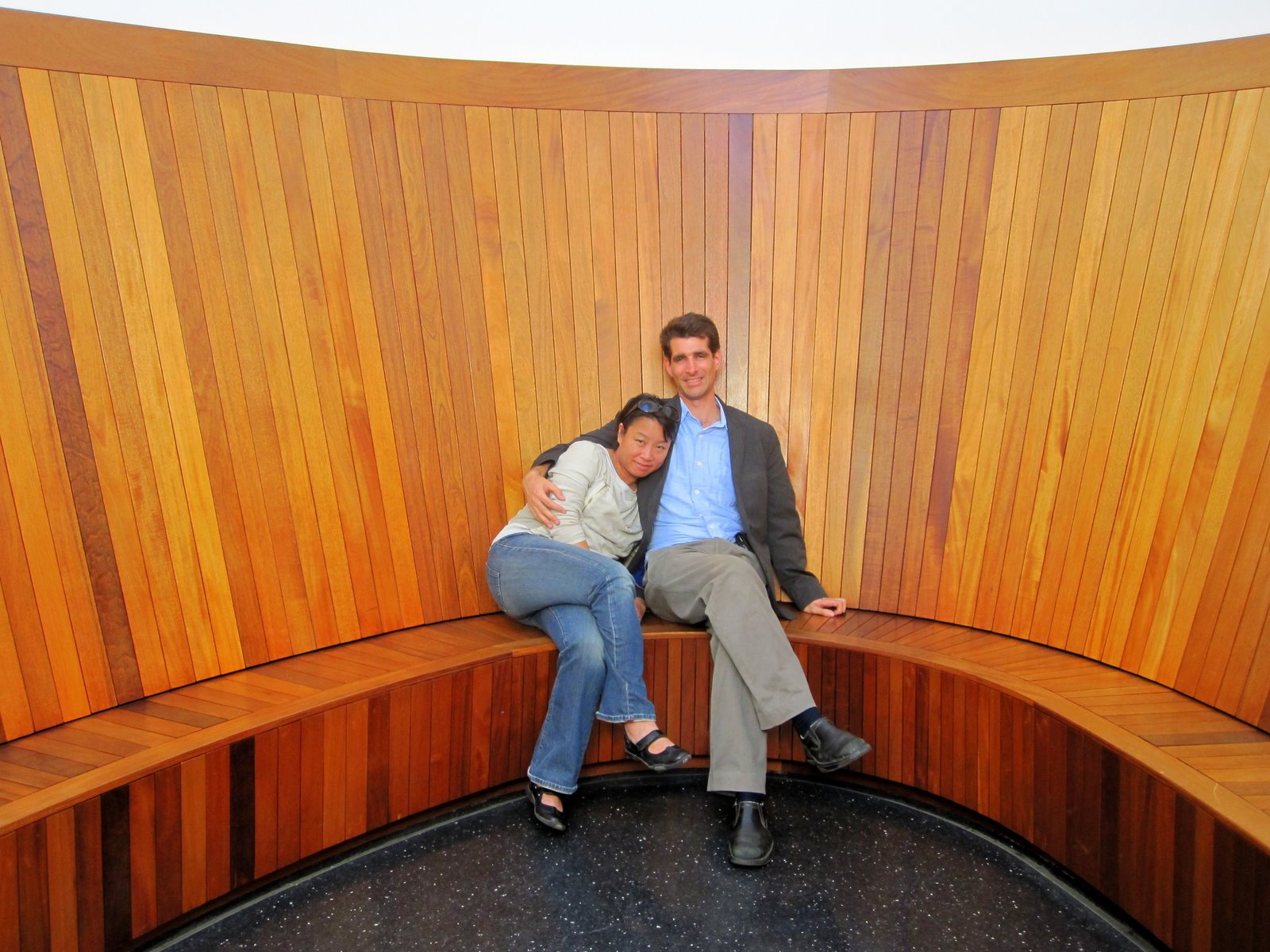
-

- Mike and Maria in the Skyspace room at the Henry Art Museum
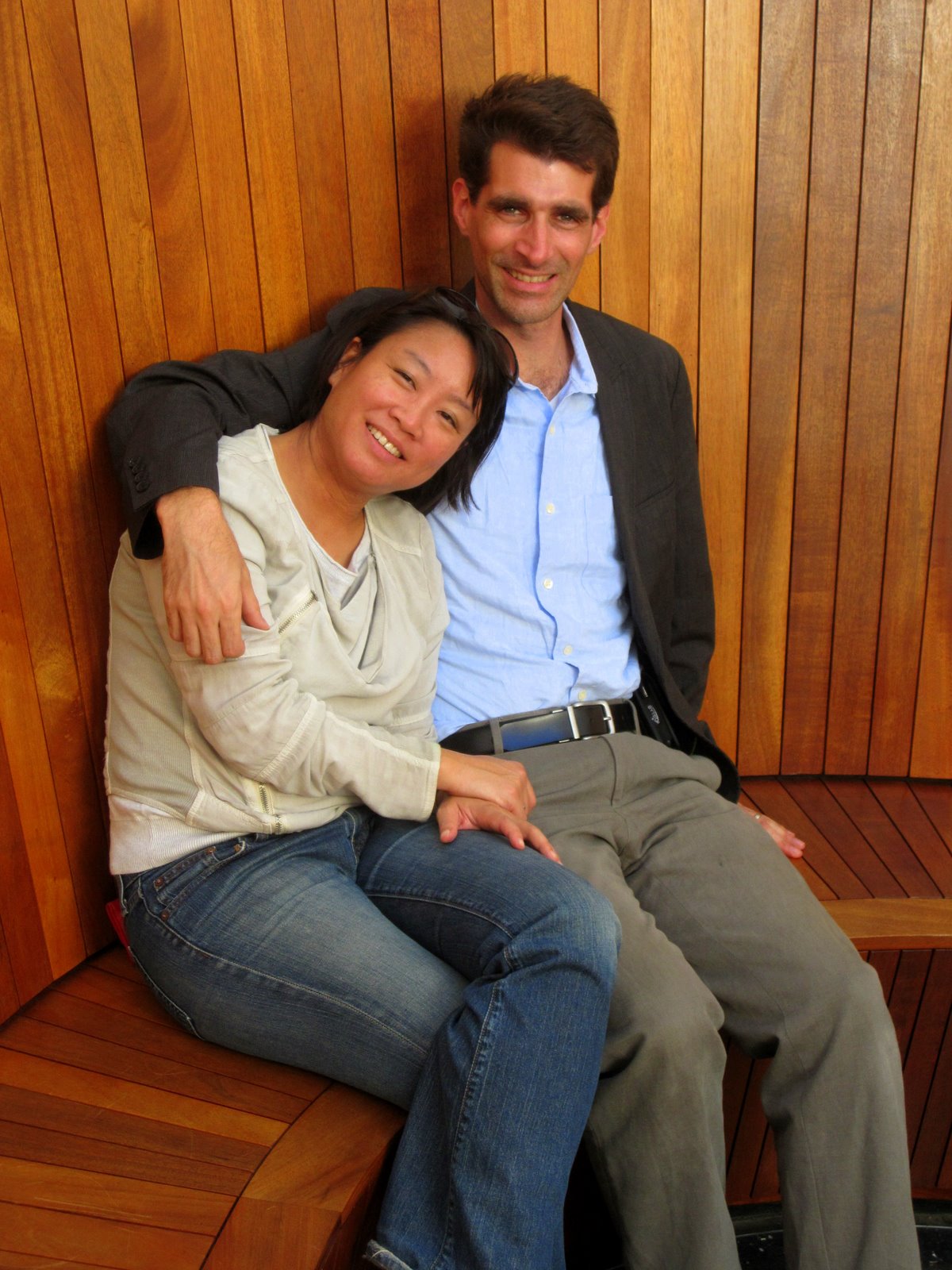
-
- Maria, Jay, and Desiree in the Skyspace room
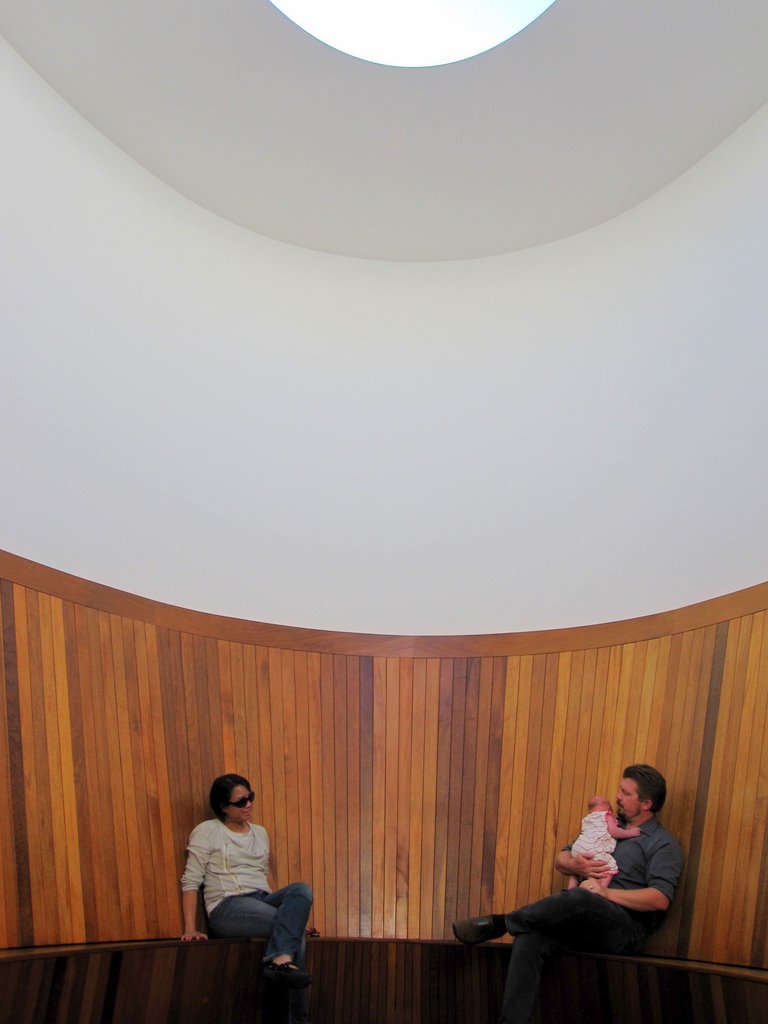
-

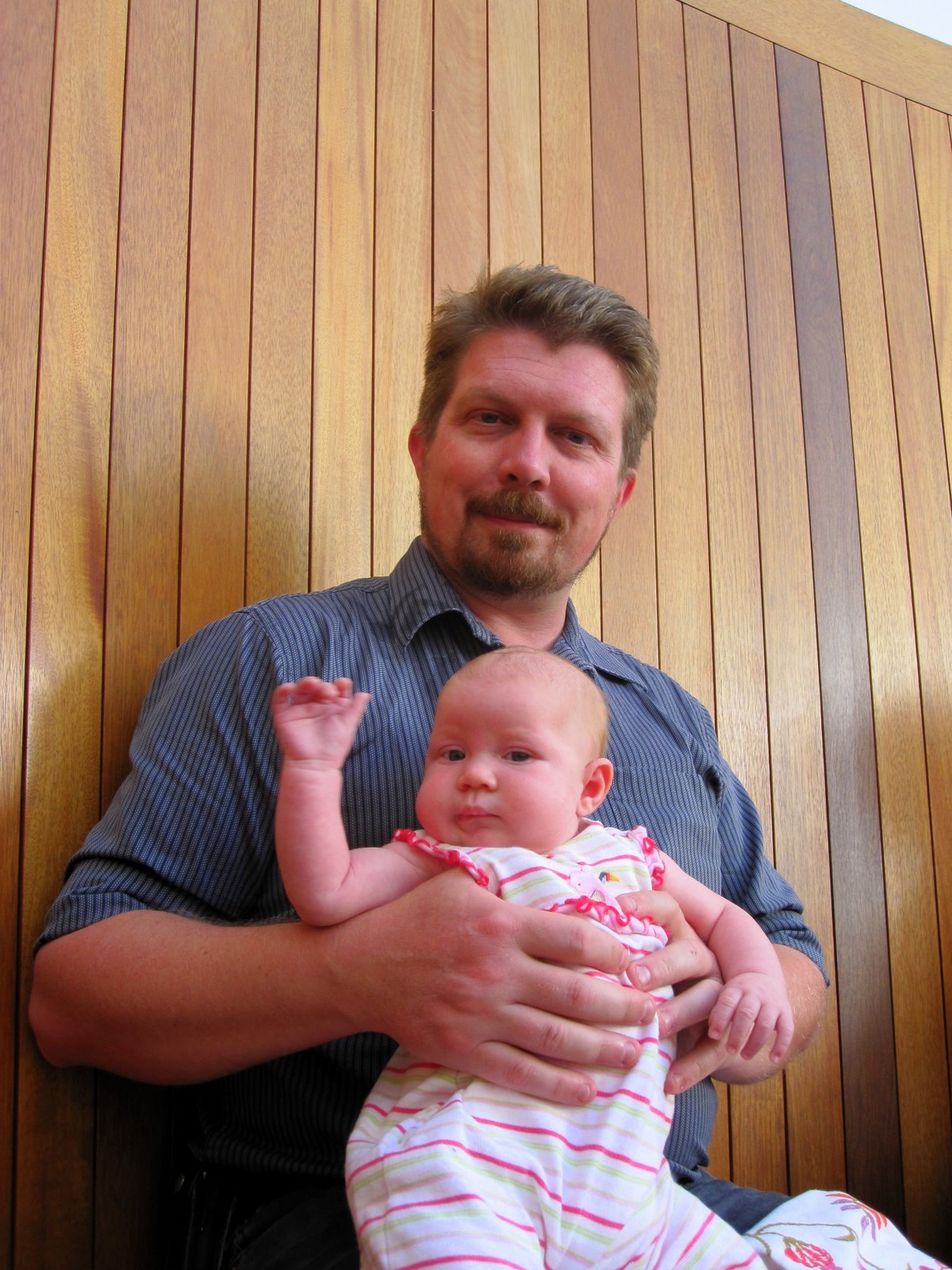
- Jay with his 7 week old daughter Desiree
-

- View through the open ceiling of the Skyspace room

-
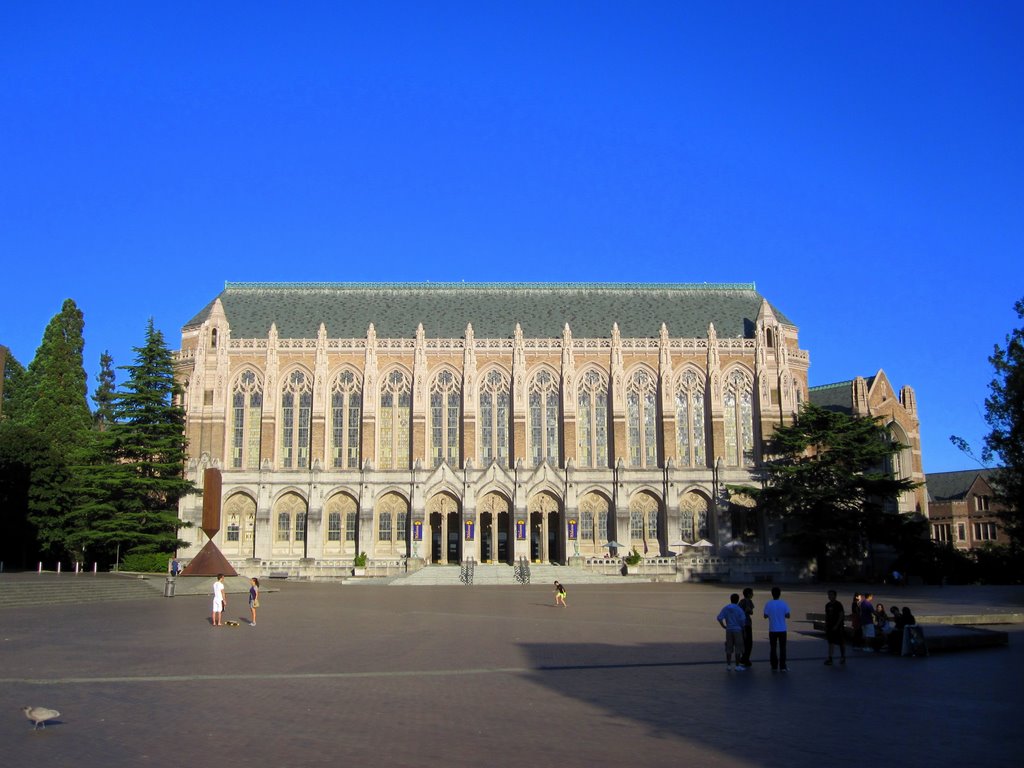
- The University of Washington main campus
-

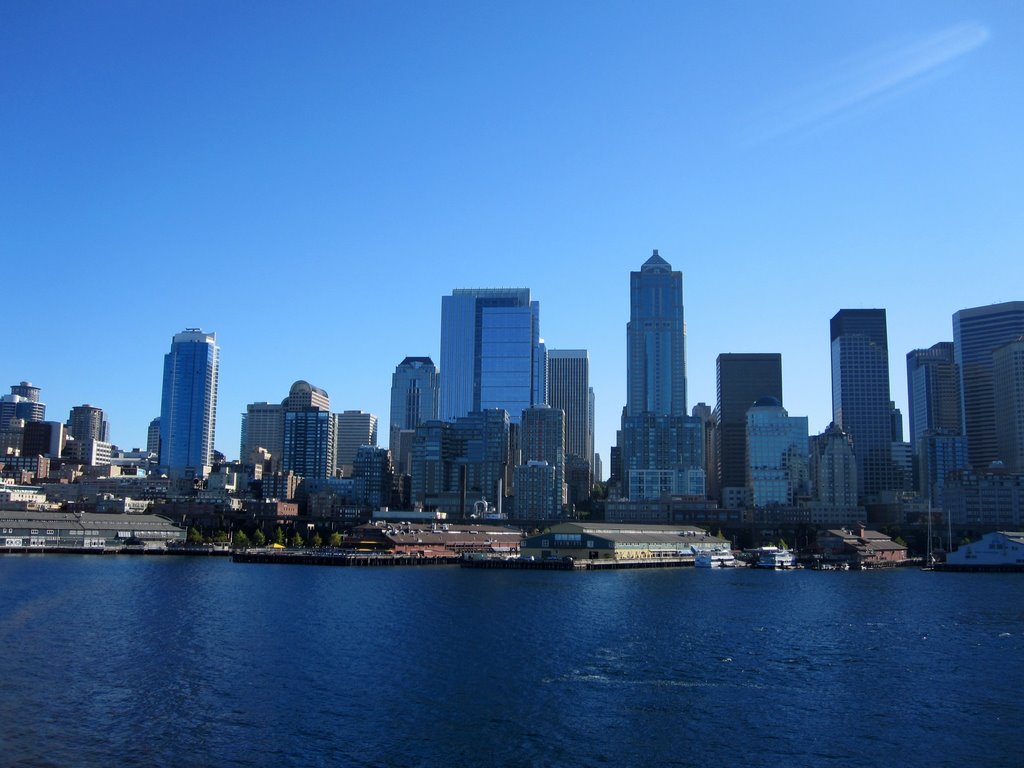
- Seattle from the ferry
-
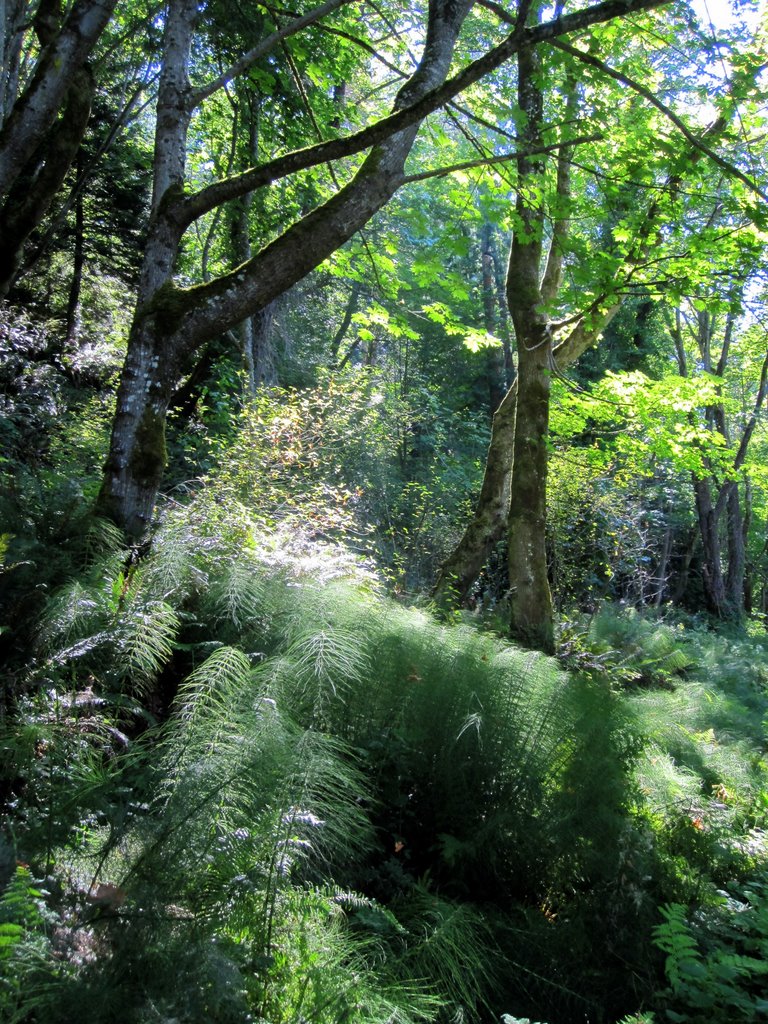
- The woods in Fort Ward State Park
-
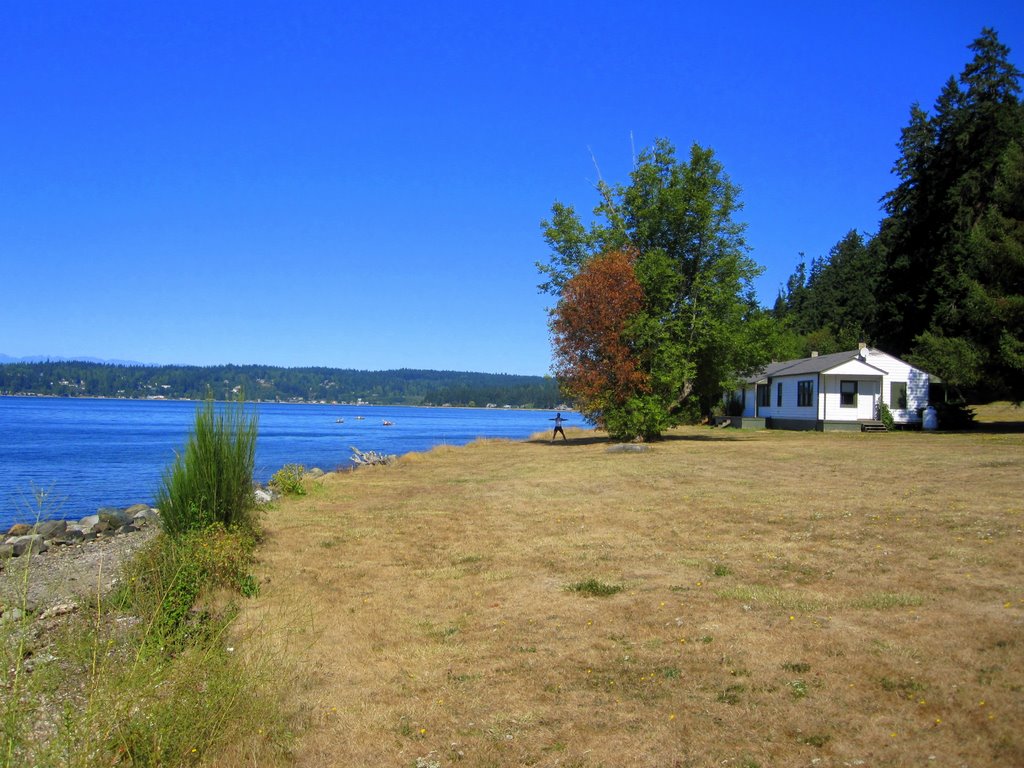
- Fort Ward State Park
-

- Fort Ward State Park
-
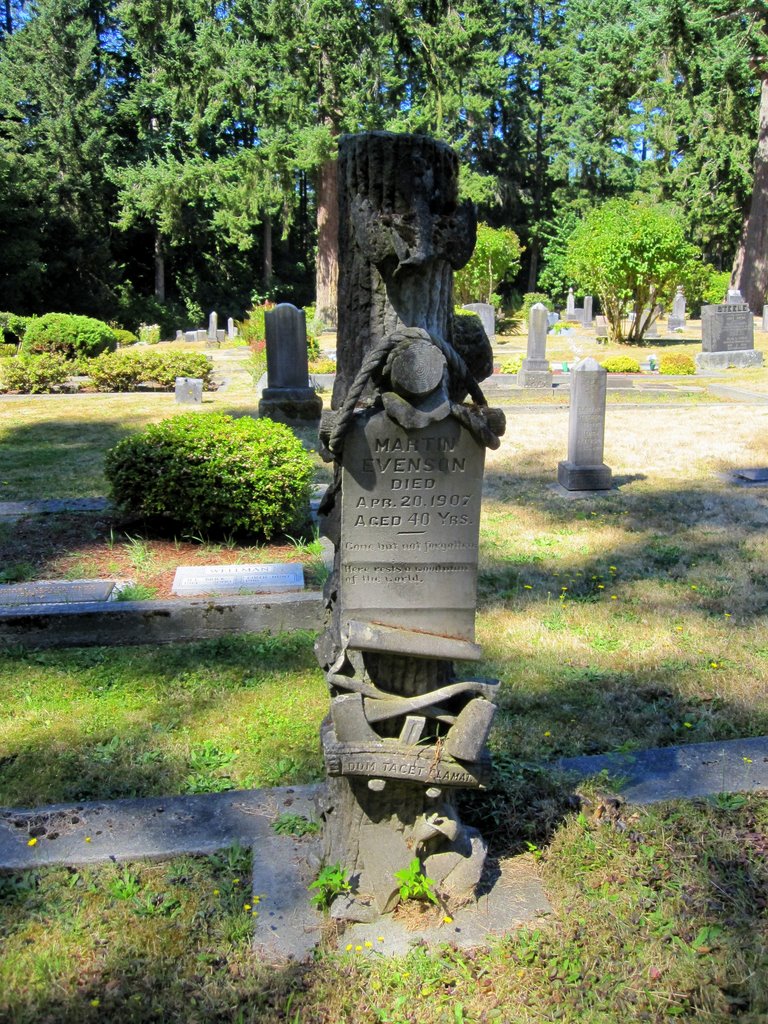
- Port Blakely Cemetery “Here Rests a Woodman of the World”
-
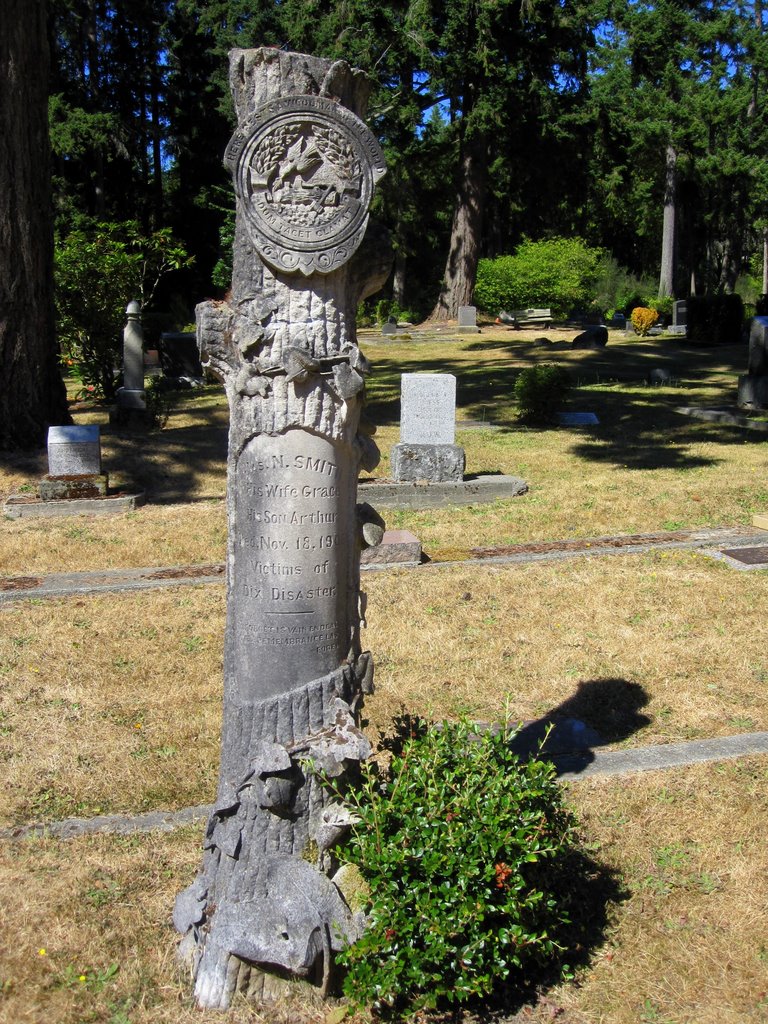
- Port Blakely Cemetery – a family that died together – “Victims of Dix Disaster”
-
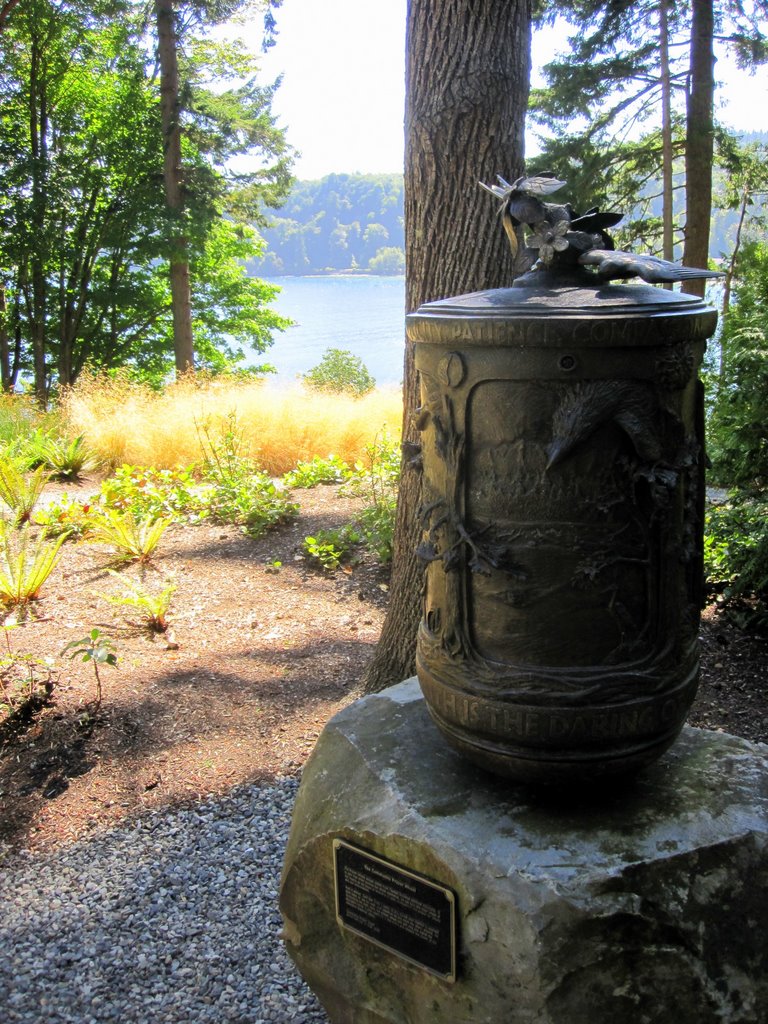
- A Buddhist prayer wheel on the side of a road on Bainbridge island
-
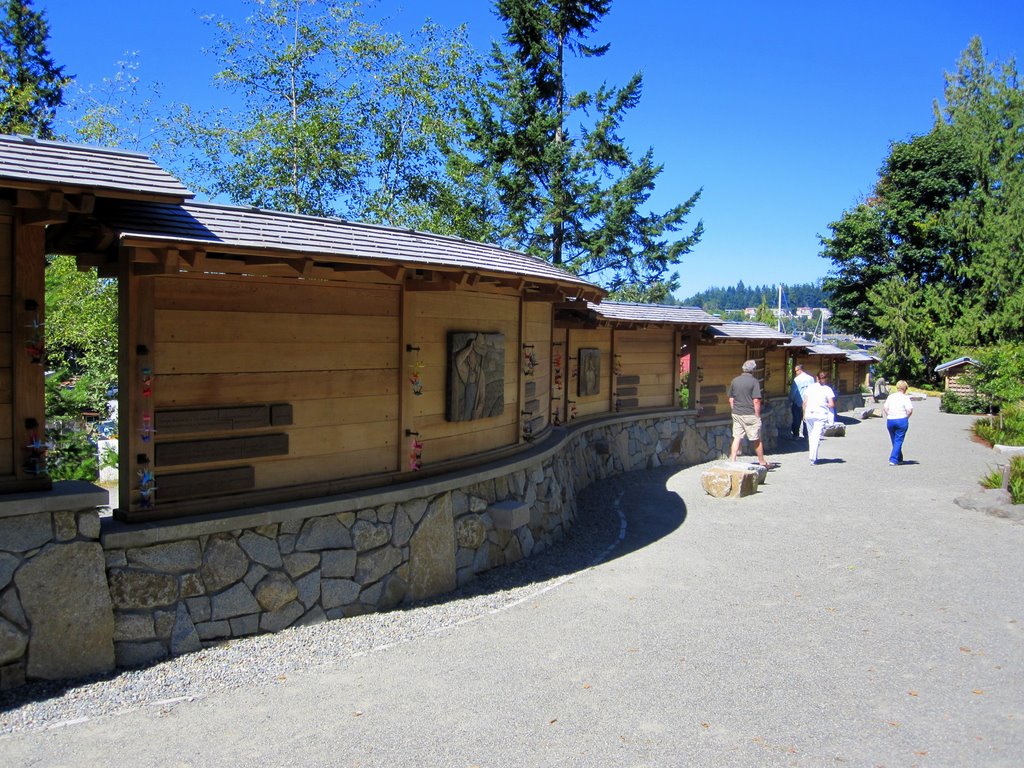
- The Japanese American Exclusion Memorial
-
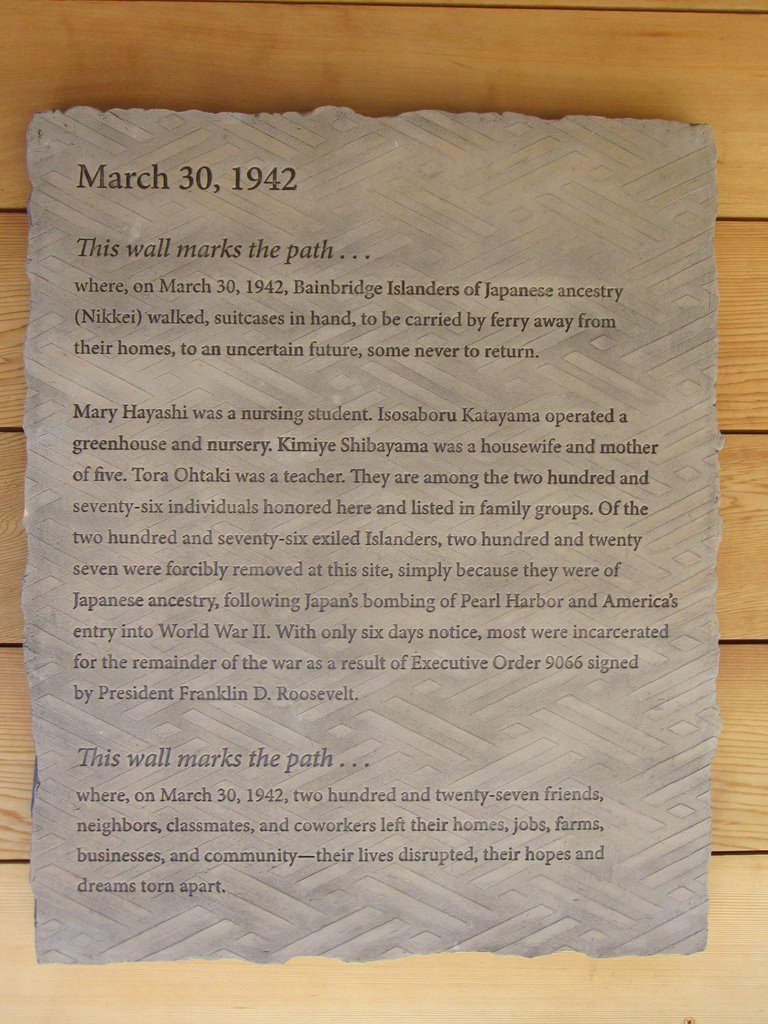
- The Japanese American Exclusion Memorial
-

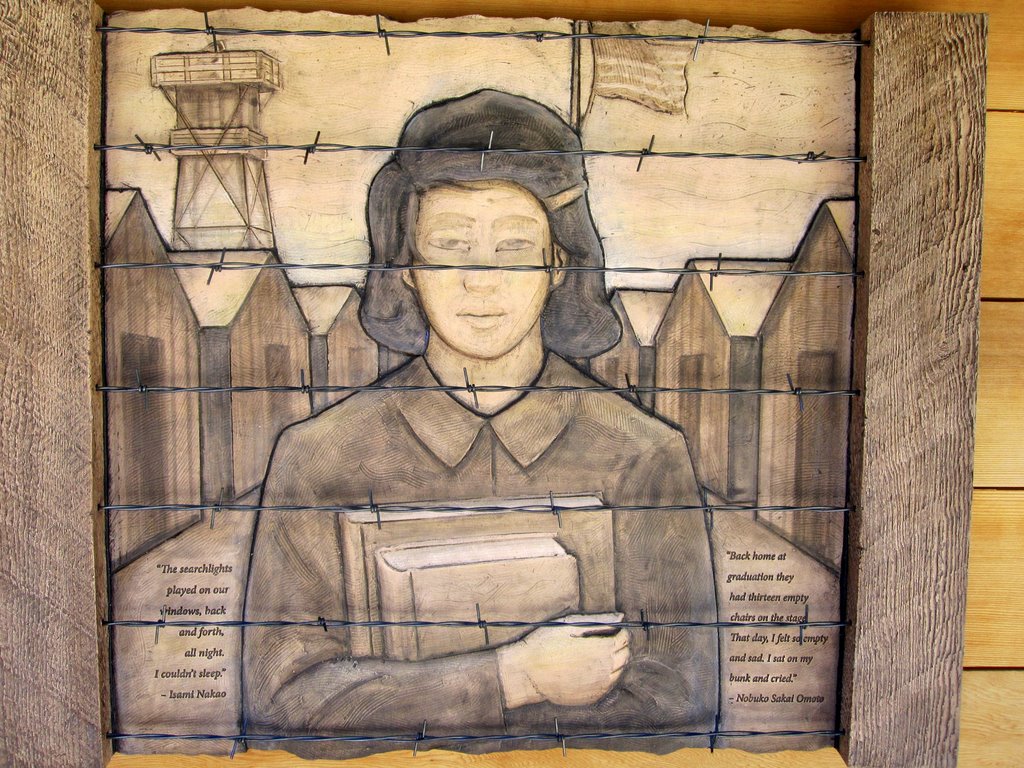
- One of the wood block carvings at the Japanese Exclusion Memorial
-

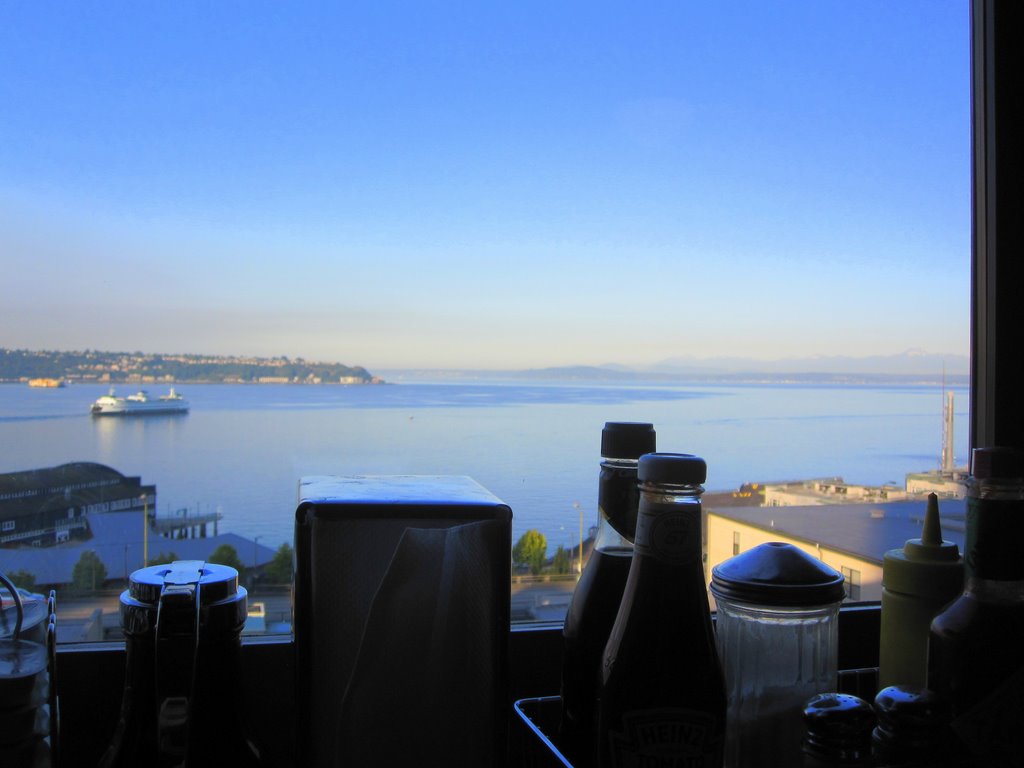
- View from Lowell’s Restaurant
-

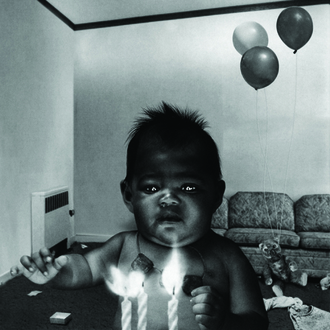
- Digital Eye exhibition at the Henry Art Museum: Simen Johan. Untitled #83 (from the And Nothing was to be Trusted series).
-

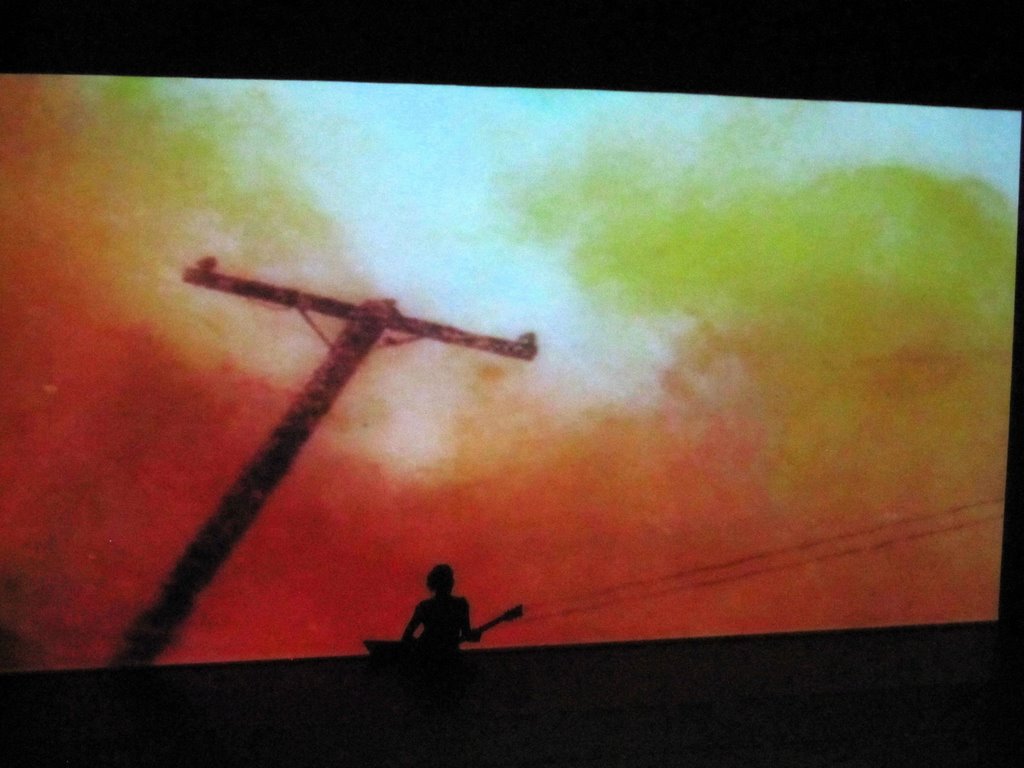
- Kristin Hersh at Bumbershoot
-
- Lonely Forest at Bumbershoot
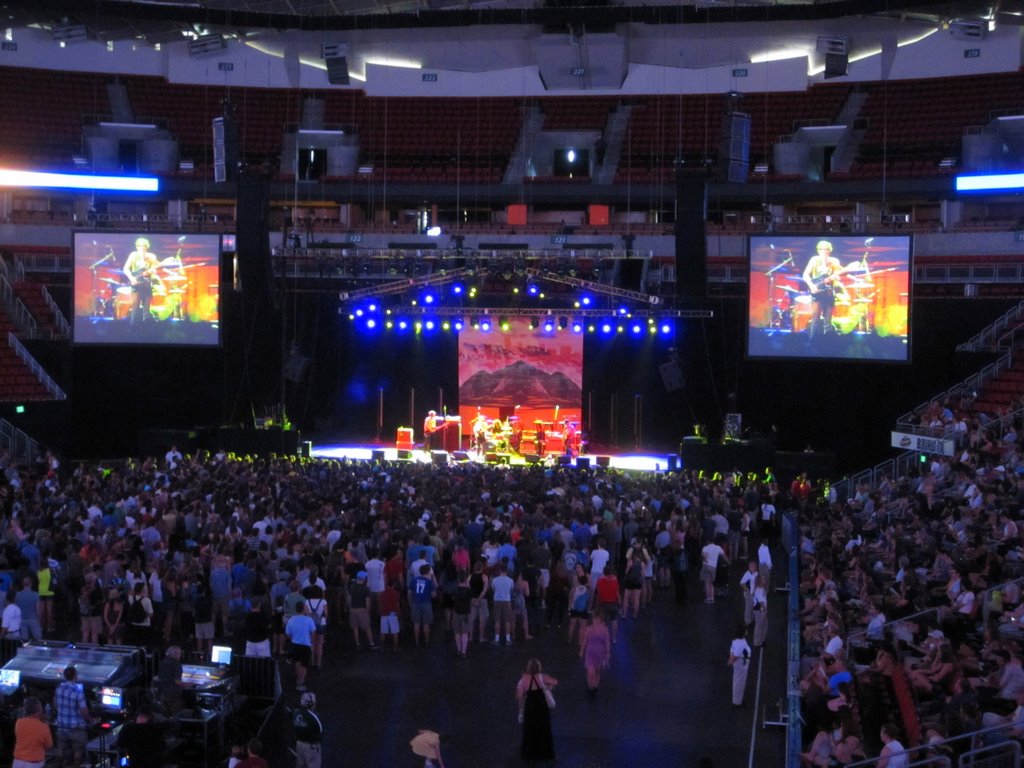
-

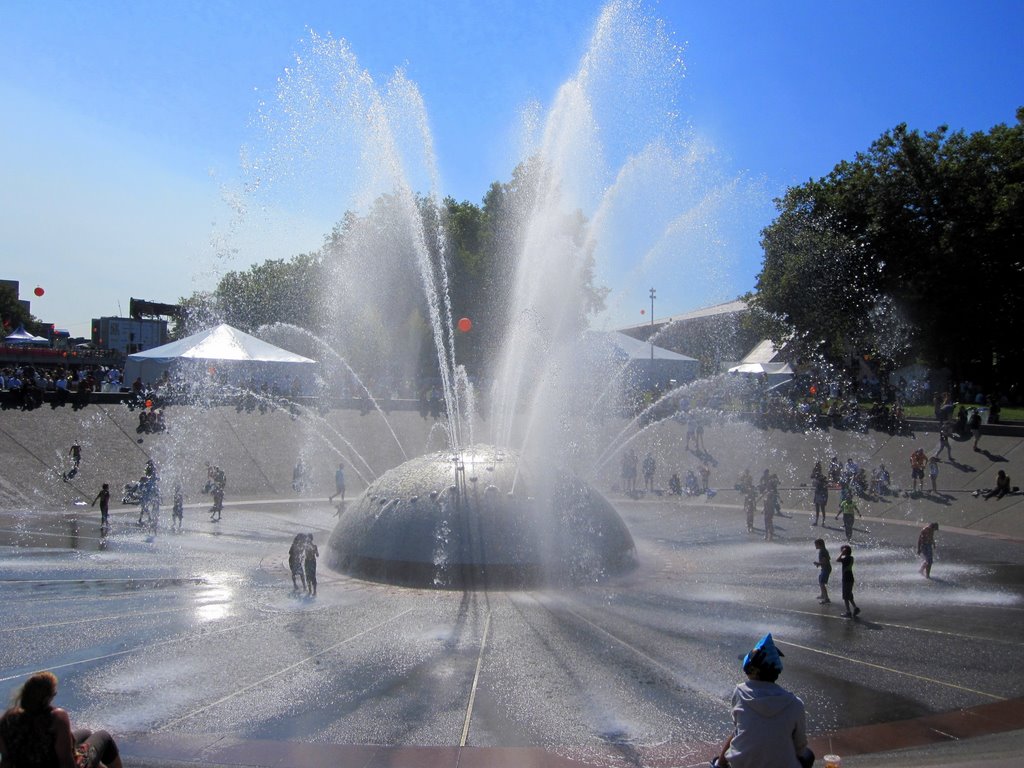
- The water fountain at Seattle Center during the Bumbershoot festival
-
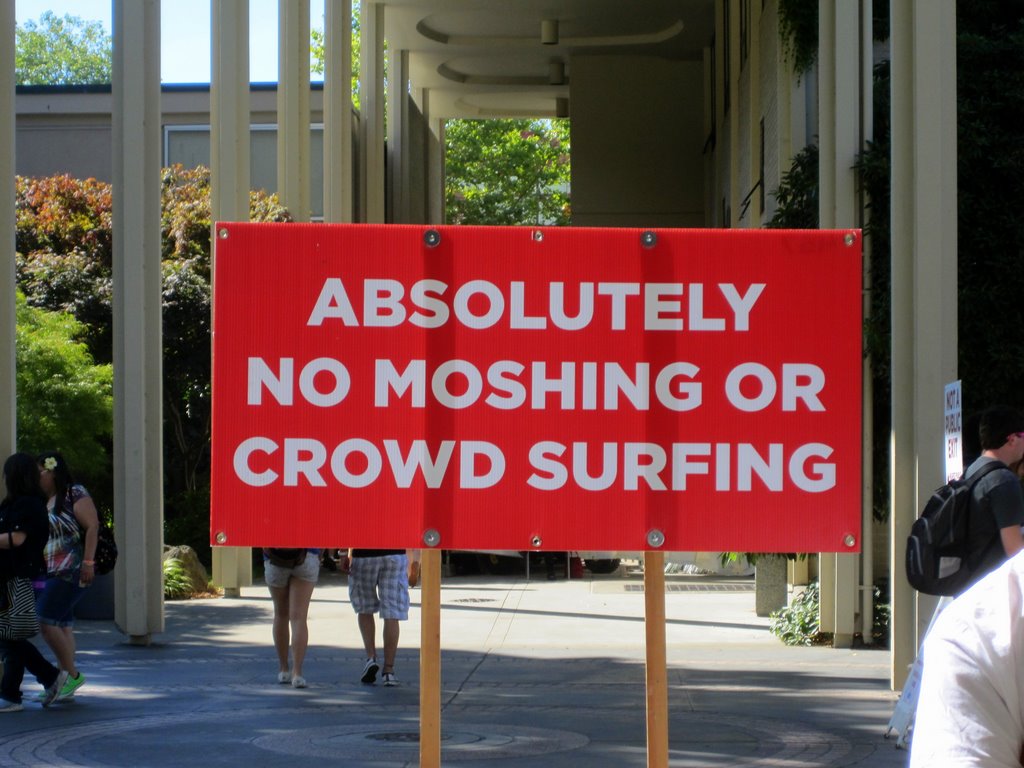
- Sign at Bumbershoot: “Absolutely No Moshing or Crowd Surfing”
-
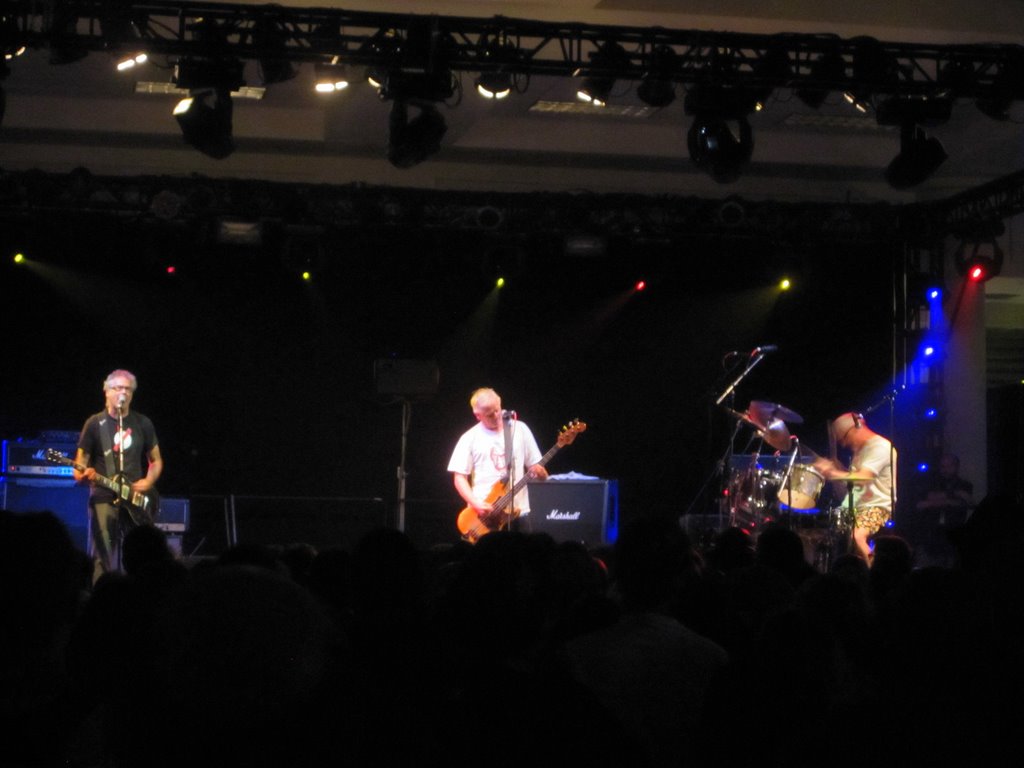
- NoMeansNo at Bumbershoot
-
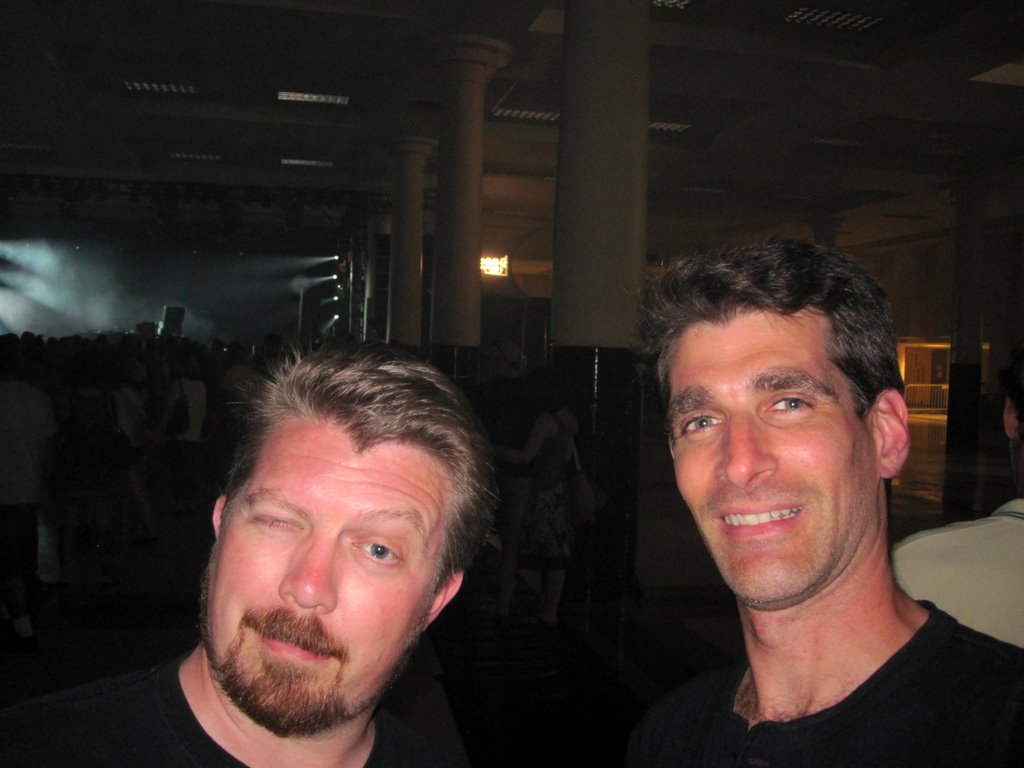
- Jay and Mike at Bumbershoot
-

- The EMP and the Space Needle
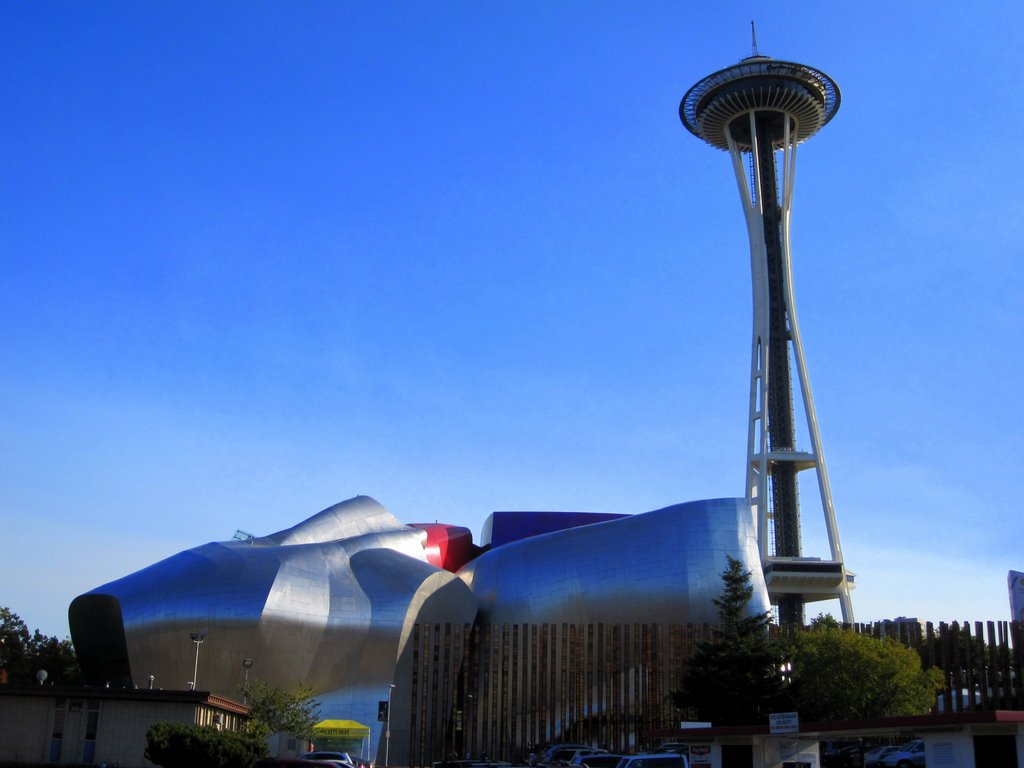
Last week I finished the last complex task remaining for Shashin 3, which is using jQuery so you can page through large album photos sets without the whole page having to refresh. Click the thumbnail on your right for my Seattle trip photos to give it a try.
Tonight I pushed an update to GitHub which makes the settings page fully functional. Note you need to update Toppa-Libs as well. Keep in mind not all the features related to the settings are implemented yet (specifically, automated album syncing and support for viewers other than Highslide).
At this point, you can put Shashin 3 into use on your site, as long as you don’t need backwards compatibility with Shashin 2, and you don’t need the features still on the to-do list. Shashin 2 backwards compatibility and the other features are coming!
I am speaking at WordCampPhilly on Nov 5th, to talk about the Agile coding practices I’ve applied to Shashin 3, so my goal is to be done before then.
The New Chatham Chat Web Site
I’ve been working with the new managers of the Chatham Park Home and School Association to re-launch their website (Kai goes to school at Chatham). We just finished – check out the Chatham Chat:
[simage=1362,max,n,center]
I did the back-end work on the site (for managing the email newsletter subscriptions, converting from the old site, etc), but not the design. It’s using WordPress (of course!), my Deko Boko plugin for the contact form, a modified version of the Classroom Blog theme, and I did some customizations to the Subscribe2 plugin for emailing the Association’s newsletters.